
Apple today seeded the third release candidate (RC) version of macOS Ventura 13.4 to developers for testing purposes, with the software coming just a a week after Apple released the

Apple today seeded the third release candidate (RC) version of macOS Ventura 13.4 to developers for testing purposes, with the software coming just a a week after Apple released the second RC. The RC represents the final version of ‌macOS Ventura‌ 13.4 that will be provided to the public, and it is unusual to have three RCs before an official launch.
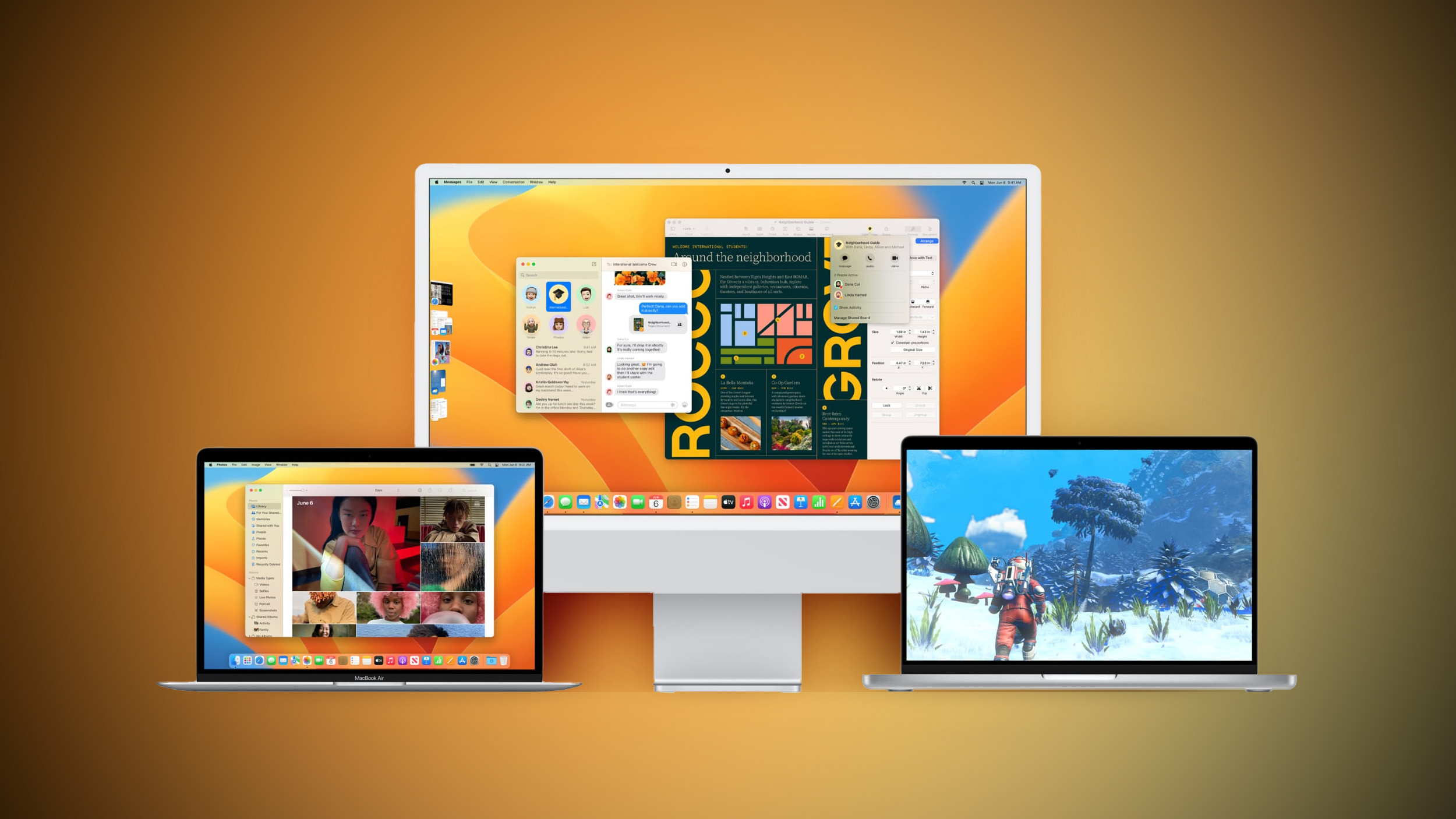


Registered developers can download the beta through the Apple Developer Center and after the appropriate profile is installed, with the betas available through the Software Update mechanism in System Settings.

According to Apple’s release notes, the update adds a Sports feed in the sidebar of Apple News and it addresses several bugs, including one that would prevent the Mac Auto Unlock feature from working with the Apple Watch.

macOS Ventura 13.4 includes the following enhancements and bug fixes:

– Sports feed in the sidebar of Apple News gives easy access to stories, scores, standings, and more, for the teams and leagues you follow

– My Sports score and schedule cards in Apple News take you directly to game pages where you can find additional details about specific games

– Resolves an issue where Auto Unlock with Apple Watch does not log you into your Mac

– Fixes a Bluetooth issue where keyboards connect slowly to Mac after restarting

– Addresses a VoiceOver issue with navigating to landmarks on webpages

– Fixes an issue where Screen Time settings may reset or not sync across all devices

Some features may not be available for all regions, or on all Apple devices.

For detailed information about the security content of this update, please visit: https://support.apple.com/kb/HT201222

macOS 13.4 also adds the simplified beta installation method that was first introduced in iOS 16.4. With the update, developers and public beta testers enrolled in Apple’s respective programs can toggle on beta updates from System Settings on the Mac, without the need to install a profile.

An Apple ID associated with either a public beta account or a developer account is required to turn on beta updates, which means that it is no longer possible to use a developer profile not associated with a developer account to install the developer betas.

Related Roundup: macOS Ventura
Related Forum: macOS Ventura

This article, "Apple Seeds Third Release Candidate Version of macOS Ventura 13.4 to Developers" first appeared on MacRumors.com

Discuss this article in our forums


You may also be interested in this

Apple News announces retu…

Today Apple News announced the hit podcast After the Whistle with Brendan Hunt and Rebecca Lowe will return for a second season.

Apple Announces 2023 App …

Apple today chose its 2023 App Store Award winners, highlighting the best apps and games on the iPhone, iPad, Mac, and more. Apple is recognizing 14 apps and games in

How to fix an ‘Apple ID h…

Macworld Apple has made Apple ID the pivot point around which all purchases and synchronization occurs across its stores, iCloud, and your devices. But what to do when you set

Apple patched actively ex…

Don't hold off too long on updating to iOS 16.5.1 and the other new public releases, as Apple has patched multiple security issues that were actively exploited.iMessage vulnerability patchedApple released

Apple releases visionOS S…

When Apple announced Vision Pro at WWDC, the company promised to make a robust set of tools available for developers. That day has already arrived, with Apple announcing in a

Deals: Save $1,600 on a m…

Halfway through the work week, all of Wednesday’s best deals are now up for grabs courtesy of 9to5Toys. On tap today, a massive $1,600 price cut has landed on Apple’s

Top Stories: iOS 26.2 Rel…

After roughly six weeks of beta testing, iOS 26.2 and related updates have finally been released for all users, delivering a number of new features, changes, and bug fixes. In

How to use StandBy with i…

StandBy may be Apple's first attempt at a true smart display. With tons of features packed in, we walk you through this new way to turn your iPhone into a
X

A whimsical homage to the days in black and white, celebrating the magic of Mac OS. Dress up your blog with retro, chunky-grade pixellated graphics to evoke some serious computer nostalgia. Supports a custom menu, custom header image, custom background, two footer widget areas, and a full-width page template. I updated Stuart Brown's 2011 masterpiece to meet the needs of the times, made it responsive , got dark mode, custom search widget and more.You can download it from tigaman.com, where you can also find more useful code snippets and plugins to get even more out of wordpress.
