
05.16.2023
Photomator 3.0 today got its official release on macOS, bringing Pixelmator's iPhone and iPad photo-editing app to MacBooks and Mac desktops for the first time. With an interface that will
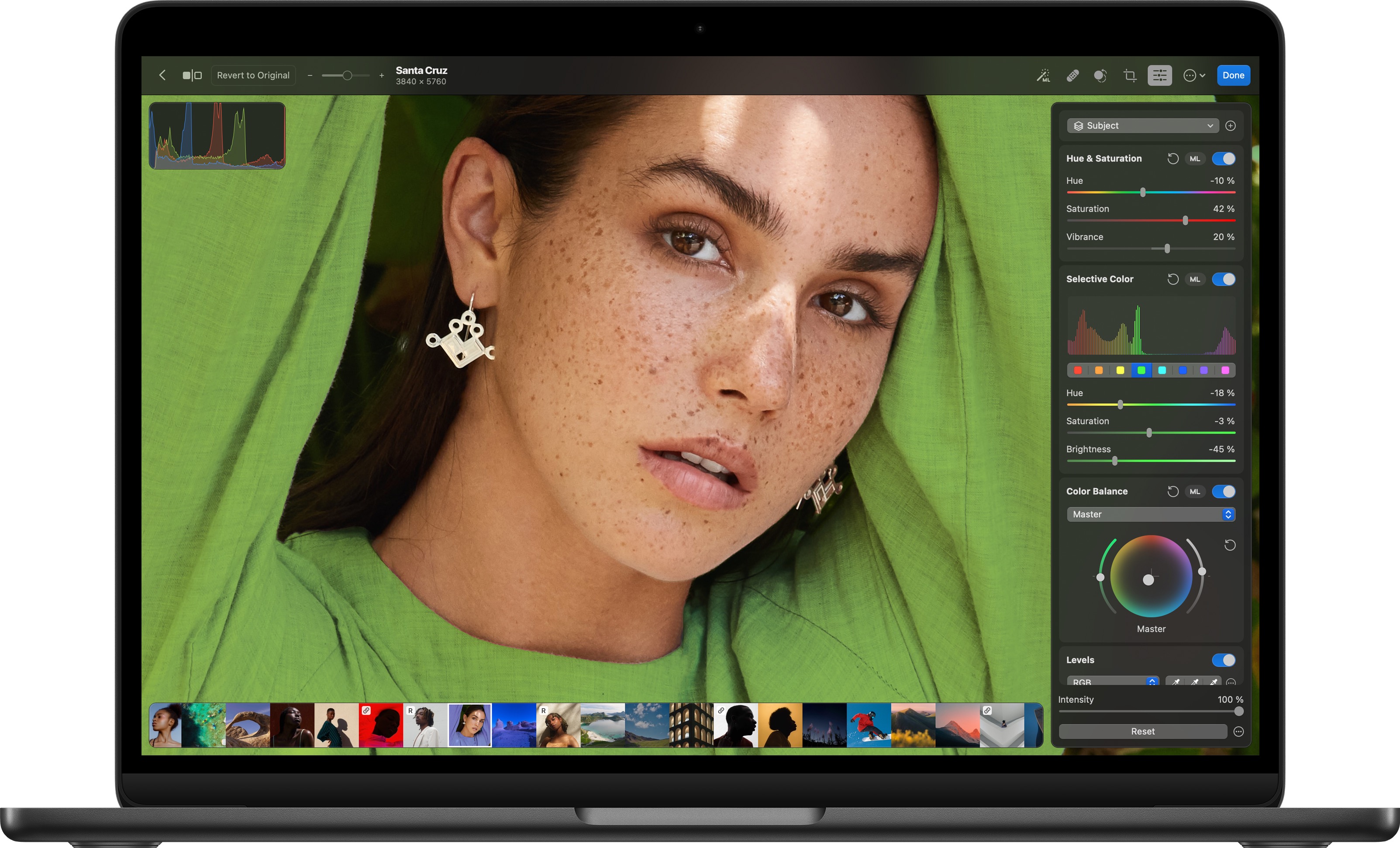
With an interface that will be familiar to users of Photomator on iOS and iPadOS, the Mac app includes a fully fledged photo browser with native Photos app integration, allowing users to organize, duplicate, share, and favorite images, as well as sync edits between Photomator and the Photos Library.
The app includes nondestructive tools to crop images, adjust colors, or repair and clone objects in photos, and users can edit specific parts of photos and make automatic subject, sky, and background selections.
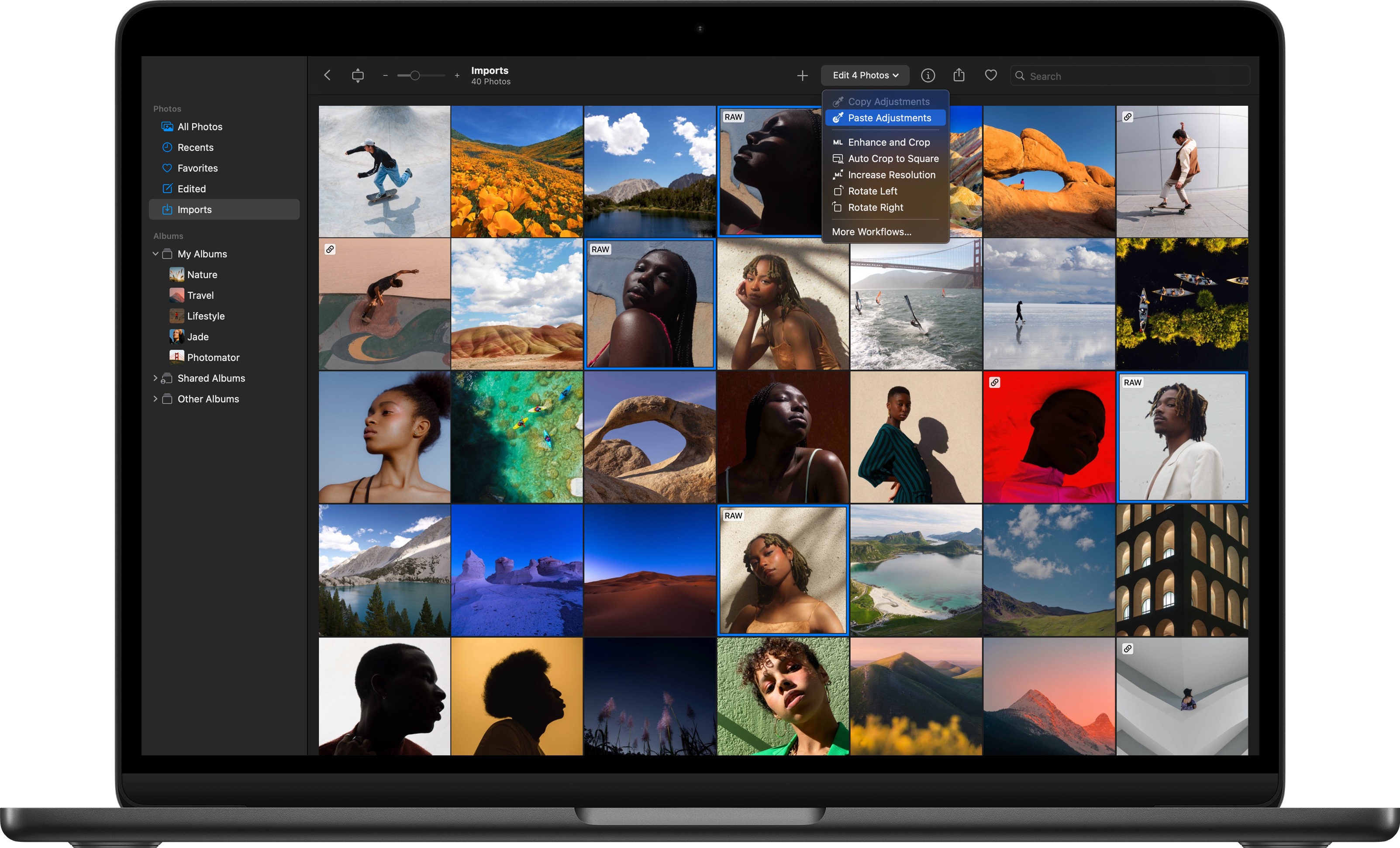
According to the developers, machine learning algorithms enable users to increase the resolution of photos without noticeable reductions in detail or sharpness, match the colors of two photos, and remove camera noise. Photomator for Mac also supports batch-editing workflows and includes a Workflows browser, allowing users to crop images, adjust colors, and automatically apply edits to other images.
The app includes support for over 600 RAW image formats, and features built-in integration with Pixelmator Pro, which supports many Photomator edits, including selection masks and perspective corrections.
Apple Silicon should also bring a boost to Photomator workflows. Built for macOS using SwiftUI, the app runs on Mac mini models with M2 Max and M2 Pro chips more than 20 times faster compared to the most recent Intel-powered Macs, claim the developers.
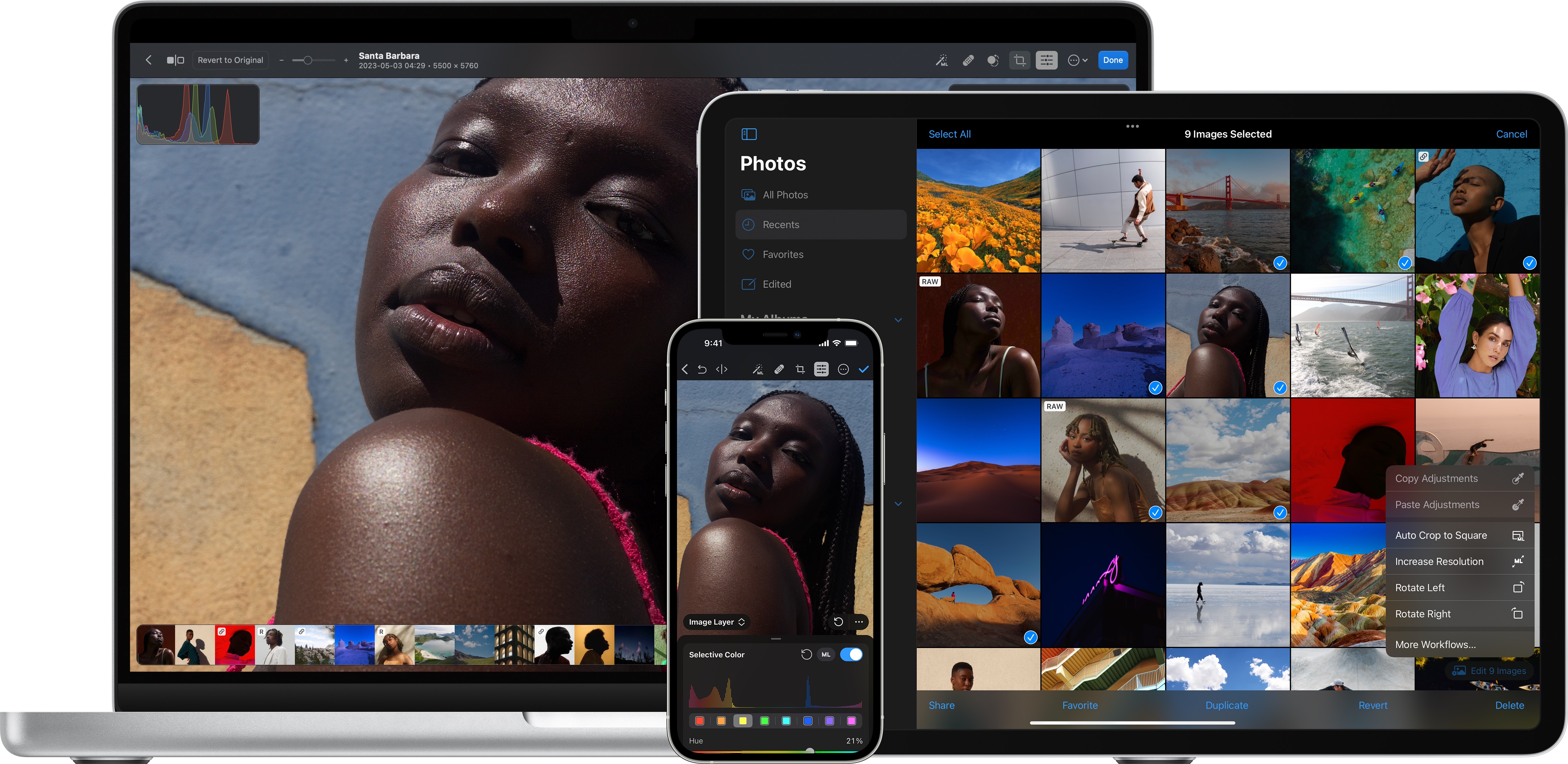
Photomator for Mac is available to download today from the Mac App Store and offers a subscription model ($29.99 yearly, $4,99 monthly) or a lifetime purchase fee ($99.99).
Tag: Pixelmator
This article, "Photomator Photo Editor Now Available on Mac" first appeared on MacRumors.com
Discuss this article in our forums
You may also be interested in this
iPhone 15 Pro Max: Everyt…
05.05.2023
Macworld We’re still a few months away from the unveiling of the iPhone 15, and if the rumors are to be believed, the Pro Max will be the phone to
Daily deals: $25 AirTag, …
06.10.2023
Today's top offers include up to 71% off games, a half-price Ariawave 36 Qt Air Fryer Oven, $10 off the Logitech Lift for Business ergonomic mouse, and more.Get an AirTag
9to5Mac Happy Hour 438: H…
06.15.2023
Benjamin and Chance talk all things Apple Vision Pro, from hardware design to its features to its real-world appeal. We also walk through Chance’s impressions of his hands-on demo experience
Apple seeds second releas…
05.11.2023
Apple has provided developers with the second release candidate version of macOS Ventura 13.4 for beta testing with sports in Apple News and Bluetooth fixes.Apple issues second macOS Ventura 13.4
Why can’t Apple manage to…
09.11.2023
Apple, the world’s most valuable company has more than $166 billion in the bank and produces over $100 billion in annual free cash flow. The company has, for many years,
Eddy Cue says Apple only …
05.24.2023
Apple services chief Eddy Cue has told CNBC’s Jim Cramer that the company only makes things consumers care about. Cue recycled a couple of Steve Jobs phrases while speaking at
tvOS 16: A Personalized a…
10.08.2024
The living room is the heart of the home, and our TVs are increasingly becoming the centerpieces of entertainment. With tvOS 16, Apple takes the entertainment experience to new heights,
iOS 16.5, iPadOS 16.5 and…
05.18.2023
Apple has released iOS 16.5, iPadOS 16.5, watchOS 9.5, and macOS Ventura 13.4 for all compatible iPhones, iPads, Apple Watch, and Macs. (via Cult of Mac - Tech and culture

