
Smart home accessory company Eve Systems has been updating its range of HomeKit devices with Thread support to improve reliability and connectivity, and the Eve Flare smart light is one of the latest products to get Thread support.
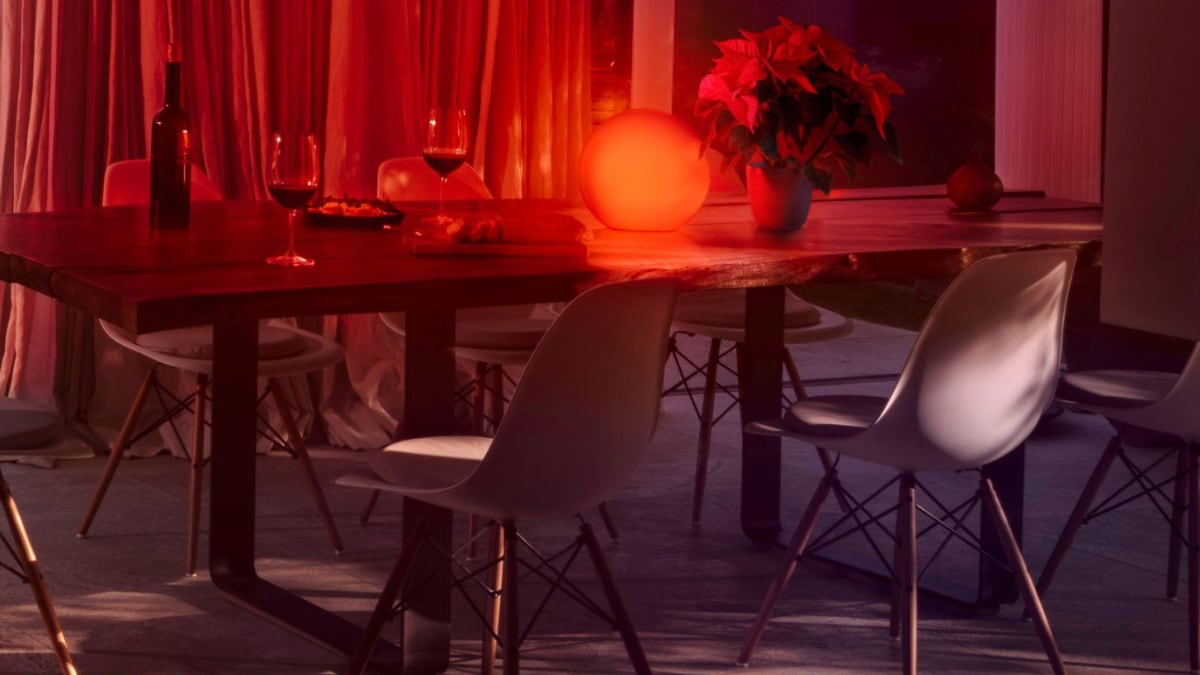
The Eve Flare is a product that Eve Systems has had around for years now, and I reviewed it four years ago in 2019. I wanted to see what, if any, difference Thread would make compared to the prior Bluetooth-only connectivity, hence the review update.
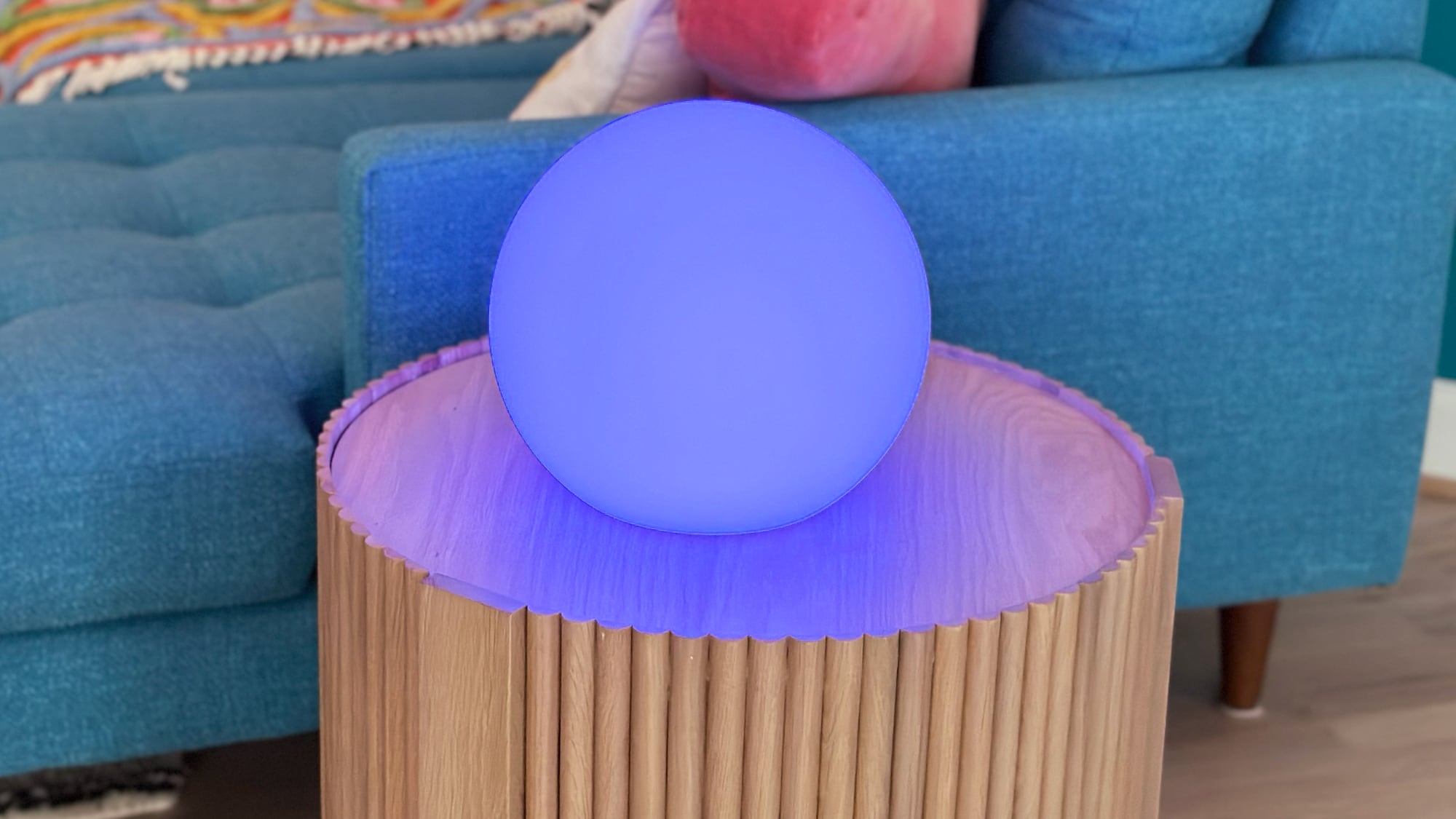
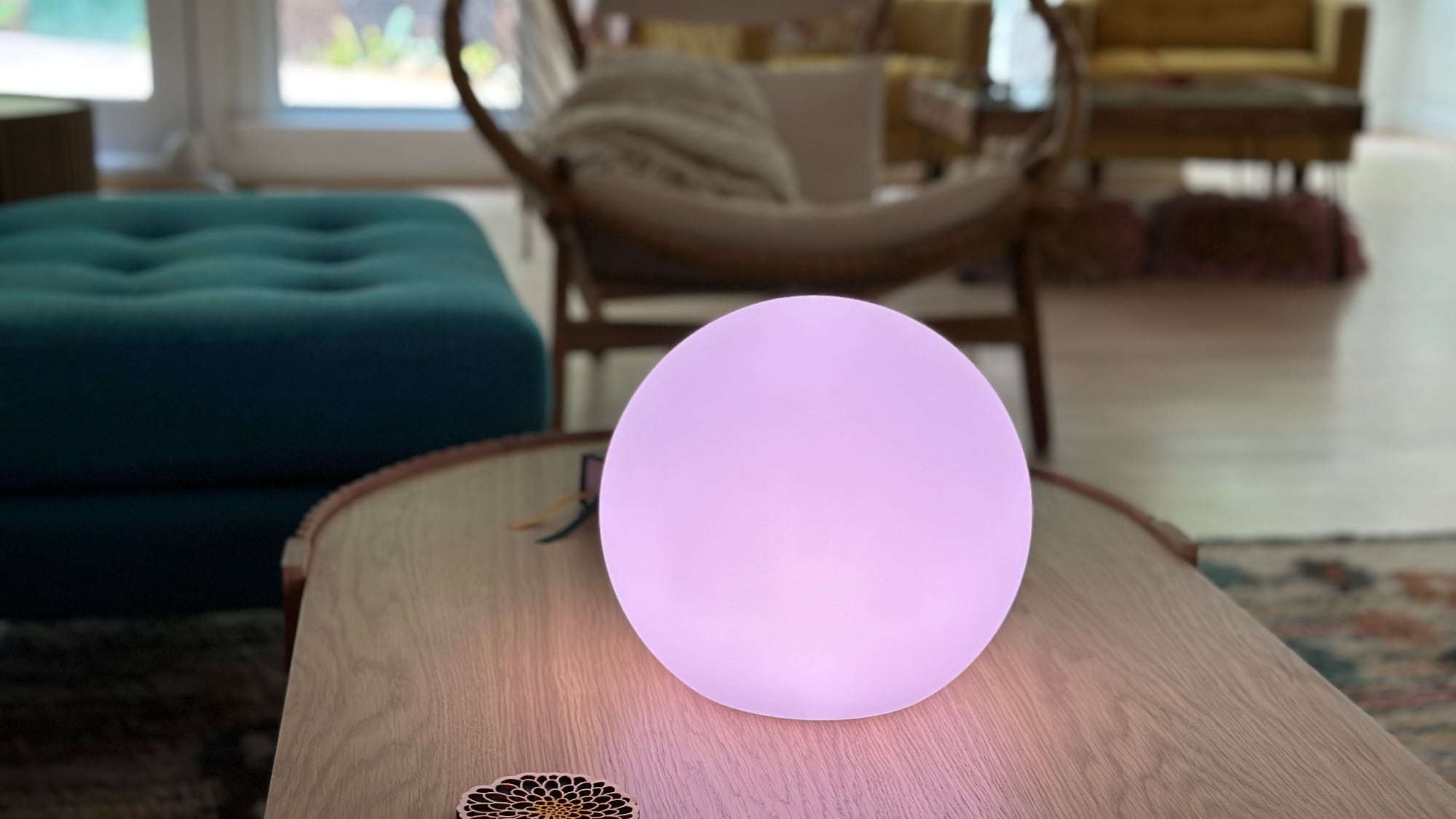
There have been no notable design changes to the Eve Flare that I can see. The look, size, and functionality are exactly the same as they were in 2019. Eve Flare is a sphere-shaped accent light, and I want to emphasize accent. The Eve Flare does not put off enough light to be used as the sole light source in a room, unless you just want a nightlight or enough light for watching TV, listening to music, or other activities that don’t require bright lighting.
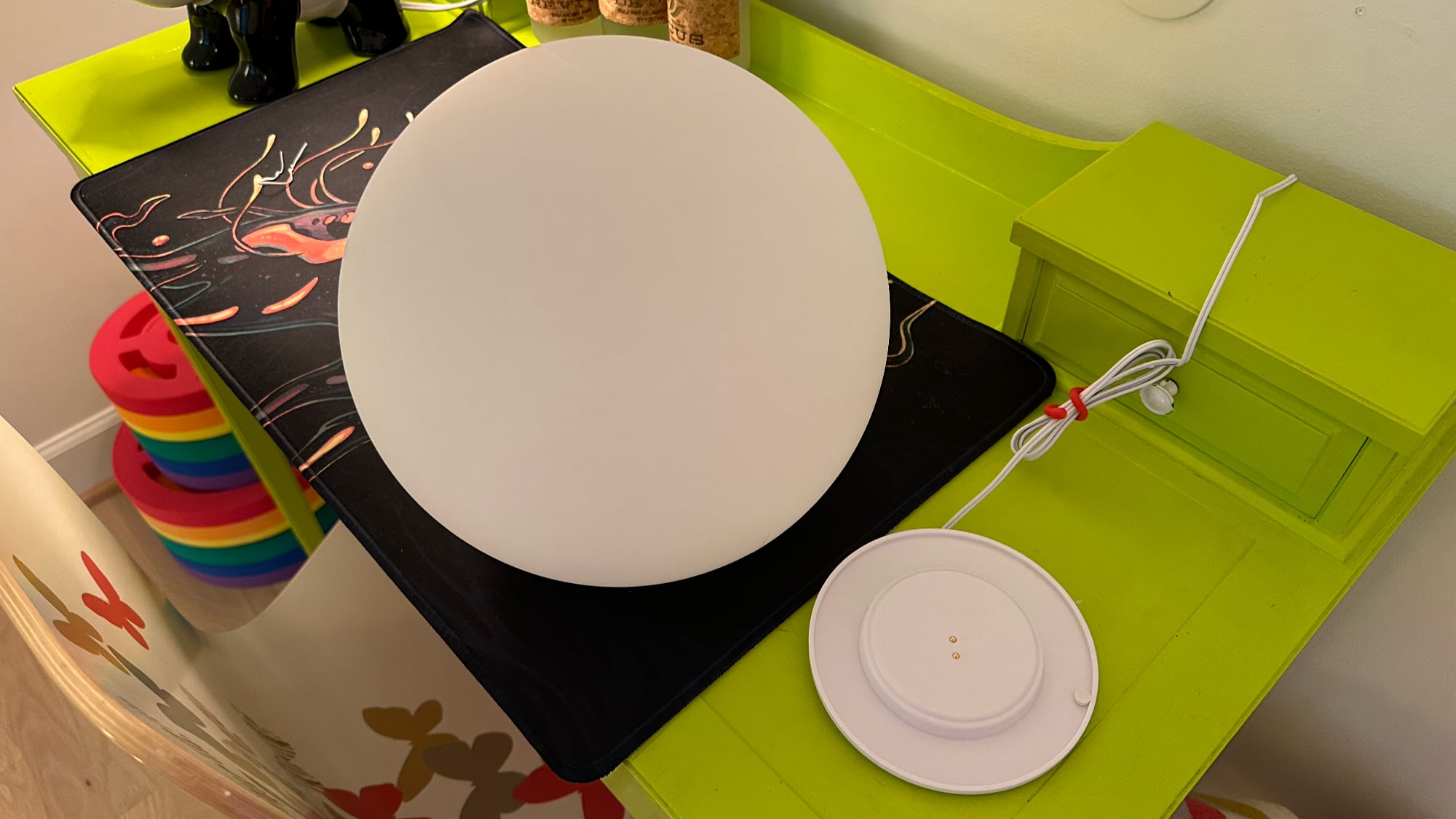
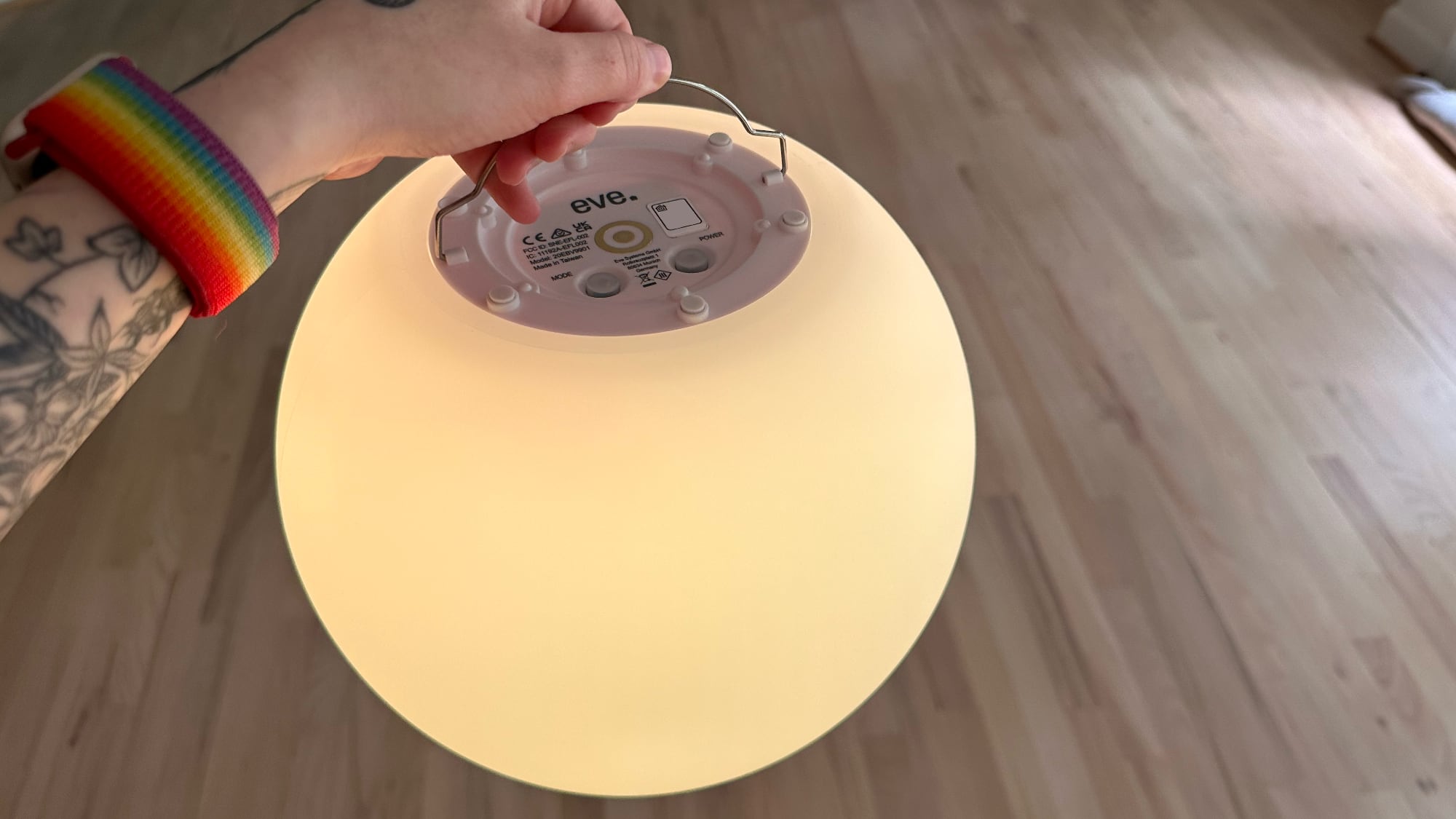
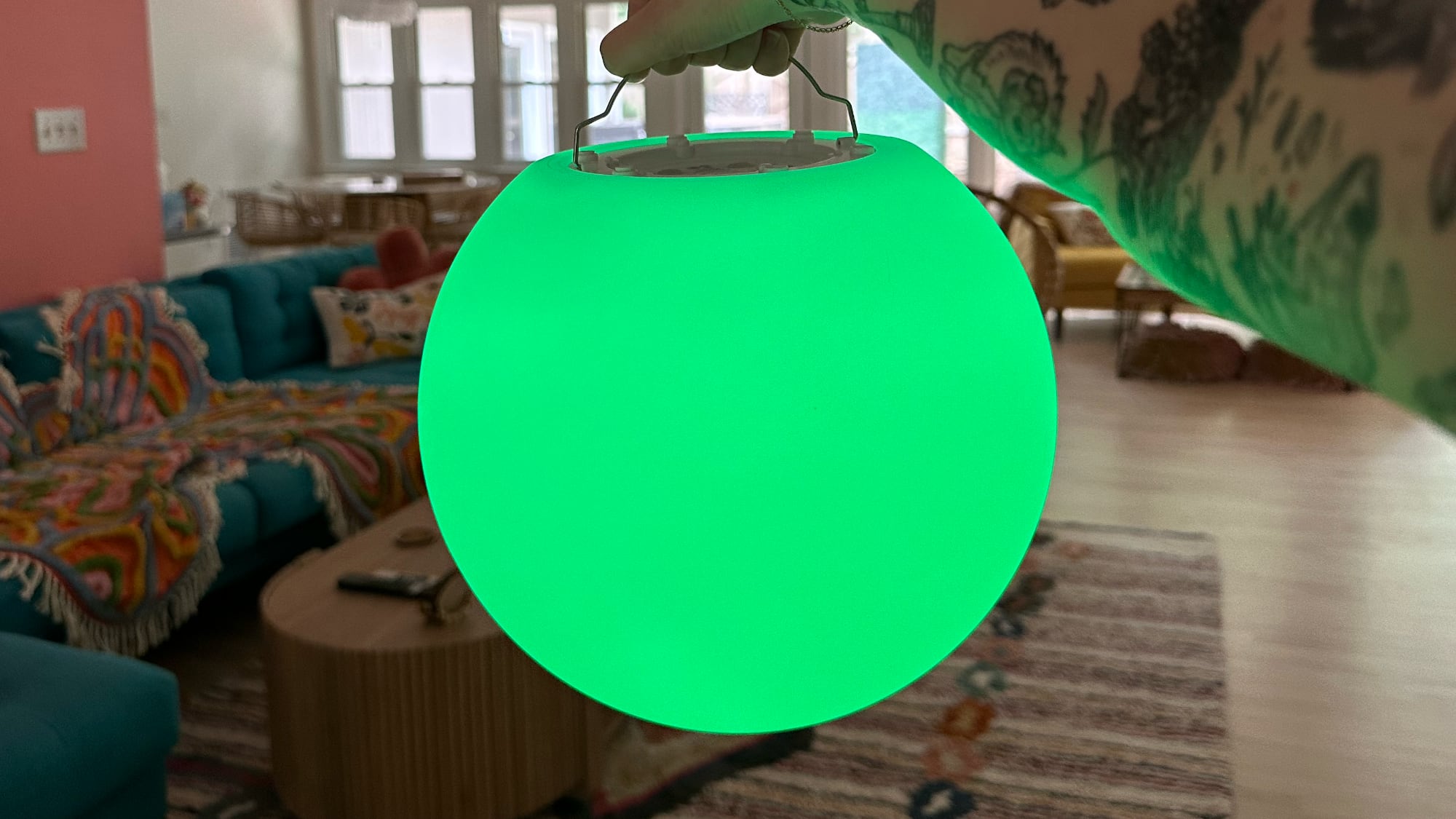
This is a fun indoor/outdoor lamp that you can take with you anywhere because it is battery powered and has a built-in handle at the bottom. The light is made from a durable plastic material, and it is all one piece, so you can’t get to the inside. It’s water resistant so it can be out in the rain, next to the pool, or next to the bathtub for ambient lighting.
I’ve had the original Eve Flare for four years. I’ve taken it from room to room, it’s been in water, it’s survived a move and being tucked away in boxes for months, and it’s still working the same as it did when it was new. With the handle, it can be hung upside down indoors or out, and I’m a big fan of the battery power because it’s a light that doesn’t go out in a power outage and can go anywhere that I need an extra bit of mood lighting.
The metal handle is not the most comfortable and the size makes it a little bit hard to transport, but since the weight is so low, it’s not inconvenient to carry. The battery usually lasts for somewhere around five to six hours, and longer if you have the brightness low. It charges through a docking station so it can be used as a stationary light and then grabbed to take elsewhere when needed.
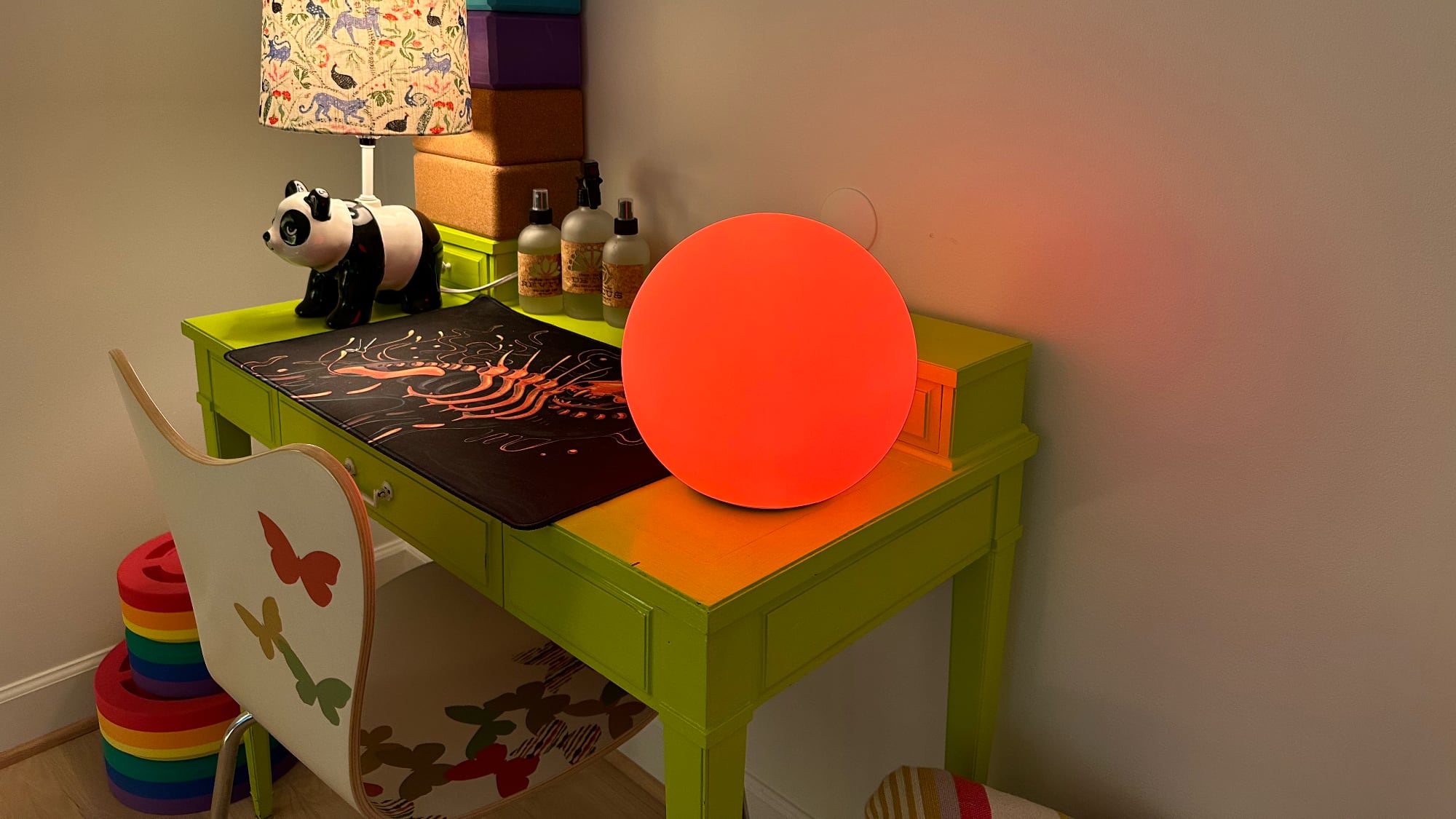
Eve Flare’s draw is the range of colors that can be selected. You can use the Eve app, the Home app, or Siri voice commands to turn it any color and change the brightness level. The updated version of the Eve Flare and the old version are nearly indistinguishable in color, but the old model seems to be just a touch more saturated for some colors. In almost every aspect, it’s hard to tell the two apart. If I put the original Eve Flare and the new Eve Flare side by side, I don’t think anyone would be able to tell the difference. I kept them carefully separated during this review to avoid mixing them up.
What’s different between the two is internal. While the original Eve Flare connects to your HomeKit setup using Bluetooth, the new version offers Thread and Bluetooth support. Thread is a mesh networking protocol that a lot of smart home product manufacturers are adopting right now because it was built specifically for IoT devices. Thread devices can interface with one another, so they’re less likely to lose connection and have faster response times, especially at longer ranges.
Thread is similar in function to Zigbee, which is used by the Philips Hue line of lights, but no specific hub is required because Thread uses device-to-device communication. Eve Flare is a Minimal Thread Device, so to notice a difference, you do need a Thread border router like a HomePod mini, but it also helps to have one or more always-on plugged-in Thread devices that are classified as Full Thread Devices (like a smart plug). To put it simply, Thread works best when you have multiple devices using Thread, and if Eve Flare were your only Thread device, you wouldn’t notice a performance difference compared to the Bluetooth-only model.
I have a few Thread devices and multiple Thread border routers (HomePod minis and Apple TV) and I can sometimes get the Eve Flare with Thread support to respond faster, mostly when I am in another room. It’s still not super quick, and response times are not instantaneous. If I’m in the same room with the original Eve Flare and the new model, they both respond about as quickly to color change requests and update within a couple of seconds. As I adopt more Thread devices, I might see improvements with the new Eve Flare. Even with the original, I have had no connectivity problems, and I expect the same performance from the updated Thread model.
There’s no reason to upgrade to the Thread-based Eve Flare if you have the original (unless you want two), but it is a nice update for those who are new to the product. The Eve Flare makes for an attractive mood light or room decoration when it’s stationary, and the option to carry it around and use it anywhere just adds to the utility.
Bottom Line
The Eve Flare is a versatile, fun mood light that’s nice to have around for ambiance and situations where a little extra light is warranted, but at $100, it’s on the pricier side. For Siri integration, portability, decent battery life, and reliability, I think the cost is worth it, but it might be worth waiting for a sale.
I’ve used the original Eve Flare for multiple years now and I’ve never had a problem with connection or function, so I don’t hesitate to recommend the Eve Flare to those who are interested in what it can do.
How to Buy
The Eve Flare can be purchased from the Eve website or from Amazon.com for $99.95.
Note: Eve provided MacRumors with an Eve Flare for the purpose of this review. No other compensation was received.
This article, "Review: Eve Flare Mood Light Gains Thread for Better Reliability" first appeared on MacRumors.com
Discuss this article in our forums

