
06.21.2025
While the dust is beginning to settle on the first iOS 26 beta, we continue to take a closer look at new features coming with the update. Below, we recap
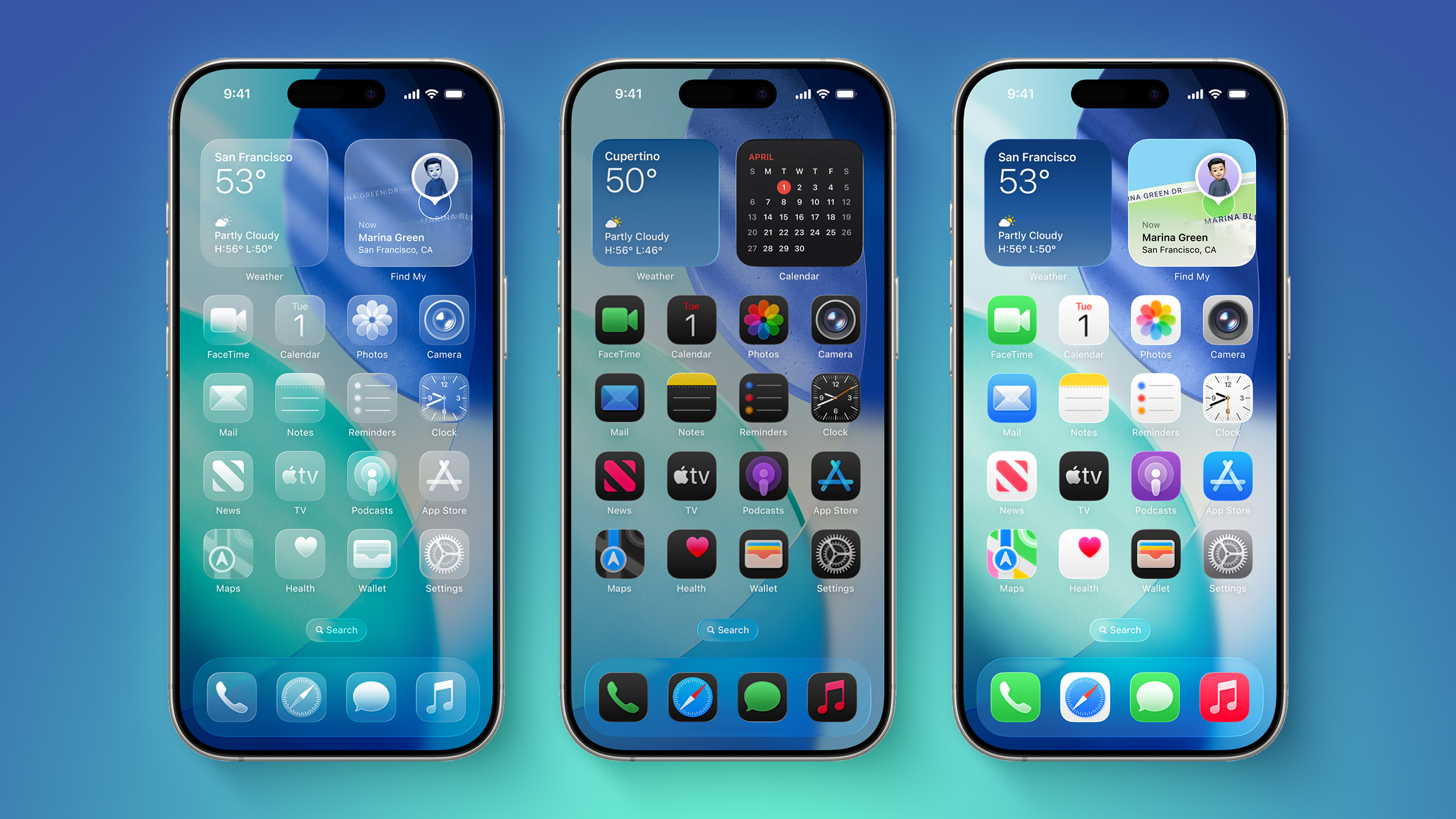
Below, we recap five smaller changes that you might have missed.
Emoji Game
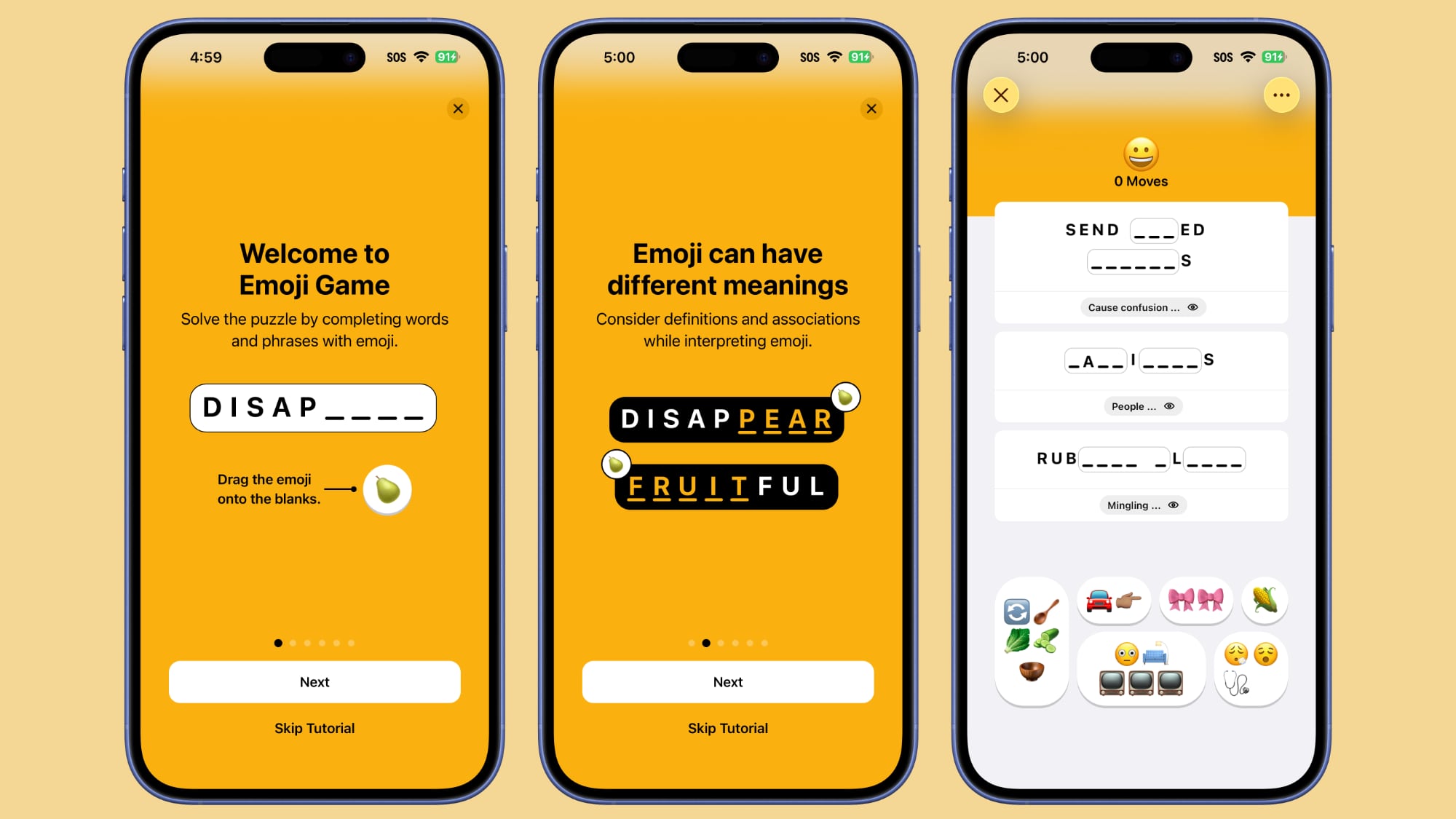
Apple News+ subscribers in the U.S. and Canada can play a new Emoji Game, which tasks players with completing words and phrases with emoji.
This is the fifth game that is available with an Apple News+ subscription. The others are Crossword, Crossword Mini, Quartiles, and Sudoku.
Weather via Satellite
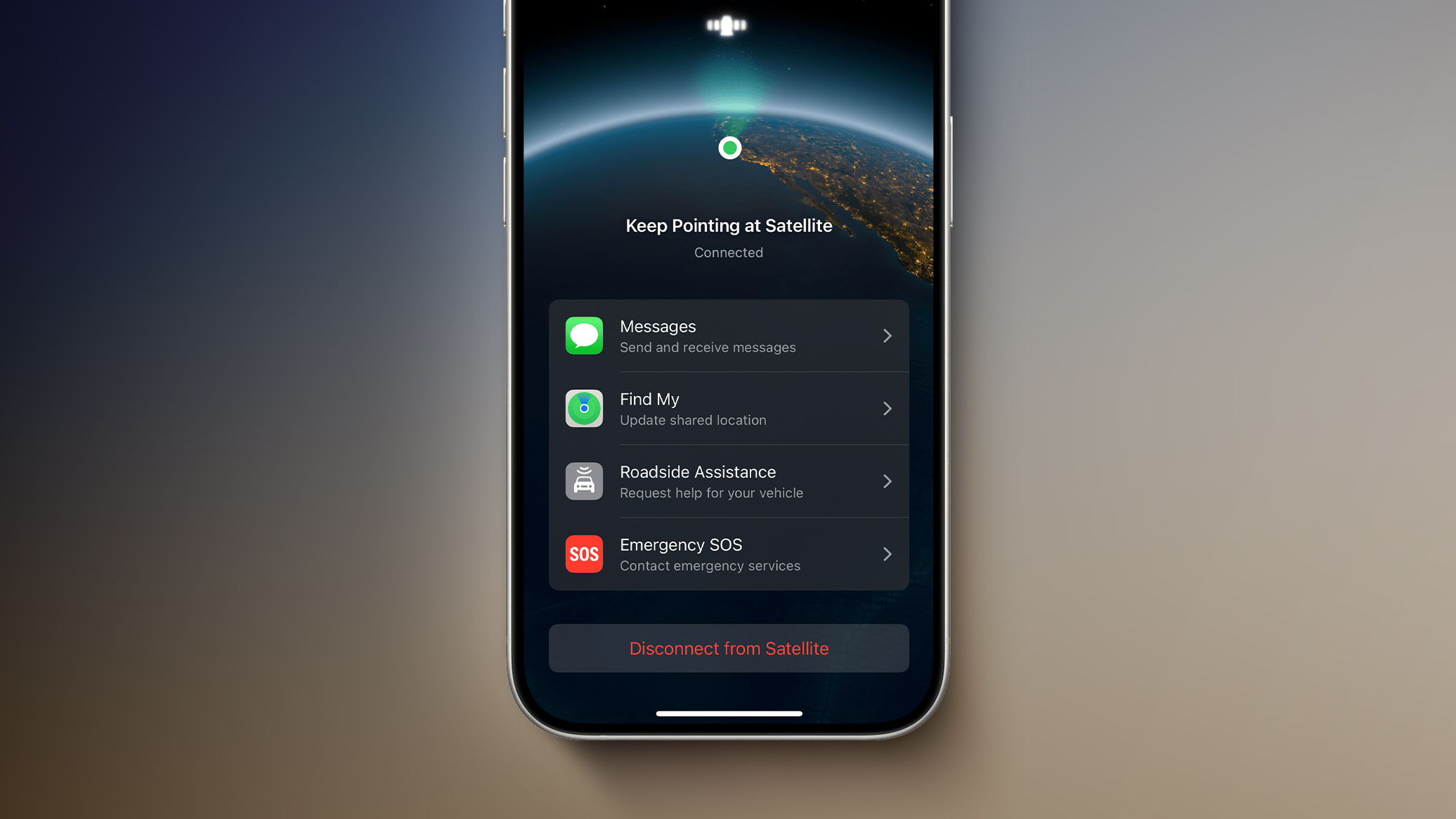
iOS 26 will offer Weather via satellite, allowing you to view up-to-date weather forecast information while outside of Wi-Fi or cellular range.
This feature is referenced within the code for the first iOS 26 beta, according to MacRumors contributor Aaron Perris, but it is not live yet.
Look for this feature to be enabled in a later iOS 26 beta version.
Custom Ringtones
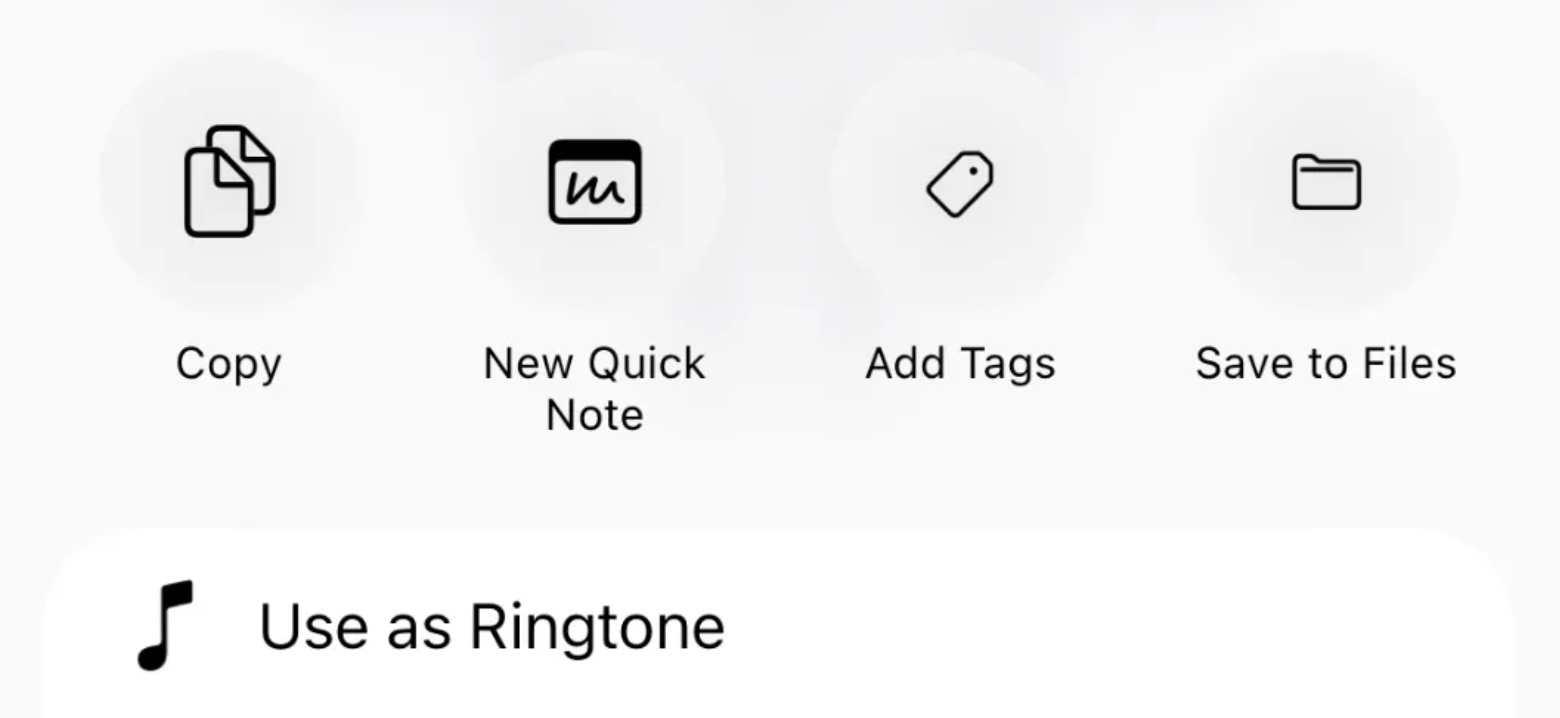
iOS 26 allows you to set custom ringtones on the iPhone without using the GarageBand app.
To set a custom ringtone on iOS 26, open the Files app and tap on an MP3 or M4A audio file that is less than 30 seconds long. Next, tap on the share button in the bottom-right corner of the screen, tap on More, and tap on Use as Ringtone. Then, that audio file will be listed as a ringtone option in the Settings app under Sounds & Haptics → Ringtone.
Apple continues to sell 30-second song ringtones for $1.29 each through the iTunes Store app.
Digital Passport
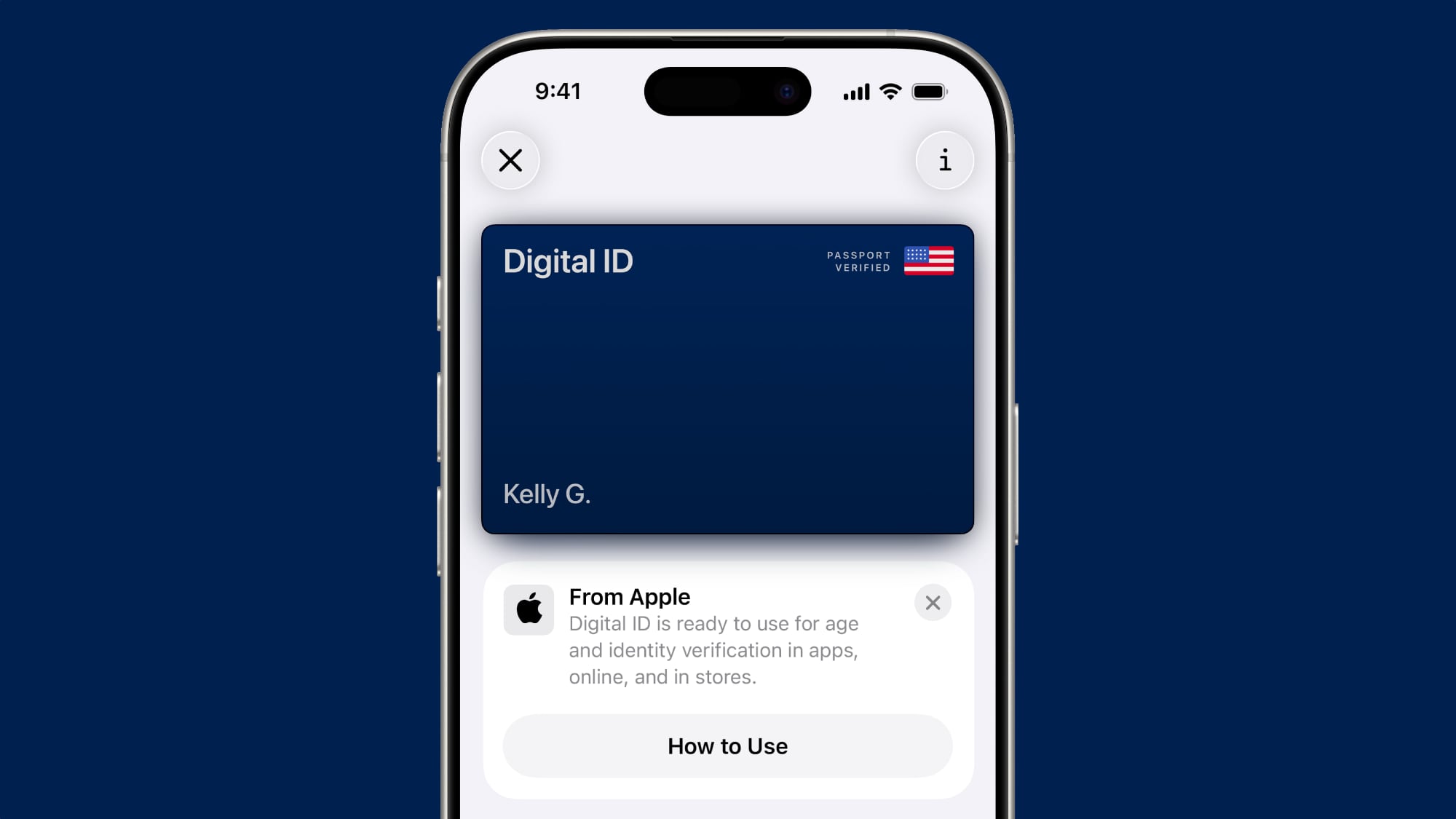
iOS 26 lets you create a digital version of your U.S. passport on your iPhone.
After creating a Digital ID the Apple Wallet app, based on your U.S. passport, you can present it in person at select TSA checkpoints for identity verification purposes during domestic travel. However, Apple says it is not a replacement for a physical passport, and it cannot be used for international travel and border crossing purposes.
Apple says the Digital ID feature is secure, private, and compliant with REAL ID.
The passport-based Digital ID can also be used for age and identity verification in apps, online, and in stores, according to Apple.
'Select' in Messages

A new "Select" option in the Messages app on iOS 26 lets you select and copy a portion of text within a message bubble in a conversation.
On earlier iOS versions, you can only copy an entire message bubble.
Related Forum: iOS 26
This article, "iOS 26 Includes These Five Smaller Features You Might Have Missed" first appeared on MacRumors.com
Discuss this article in our forums
You may also be interested in this
How to secure NameDrop an…
09.22.2023
Apple's new NameDrop feature in iOS 17 makes it easy to share contact details, but it does also come with safeguards to protect you from harassment.NameDrop on iOS 17Usually we
Here’s how the new Cross-…
05.13.2024
Apple on Monday released iOS 17.5 to iPhone users. The update brings some new features to Apple News+ and also introduces Cross-Platform Tracking Detection – an anti-stalking feature announced last
This new M2 MacBook Air w…
11.25.2025
Macworld If you’ve always wanted to get a MacBook but found them to be too expensive, then you’ll love this Black Friday deal. Best Buy is selling the fantastic M2
Turn your TV into a digit…
01.16.2024
Just plug this USB drive into your TV and watch as the world's most famous paintings transform your living space. (via Cult of Mac - Apple news, reviews and how-tos)
Here are 5 gifts to give …
06.15.2023
Father’s Day is this weekend and while many out there probably (or hopefully) have their gifts picked out… The post Here are 5 gifts to give for Father’s Day 2023
Today in Apple history: T…
03.20.2024
On March 20, 1997, Apple released the Twentieth Anniversary Macintosh, a futuristic, special-edition Mac that was way ahead of its time. (via Cult of Mac - Apple news, rumors, reviews
Both iPhone 17 Pro models…
01.10.2025
A leaker with a good track record on iPhone camera improvements has lent their support to a report that the 12MP front-facing camera in current iPhones will be upgraded to
Side Quest’s creators wan…
03.28.2025
Halfway through its first season, Apple’s Mythic Quest threw a wild curveball with “A Dark Quiet Death†— an unexpectedly dramatic episode that chronicled the rise and fall of another

