
12.11.2025
Anker is well-known for its charging accessories, including the Solix line of high-capacity power stations. Earlier this year, Anker came out with a new Solix C1000 Gen 2 Portable Power
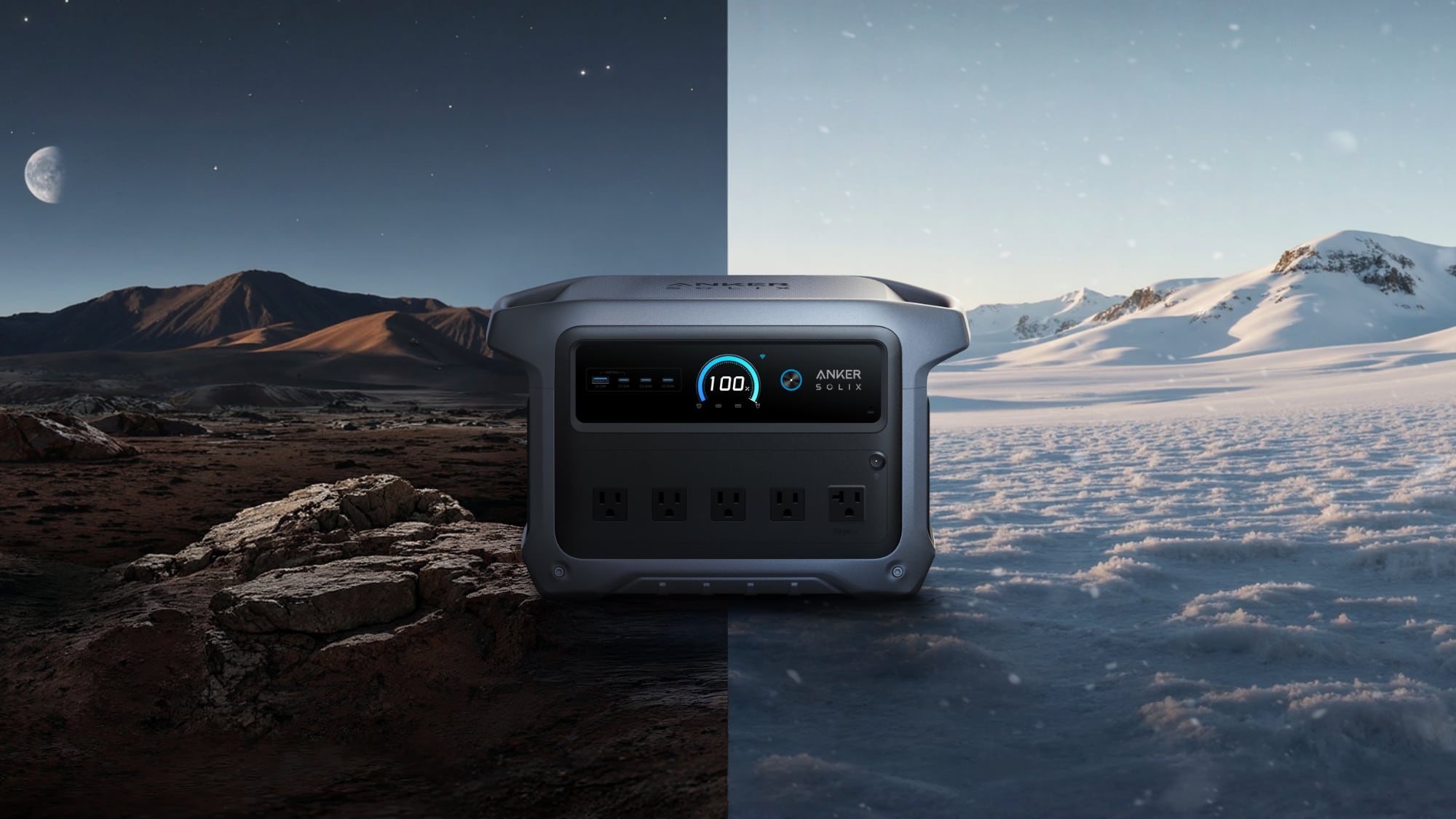
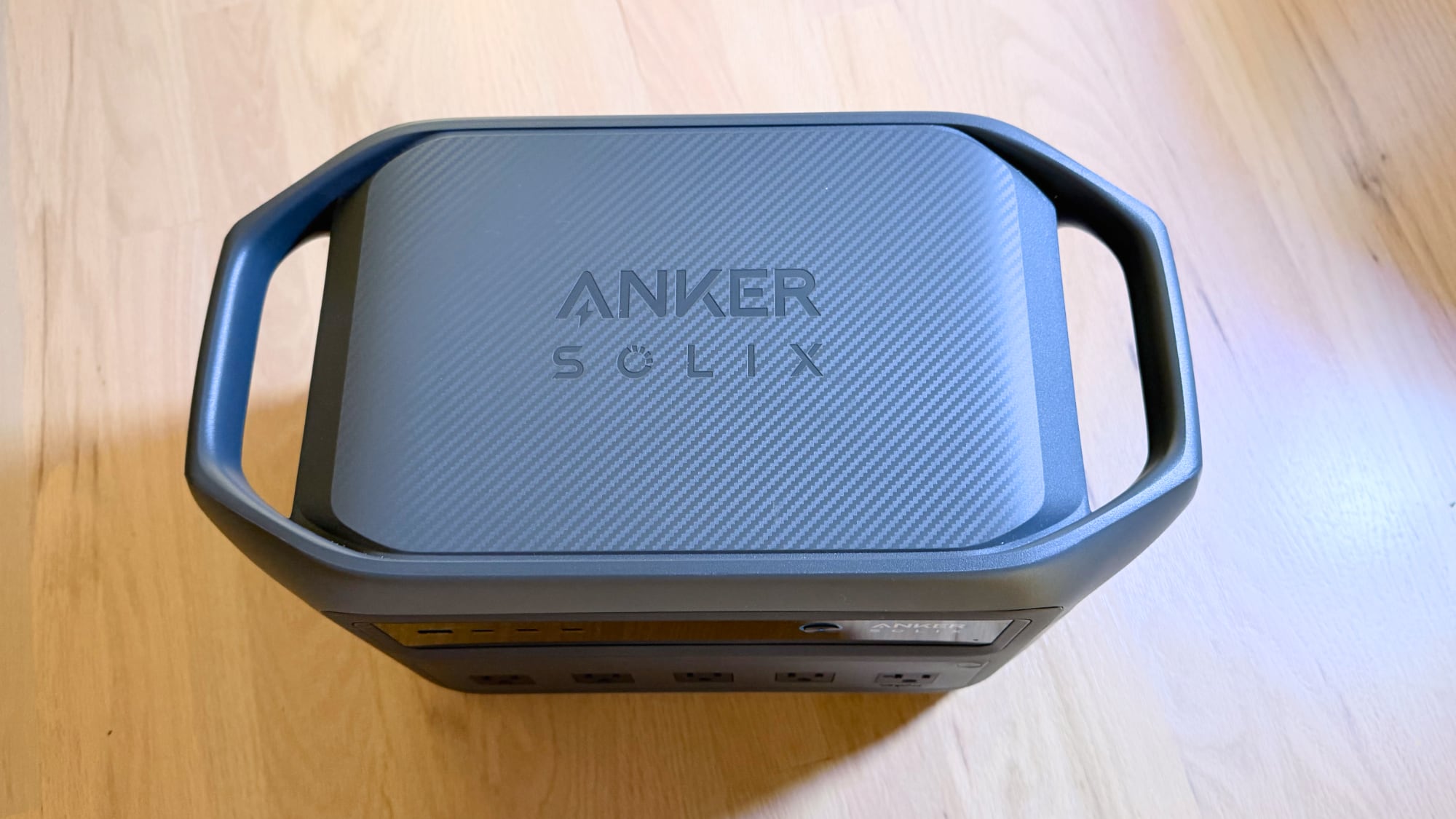
The C1000 has your standard power station aesthetic, made from durable black and gray plastic. It has two handles at the sides, which makes it simple to distribute the weight across two hands, along with fan grilles and an LED display that shows the current power level and the power draw of anything that's plugged in. Rubber feet at all four corners ensure that it remains stable.
There's no revolutionary design here, but the Solix C1000 looks and feels rugged. Curves at the corners make it feel a little more modern than some other power stations, and while it's not waterproof, you can get a protective carrying case that keeps it safe from moisture. It's 25 pounds, so it's probably not a battery that you're going to want to be lugging to the beach or the park, but it is good for all-day power if you're in a location where dragging around 25 pounds isn't a hassle. It isn't overly large, measuring in at 15 inches by 8.2 inches by 9.6 inches.
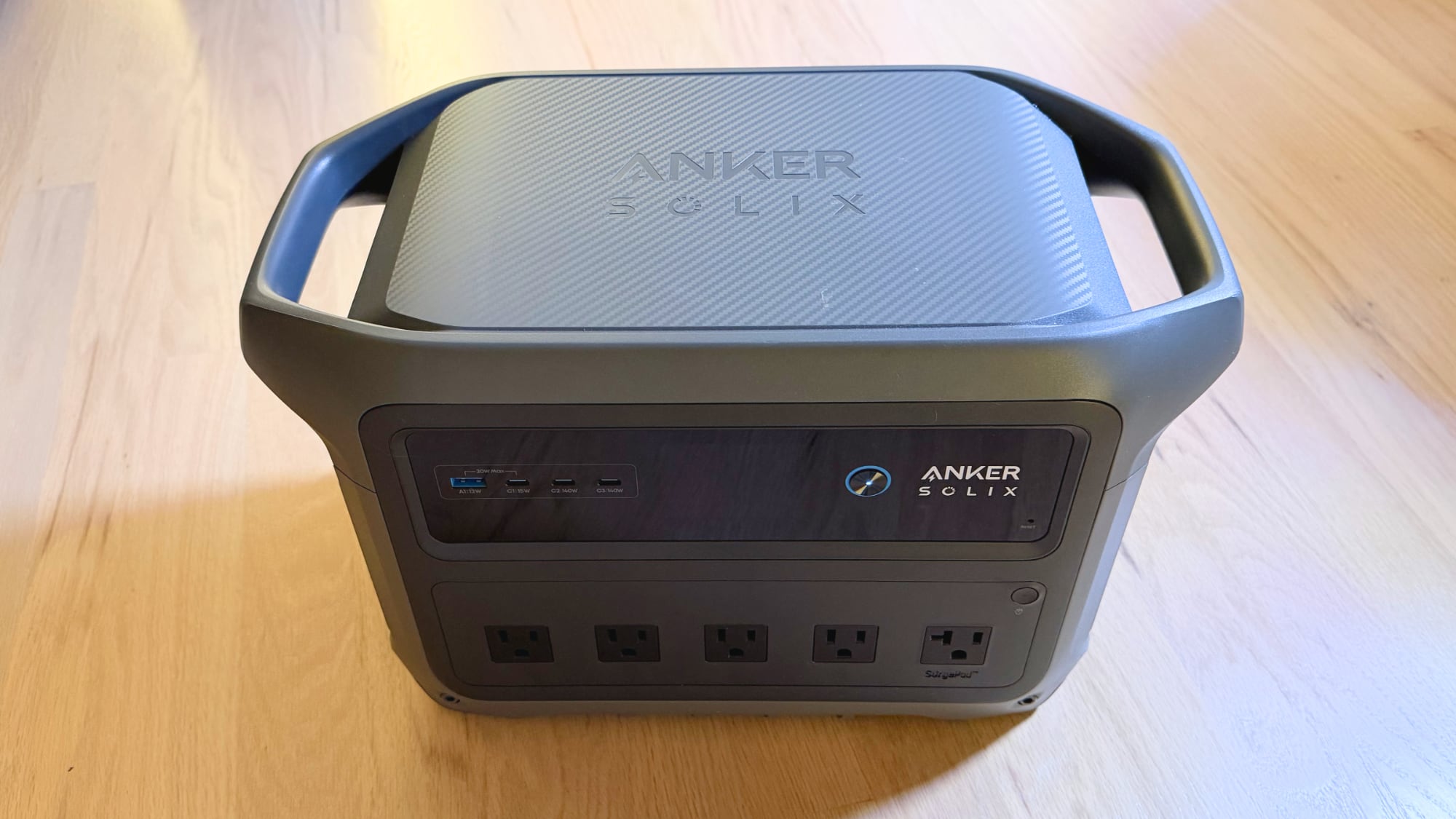
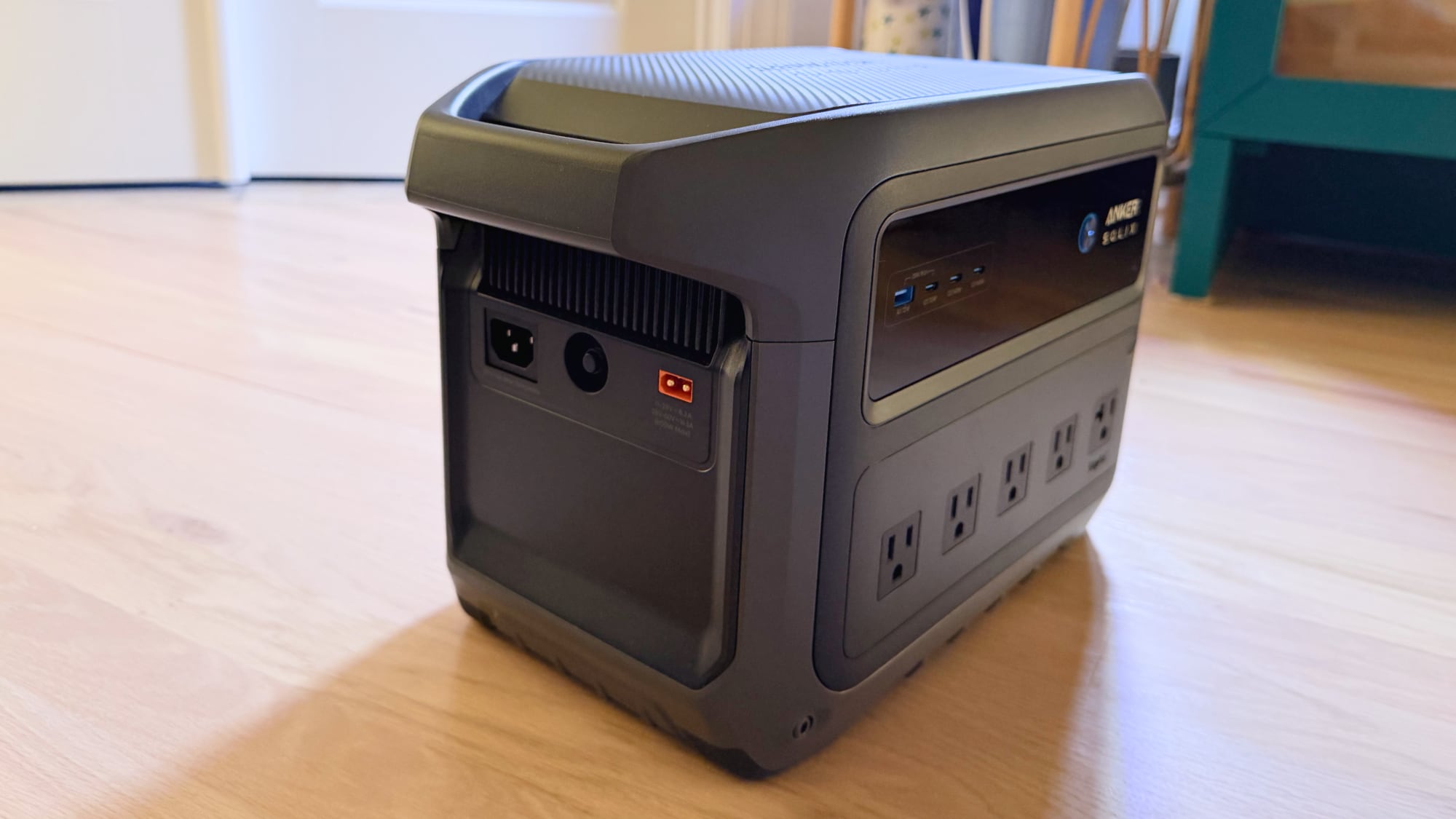
At the front, there are five AC outlets, two 140W USB-C ports, one 15W USB-C port, and a 12W USB-A port. I appreciate that Anker is phasing out USB-A and only included a single USB-A port, because USB-A connectors are growing more uncommon. In the future, you may have no USB-A devices at all, so you won't have several wasted ports. 140W USB-C should also be good for years to come. There's a charging port at the side, a solar input port, and a 12V car port.
I like the port arrangement, and was fine with all of the AC ports on the front, but spacing could be an issue if you want to plug in multiple devices with large plugs. For the AC outlet, you need to turn on AC power manually, a feature that exists to prevent battery drain when idle.
This is a 1024-watt-hour battery with support for devices that draw up to 2000W, though it does support 3000W peak output. It should be able to handle almost any small appliance, including refrigerators, TVs (even large screen), heaters, portable air conditioners, lights, coffee makers, microwaves, medical devices, aquarium and animal setups, and tools that require a lot of power. I tested it up to 1500W and it worked with no issue.
It uses lithium iron phosphate (LiFePO4) technology, which is what you want for a power station because LiFePO4 batteries are safe and last for more charge cycles. The C1000 is able to hold a charge in standby mode for a long time, which is great if you want to have a battery on hand for the occasional power outage. I charged it to full and left it powered off for a month, and it remained at 100 percent when I turned it back on at the end of the test. It's probably better to store it at around 80 percent capacity, but the point is you can charge it up, tuck it in a closet, and pull it out months later to use it in an emergency.
The C1000's 1024 Wh capacity is enough to charge an iPhone dozens of times. Charging my iPhone 17 Pro Max from 0 to 80 dropped the battery level from 53 percent to 51 percent, which is only a two percent hit. Subsequent testing consistently used between 2 and 3 percent for iPhone charging.
You can get fewer full MacBook charges, but it's still enough to keep multiple people up and running for a couple days. Charging my MacBook Pro from 0 to 100 percent dropped the battery from 100 to 88 percent, and charging my MacBook Air from 0 to 100 percent dropped the battery from 100 to 90 percent.
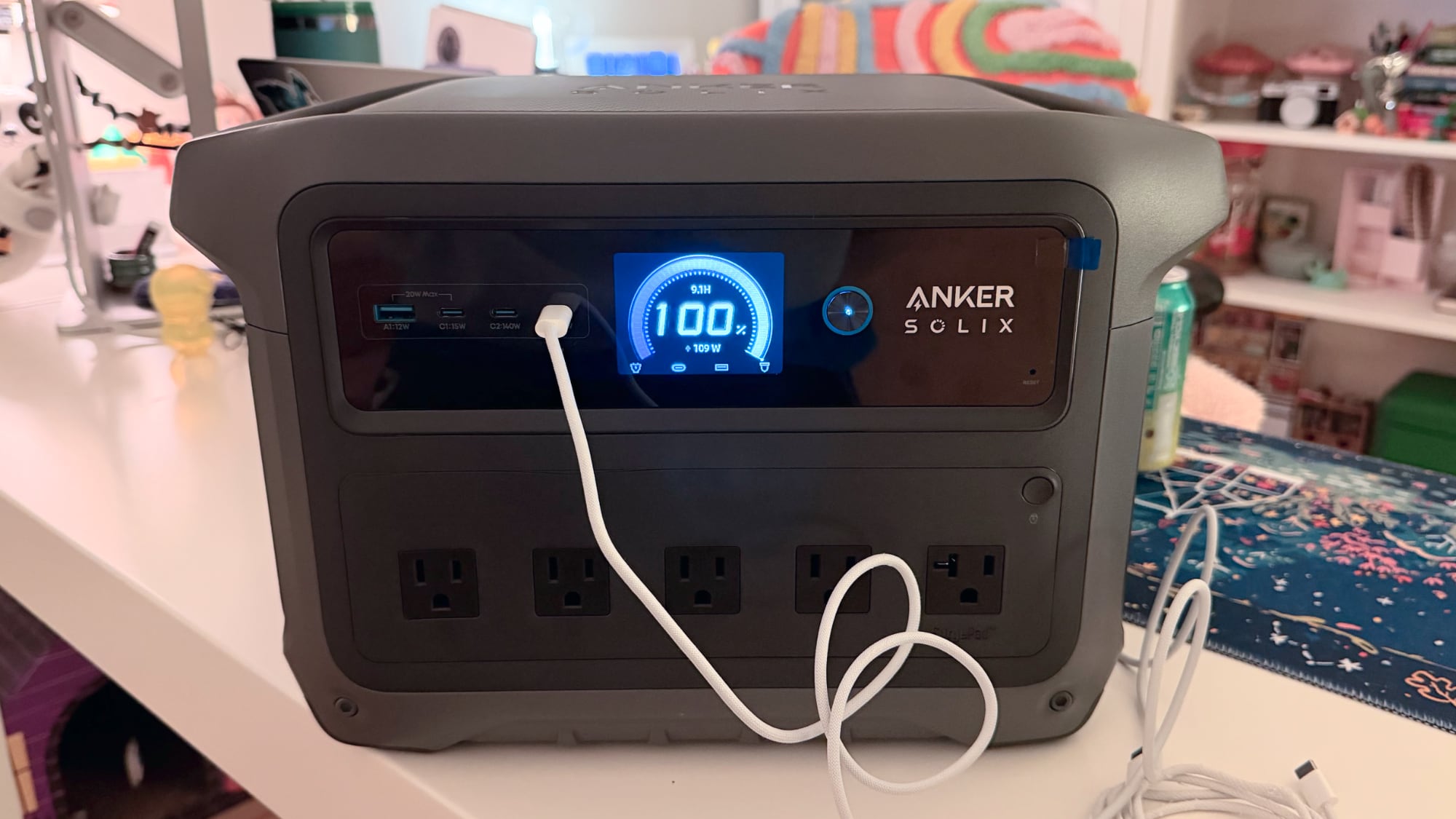
It was able to run my MacBook Pro for a full 8-hour work day, doing day-to-day tasks like writing. I started at 76 percent and ended at 57 percent. It lasted almost 24 hours running my full Mac setup, which included my MacBook Pro, Studio Display, three LED lights, and a phone charger. That does include around 10 hours of time where the MacBook and display were in rest mode, but it is more than capable of supporting a full work setup for a day or two.
What's great about the C1000 is that it tells you exactly how long it will last based on the power draw of what's plugged in. On the LED, you'll see an estimated readout. It predicted around 14 hours of usage for my 67W MacBook Air, which was accurate.
It's not going to last super long when using high power devices like a microwave, but you often aren't using high power accessories for very long. It can run a mini heater, but those often range from 750W to 1500W, so it would last around an hour. For something like a mini fridge, though, you would be able to run it for several days.
The C1000 is able to charge quickly, which has the potential to be useful when you're in a hurry. It can recharge to full in 49 minutes from a standard household plug, drawing around 1200W to do so (Anker says it can go up to 1600W, but you need to enable it). When it is under that kind of load, the fans kick on, and the fans are loud.
I wouldn't be able to sleep with the fans on that high, and it's definitely a loud, irritating fan noise when going full blast. Luckily, the fans only come on at that level when it's under heavy load, and charging doesn't take too long. It also can't run high watt devices for super long, and it's much more tolerable at lower power levels. When charging small devices, it's near silent.
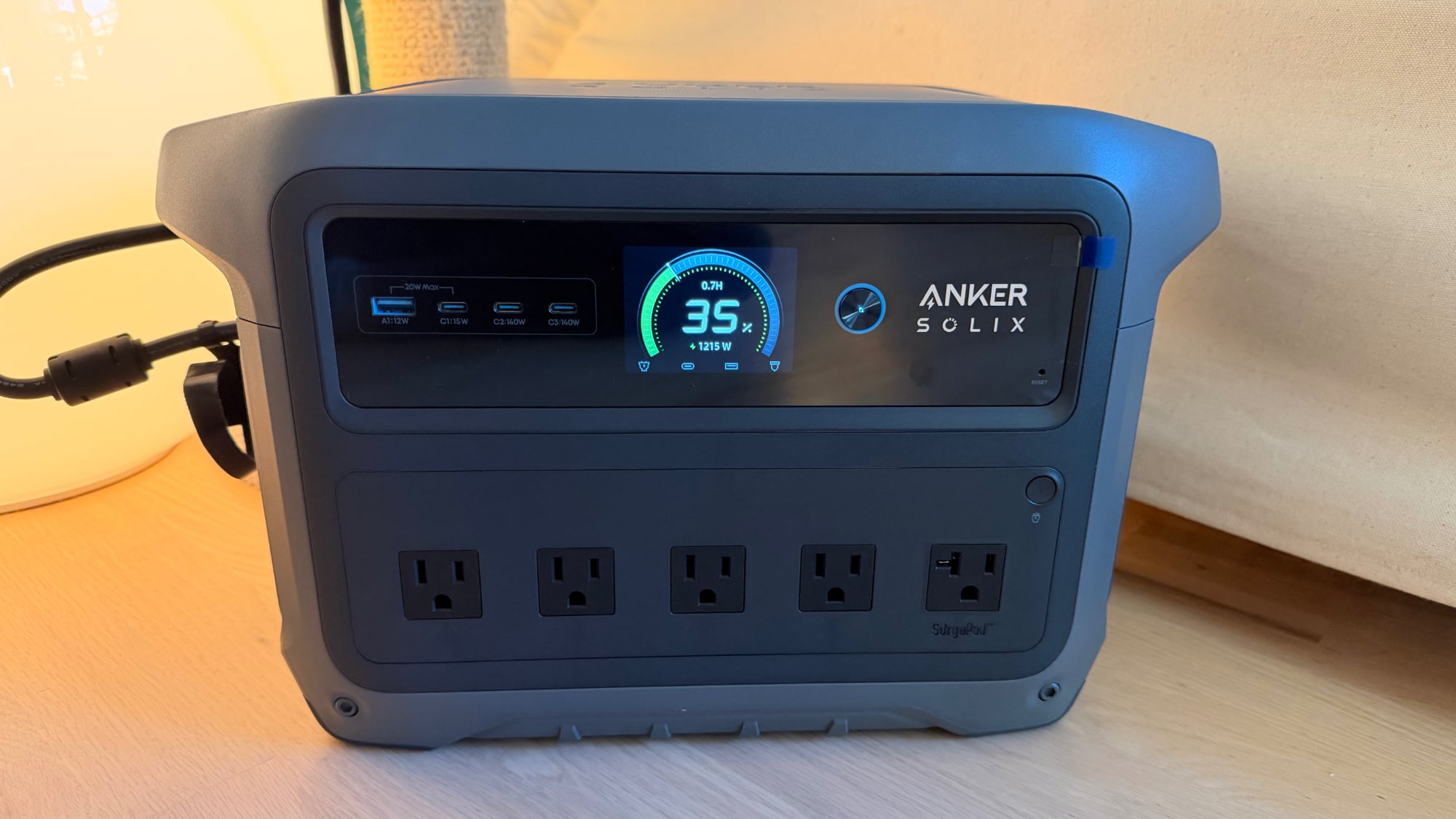
You can connect the C1000 to a car or to solar panels to charge it up. For solar, charging times vary based on the size of the panel, the number of panels, and the available light. It can accept up to 600W through the solar input.
For devices where you might like a backup feature that activates automatically in a power outage, the C1000 supports that. It has a UPS system with a sub 10ms switchover time. So if you plug something like a CPAP machine into the C1000 then plug the power station into power, the C1000 will come on right away when there's an outage.
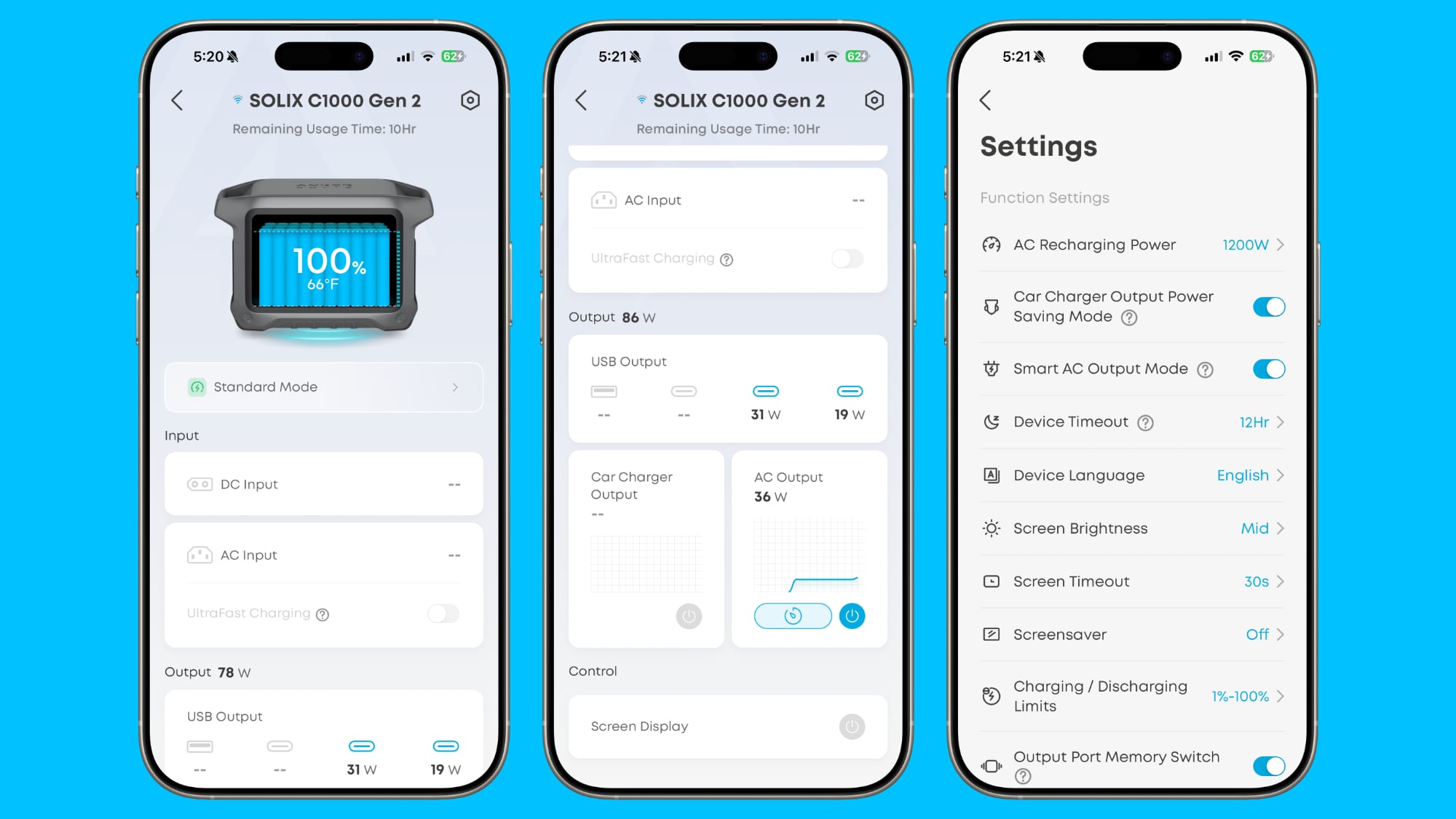
Anker has an app that connects to the C1000 over Wi-Fi or Bluetooth. You can use the app to check power level, power draw, and time remaining when a device is plugged in. You can also turn on the AC output or car charger output from the app, and fine tune controls like charging power, device timeout, charging and discharging limits, and more. It delivers new firmware too, which I struggled with. For several days, the firmware update kept failing, but it worked flawlessly later on, so I'm not sure what the issue was.
Bottom Line
This is a well made power station that's versatile thanks to its 1024 Wh capacity and the ability to support devices up to 2000W. It's a good home backup battery to have on hand in case of an emergency, but it also works well for camping, short trips where you need power, medical devices, and powering tools.
I keep a battery like this one in two closets in my house so they're accessible, and I also like to pull out a large power stations when I need to operate a corded tool like a sander or a bright light in an area where I don't have a plug. That's been one of the more compelling use cases for me.
The C1000 can be loud when it's charging or powering appliances that have high energy draw, but that's about the only downside I found during testing.
How to Buy
The Solix C1000 Gen 2 Portable Power Station is currently available for $372, which is more than half off its MSRP. It can be purchased from the Anker website or from Amazon.com.
Note: Anker provided MacRumors with a C1000 for the purpose of this review. No other compensation was received.
Tag: Anker
This article, "Review: Anker Solix C1000 Gen 2 is a Mid-Size Power Station With Fast Charging" first appeared on MacRumors.com
Discuss this article in our forums
You may also be interested in this
Threat notifications sent…
09.12.2025
A French document detailing what someone should do when alerted by Apple about a security threat confirms that a new threat notification campaign occurred on September 3.Apple sends out threat
You can now subscribe to …
10.15.2024
As previously announced, Amazon Prime Video is directly inside its app. Prime Video users can subscribe to Apple TV+ at the regular price of $9.99 per month, with a seven-day
Nomad introduces the Leat…
12.10.2024
Nomad has unveiled its latest accessory for the M4 iPad Pro: the Leather Folio. This premium case combines sophisticated design with practical functionality, offering users a stylish way to protect
New Siri boss tasked with…
03.20.2025
Development of the AI-enhanced Siri is now under the management of an Apple executive who already launched a major product for the company. (via Cult of Mac - Apple news,
Mac gamers can now play &…
09.22.2023
Starting Friday, gamers on macOS can play the critically acclaimed role playing game "Baldur's Gate 3."Baldur's Gate 3 was first released on PC in early August and has quickly gained
Latest iOS 18.4 Beta Lets…
03.19.2025
iOS 18.4 includes a new Safari feature that puts your searches front and center, showing your recent search history whenever you open up a new Safari tab and tap into
Leaker Reveals an iMac De…
07.28.2025
When the iMac moved from Intel processors to Apple silicon in 2021, the desktop computer also received a new colorful, ultra-thin design. Since then, the iMac has lacked something that
Save $450 on the 12.9-inc…
01.26.2024
Macworld If you want Apple’s best tablet, the unquestionable leader is the 12.9-inch M2 iPad Pro. But the M1 version from 2021 is essentially the same other than the chip

