
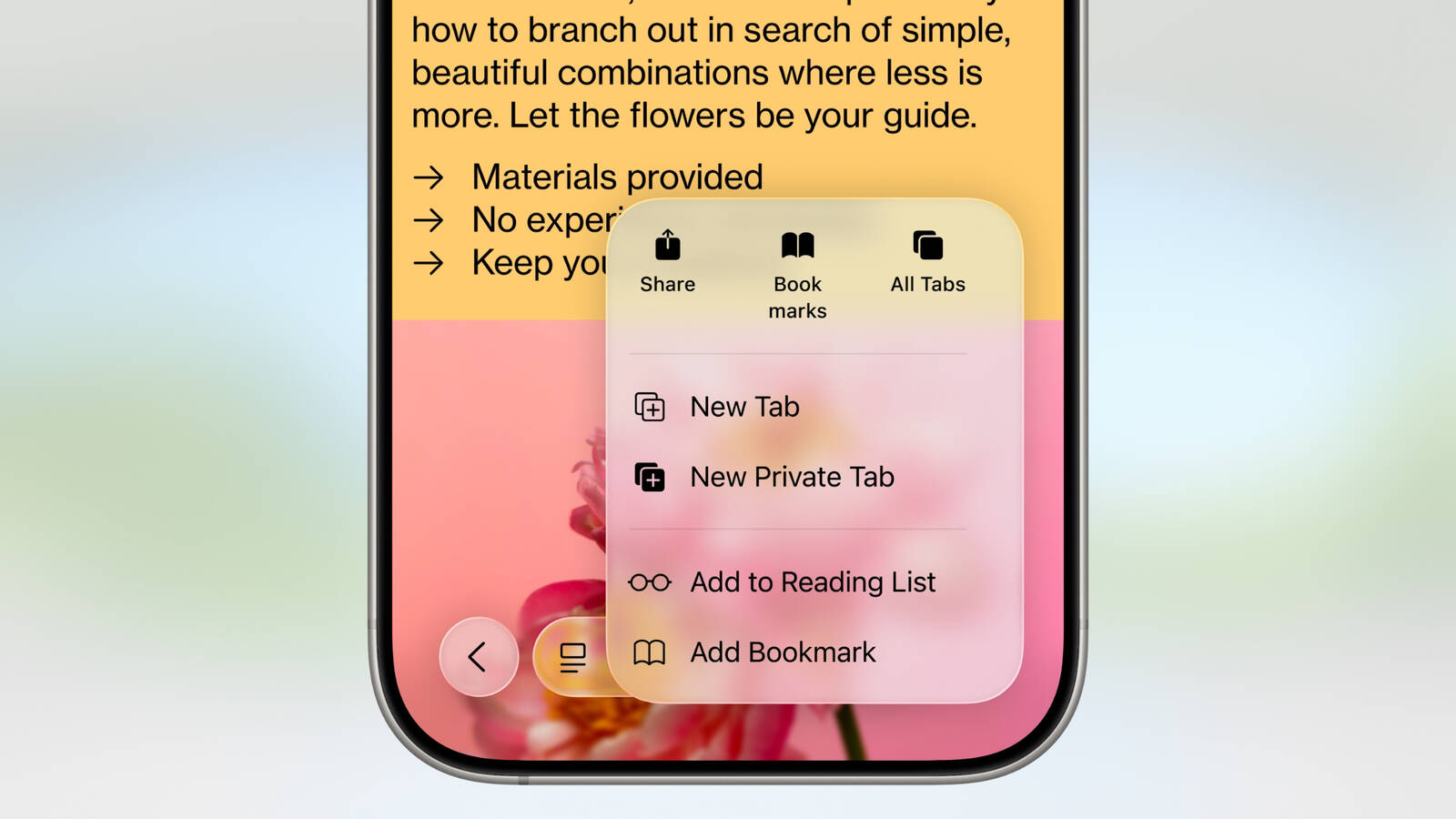
One of the key changes to Safari on iOS 26 is a redesigned Liquid Glass address bar, with three layouts available to choose from. Beyond that, the upcoming software update

One of the key changes to Safari on iOS 26 is a redesigned Liquid Glass address bar, with three layouts available to choose from. Beyond that, the upcoming software update includes a few smaller changes for the web browser.

Web Apps For All Websites

Starting with iOS 26, every website added to the Home Screen via Safari opens as a web app, even if it is not configured to be. On earlier iOS versions, websites that were not configured to open as a web app would open in Safari, meaning that the Home Screen app icons for those websites were effectively just bookmarks.
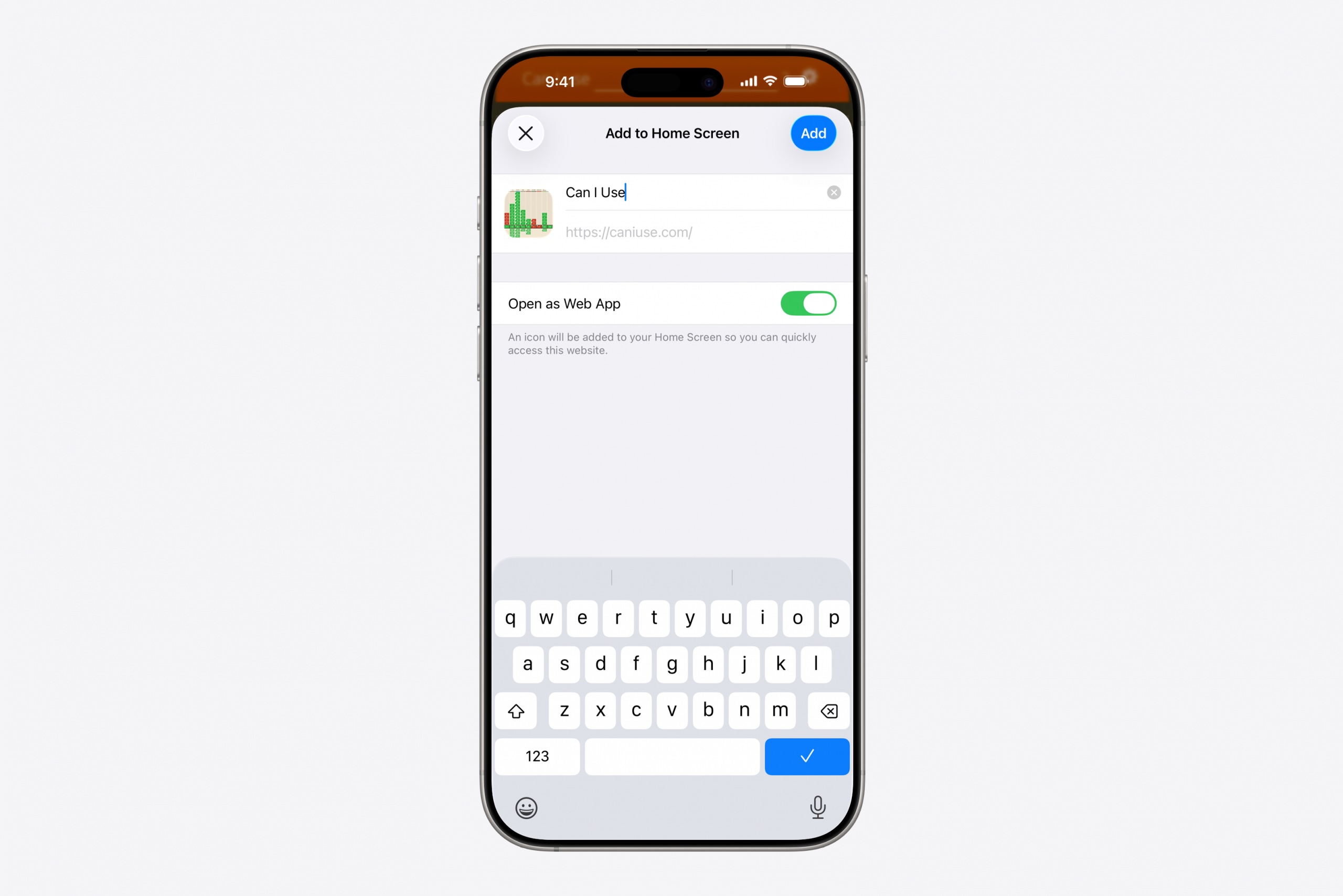


Users can turn off “Open as Web App” while adding a website to the Home Screen if they prefer the app icons to still function as simple bookmarks.

This change also applies to iPadOS 26.

HDR Images

Safari now supports HDR images, five years after the browser gained support for HDR video.

HDR images have wider dynamic range and increased color gamut, making bright areas of the image appear brighter and dark areas appear darker.

This change applies across iOS 26, iPadOS 26, macOS 26, and visionOS 26.

SVG Icons

Safari now supports the SVG file format for icons anywhere that they are shown in the browser, including in the bookmark bar and on the start page.

SVG icons have smaller file sizes than PNG icons, and they offer infinite vector scaling, meaning they can be resized without any loss in image quality.

More

Even more changes coming to Safari across iOS 26, iPadOS 26, macOS 26, and visionOS 26 were outlined in a WebKit blog post last week.

iOS 26 and the other software updates are currently in beta.

Related Roundups: iOS 26, iPadOS 26
Tag: Safari
Related Forum: iOS 26

This article, "Safari Changes on iOS 26 Go Beyond the Address Bar" first appeared on MacRumors.com

Discuss this article in our forums


You may also be interested in this

How to use Passkeys on yo…

Macworld “Passkey” is the name for a simplified login process to websites that arrived in its full glory later this year with macOS 13 Ventura, iOS 16, and iPadOS 16.

After a huge June, here’s…

Macworld June was one of the biggest months of the year for Apple. WWDC brought us the M2 Ultra chip, Mac Studio updates, the Mac Pro, the 15-inch MacBook Air,

Top Five iOS 17 Features

All of Apple's software announcements have been somewhat overshadowed by the Apple Vision Pro, but there are a number of useful changes that are coming in iOS 17. We've pulled

Apple Stops Signing iOS 1…

Following the launch of iOS 16.5 on May 18, Apple has stopped signing iOS 16.4.1, the previously available version of iOS. Now that iOS 16.4.1 is no longer being signed,

Here are the features App…

WWDC 2023 was chock-full, but there was still a lot Apple didn’t say. | Illustration: The Verge Apple held a monstrous WWDC this year, and a ton of what was

UK could force major iPho…

A newly released government report on the iPhone in the UK could result in sweeping changes to Safari and other web browsers. (via Cult of Mac - Apple news, rumors,

5 secret tips and tricks …

These Safari tips will help you browse the web faster, clean up your experience and restore tabs you accidentally close. (via Cult of Mac - Apple news, rumors, reviews and

The best iOS 17 changes a…

Macworld Apple had plenty of great things to show off when it unveiled iOS 17 at WWDC. We’re psyched about vastly improved autocorrect, StandBy, Live Voicemail transcriptions, custom contact posters,
X

A whimsical homage to the days in black and white, celebrating the magic of Mac OS. Dress up your blog with retro, chunky-grade pixellated graphics to evoke some serious computer nostalgia. Supports a custom menu, custom header image, custom background, two footer widget areas, and a full-width page template. I updated Stuart Brown's 2011 masterpiece to meet the needs of the times, made it responsive , got dark mode, custom search widget and more.You can download it from tigaman.com, where you can also find more useful code snippets and plugins to get even more out of wordpress.
