
Japan's Mobile Software Competition Act will require Apple to allow non-WebKit web browsers in the App Store on the iPhone later this year. Specifically, the law "forbids designated providers from

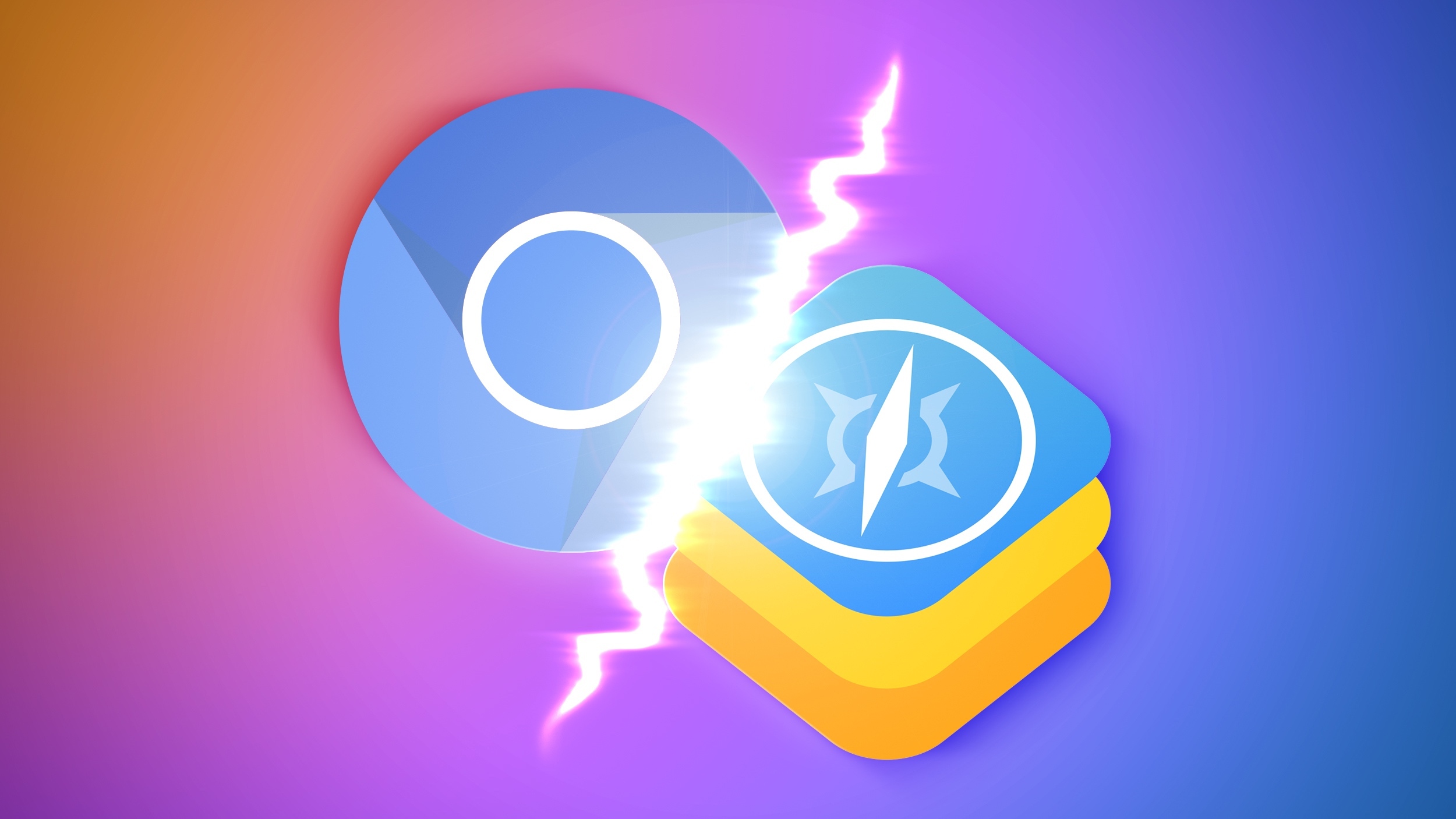
Japan’s Mobile Software Competition Act will require Apple to allow non-WebKit web browsers in the App Store on the iPhone later this year.


Specifically, the law “forbids designated providers from preventing individual app providers from using alternative browser engines.”

In most countries, Chrome, Edge, Firefox, and other popular web browsers on iOS are all currently forced to use WebKit, which is the web engine that powers Safari. Apple has previously stated that the WebKit requirement is due to security and privacy considerations, but critics have argued that the policy is anticompetitive.

Japan’s law will allow web browsers and in-app browsers on the iPhone to use alternative browser engines like Blink (used by Chrome, Edge, and Opera) and Gecko (used by Firefox). The regulation takes full effect in December.

Apple has already allowed non-WebKit browsers on the iPhone and iPad in the EU since iOS 17.4 and iPadOS 18, to comply with the Digital Markets Act. However, Apple has a long list of requirements for alternative browsers on the iPhone and iPad, and there are still no major non-WebKit browsers available in the App Store on those platforms.

As noted by the not-for-profit Open Web Advocacy group on Wednesday, Japan’s law goes a step further to ensure that there is a viable path for non-WebKit browsers, by preventing Apple from imposing “unreasonable technical restrictions” on web browsers that wish to implement alternative browser engines on the iPhone.

Japan’s law will also require Apple to show a default browser selection screen in Safari on the iPhone, and the requirements for that are similarly strict.

Alongside the EU and Japan, it is expected that the UK will also require Apple to allow non-WebKit browsers on the iPhone in the foreseeable future.

This article, "Japan Law Will Require Apple to Allow Non-WebKit Browsers on iPhone" first appeared on MacRumors.com

Discuss this article in our forums


You may also be interested in this

How to remove ads and oth…

Safari has a new feature in iOS 18 that lets you remove ads from your iPhone, along with other elements on the page that irritate you. (via Cult of Mac

Google’s Pichai worried o…

Google’s Sundar Pichai raised concerns years before he became the company’s chief executive officer that its deal with Apple had “bad optics” and negatively impacted user experience because there was

A bunch of great iOS 17 f…

Macworld Apple had plenty of great things to show off when it unveiled iOS 17 at WWDC. We’re psyched about vastly improved autocorrect, StandBy, Live Voicemail transcriptions, custom contact posters,

iOS 17: Nine New Features…

With every update to the iOS operating system, Apple adds new features to the built-in apps like Safari. In iOS 17, Safari gains new privacy functionality, improvements to search, updated

Hands-on with iOS 26 and …

I love where iOS is going — even if there are a lot of kinks that need to be worked out, as my iOS 26 beta hands-on shows.  (via Cult

Here are the features App…

WWDC 2023 was chock-full, but there was still a lot Apple didn’t say. | Illustration: The Verge Apple held a monstrous WWDC this year, and a ton of what was

macOS 13 Ventura supergui…

Macworld Every year there is a major update to macOS, the Mac operating system, followed by smaller updates bringing fixes and new features in the months that follow. In 2022

Apple Vision Pro will com…

Apple’s upcoming Vision Pro headset will feature a new augmented reality (AR) version of the Visual Lookup feature found in iPhones and iPads. This feature, dubbed “Visual Search,” will allow
X

A whimsical homage to the days in black and white, celebrating the magic of Mac OS. Dress up your blog with retro, chunky-grade pixellated graphics to evoke some serious computer nostalgia. Supports a custom menu, custom header image, custom background, two footer widget areas, and a full-width page template. I updated Stuart Brown's 2011 masterpiece to meet the needs of the times, made it responsive , got dark mode, custom search widget and more.You can download it from tigaman.com, where you can also find more useful code snippets and plugins to get even more out of wordpress.
