
Swiss-based privacy startup Proton today announced the availability of its end-to-end encrypted cloud storage service for Mac users with the launch of its macOS app. Proton Drive lets users sync

Swiss-based privacy startup Proton today announced the availability of its end-to-end encrypted cloud storage service for Mac users with the launch of its macOS app.
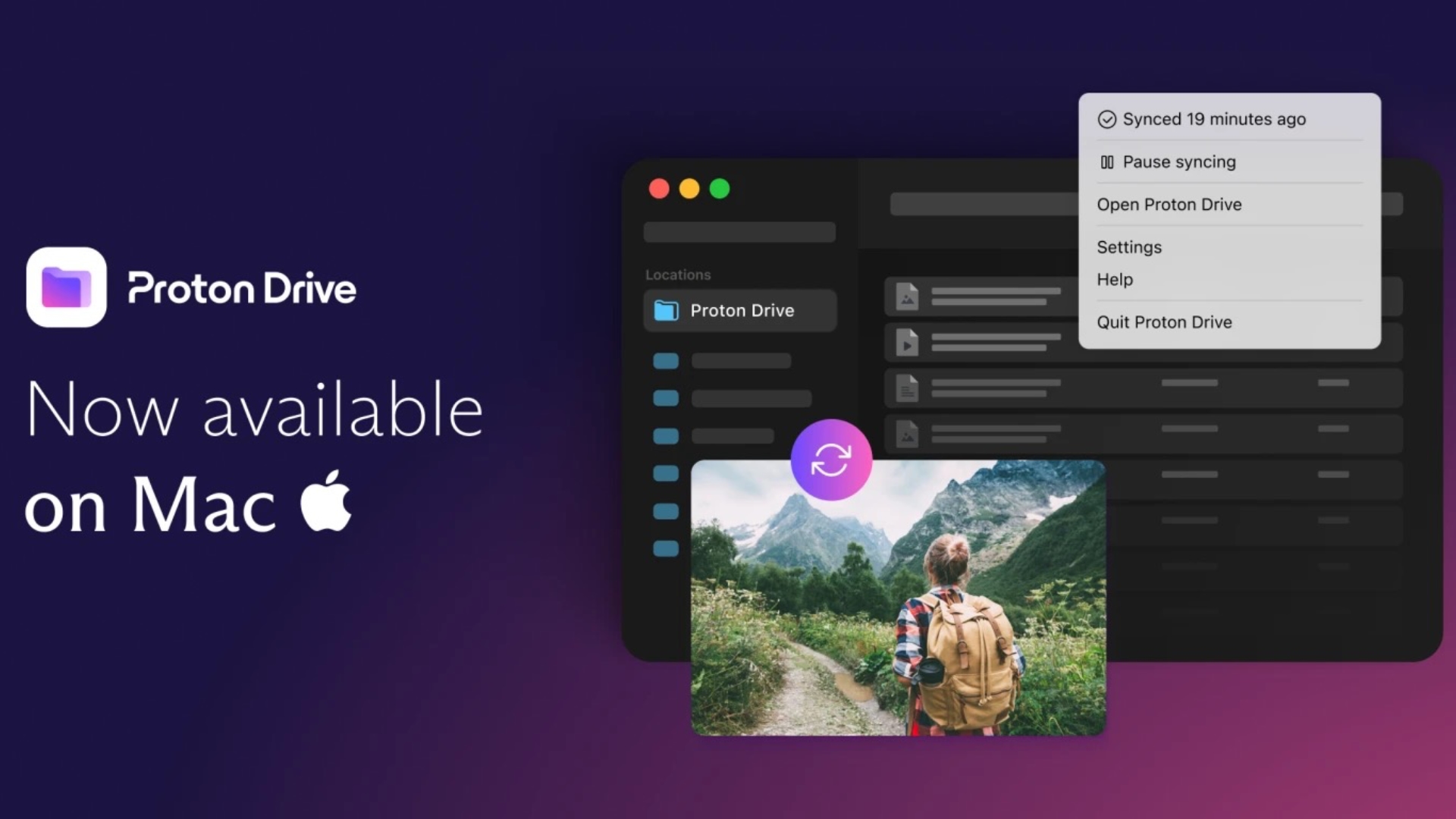


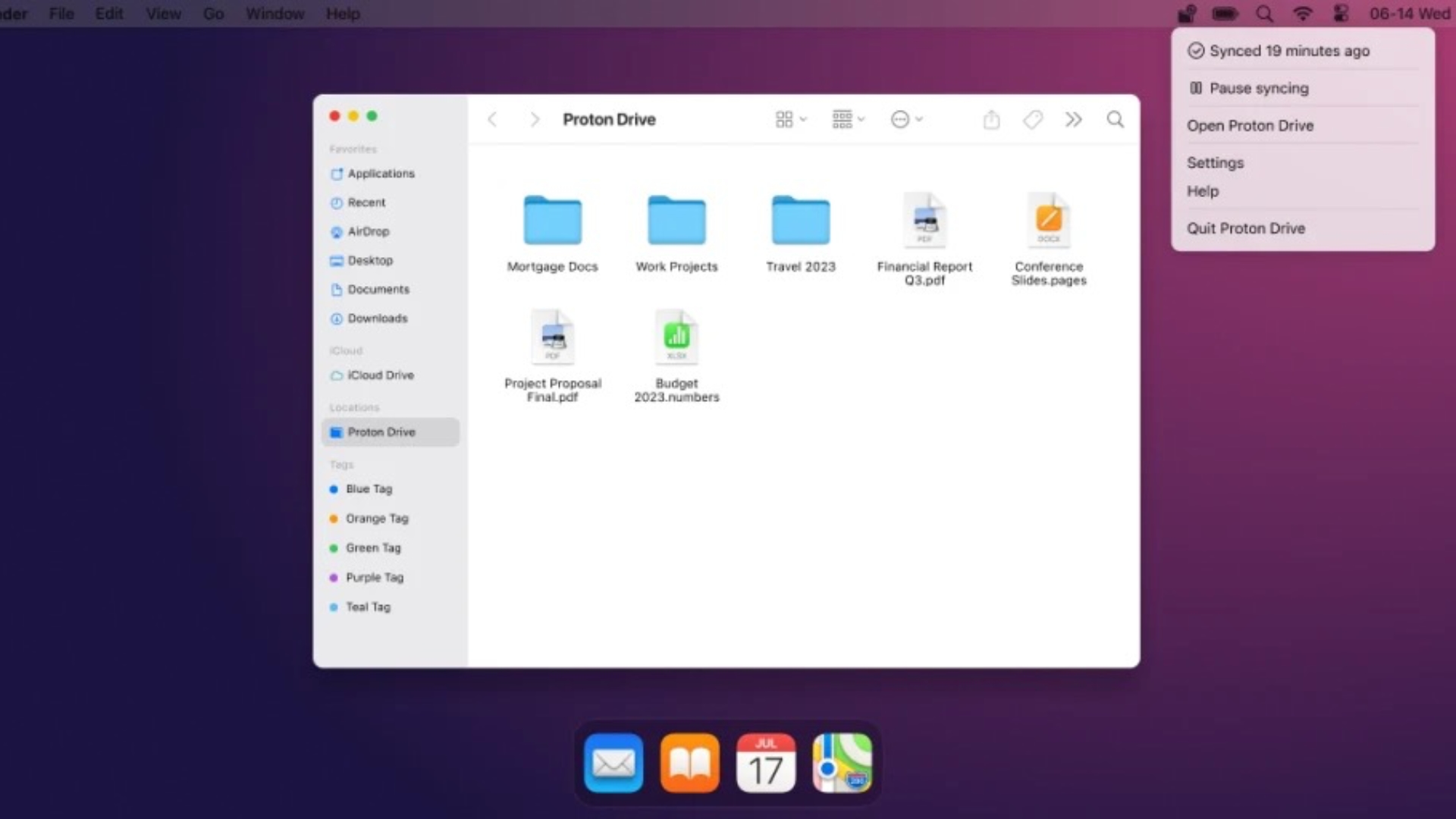
Proton Drive lets users sync files between Mac and the cloud, access files offline, and free up space on local drives. Unlike iCloud, all data (including metadata) is end-to-end encrypted by default, so that no-one – not even Proton – can see the files.

Files in Proton Drive are synced on-demand, meaning they don’t take up space on the local computer until they are needed. Meanwhile, files and folders saved in the Proton Drive folder automatically sync online to Proton Drive, and any changes made locally are mirrored across all other devices linked to the Proton account.

When files and folders are downloaded for offline access, Proton Drive syncs changes when an internet connection next becomes available. Users can also access and restore previous versions of files via the web interface. It’s worth noting that only files stored in the Proton Drive folder are synced, but Proton says it is working to enable synchronization for any local folder.

Additional Proton Drive options can be found in the app’s menu bar item, including one-click sync pausing, sync status, quick access to Proton Drive, and service support.


Web access to Proton Drive arrived last September, followed by native mobile apps in December and a Windows app in July. The arrival of the Mac app means Proton Drive is now available on all major platforms.

Proton Drive offers users 1GB of storage for free, with additional paid plans available starting at $4/month for 200GB of storage, including additional features such as the ability to automatically store previous versions of a file for up to 10 years. Black Friday deals are currently available on the company’s website.

This article, "Proton Drive Encrypted Cloud Storage App Now Available for Mac" first appeared on MacRumors.com

Discuss this article in our forums


You may also be interested in this

iOS 17: Everything you ne…

Macworld Each year Apple releases a major update for iOS, the operating system on your iPhone. The current version, released last year, is iOS 16, and it doesn’t take a

Twitter encrypted DMs lau…

Twitter encrypted DMs have officially launched – but only between paid users, and the security feature doesn’t yet live up... The post Twitter encrypted DMs launch, but only for paid

Apple WWDC 10 biggest ann…

Screenshot by Sean Hollister / The Verge This year’s Worldwide Developers Conference didn’t disappoint. During today’s keynote, Apple showed off its highly anticipated mixed reality headset for the first time,

iOS 16 superguide: Everyt…

Macworld After announcing its big yearly operating system update in its WWDC keynote on June 6, 2022, and following months of beta testing, Apple made iOS 16 available to be

Apple automatically assig…

Apple will start automatically assigning passkeys to Apple ID owners with the release of iOS 17, iPadOS 17, and macOS Sonoma. Passkeys are a new type of login credential that

UK Government Denies U-Tu…

The UK government has denied that it has dropped a controversial plan to scan encrypted messaging services for harmful content as part of its Online Safety Bill, which is due

Proton Mail iOS App Gets …

Proton has rolled out a major update to its Mail app for iOS and Android, introducing a completely rebuilt interface alongside a new offline mode that lets users read, write,

Can’t wait for Prime Day?…

Macworld Want to keep your data safe over the long haul without spending a small fortune on cloud storage? Then Degoo Premium is exactly what you need. And since a
X

A whimsical homage to the days in black and white, celebrating the magic of Mac OS. Dress up your blog with retro, chunky-grade pixellated graphics to evoke some serious computer nostalgia. Supports a custom menu, custom header image, custom background, two footer widget areas, and a full-width page template. I updated Stuart Brown's 2011 masterpiece to meet the needs of the times, made it responsive , got dark mode, custom search widget and more.You can download it from tigaman.com, where you can also find more useful code snippets and plugins to get even more out of wordpress.
