
Apple today seeded the release candidate (RC) version of macOS Ventura 13.4 to developers for testing purposes, with the software coming a week after the launch of the fourth beta.

Apple today seeded the release candidate (RC) version of macOS Ventura 13.4 to developers for testing purposes, with the software coming a week after the launch of the fourth beta. The RC represents the final version of ‌macOS Ventura‌ 13.4 that will be provided to the public.
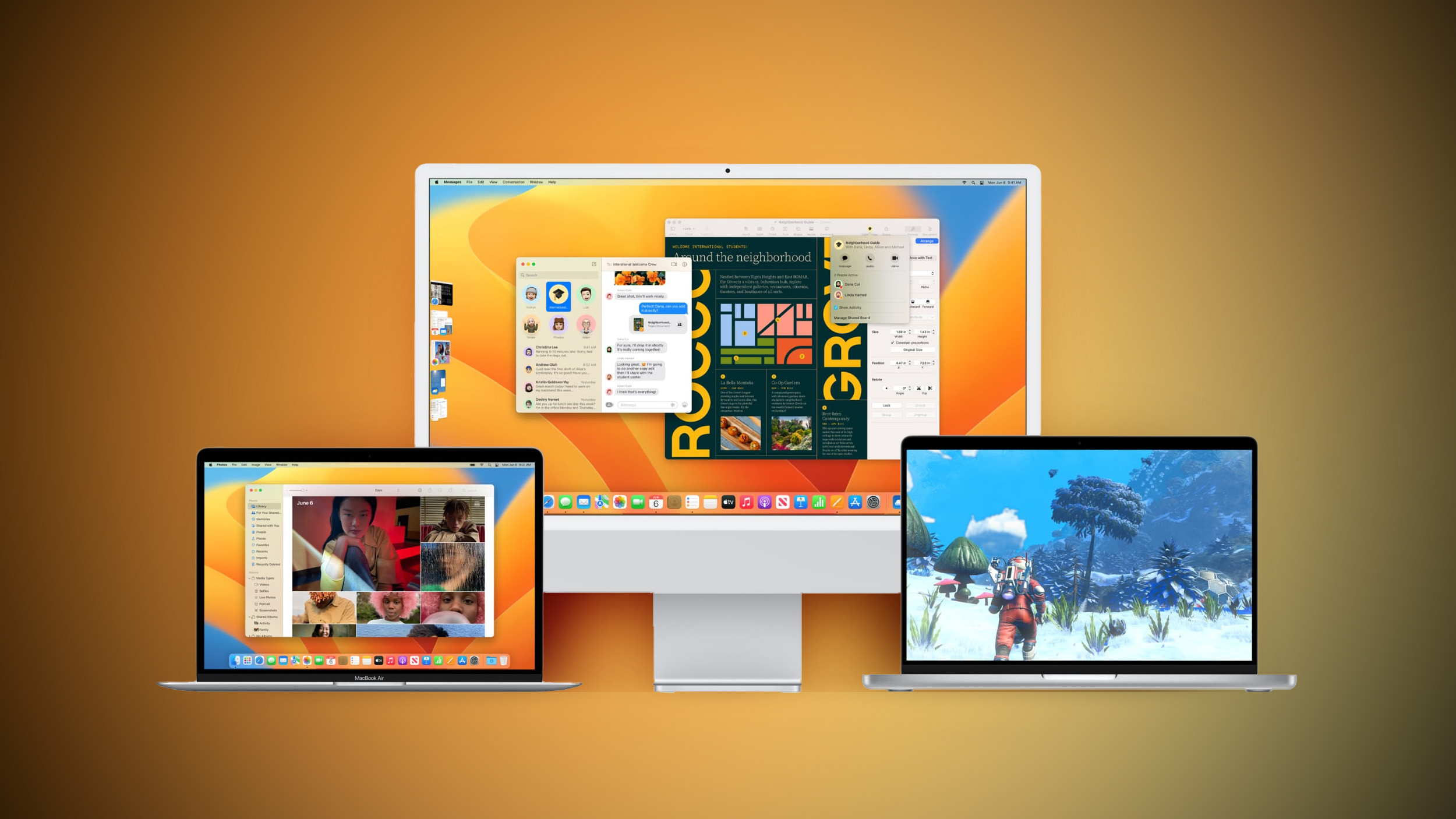


Registered developers can download the beta through the Apple Developer Center and after the appropriate profile is installed, with the betas available through the Software Update mechanism in System Settings.

According to Apple’s release notes, the update adds a Sports feed in the sidebar of Apple News and it addresses several bugs, including one that would prevent the Mac Auto Unlock feature from working with the Apple Watch.

macOS Ventura 13.4 includes the following enhancements and bug fixes:

– Sports feed in the sidebar of Apple News gives easy access to stories, scores, standings, and more, for the teams and leagues you follow

– My Sports score and schedule cards in Apple News take you directly to game pages where you can find additional details about specific games

– Resolves an issue where Auto Unlock with Apple Watch does not log you into your Mac

– Fixes a Bluetooth issue where keyboards connect slowly to Mac after restarting

– Addresses a VoiceOver issue with navigating to landmarks on webpages

– Fixes an issue where Screen Time settings may reset or not sync across all devices

Some features may not be available for all regions, or on all Apple devices.

For detailed information about the security content of this update, please visit: https://support.apple.com/kb/HT201222

macOS 13.4 also adds the simplified beta installation method that was first introduced in iOS 16.4. With the update, developers and public beta testers enrolled in Apple’s respective programs can toggle on beta updates from System Settings on the Mac, without the need to install a profile.

An Apple ID associated with either a public beta account or a developer account is required to turn on beta updates, which means that it is no longer possible to use a developer profile not associated with a developer account to install the developer betas.

Related Roundup: macOS Ventura
Related Forum: macOS Ventura

This article, "Apple Seeds Release Candidate Version of macOS Ventura 13.4 to Developers" first appeared on MacRumors.com

Discuss this article in our forums


You may also be interested in this

Report: watchOS 10 to inc…

Apple is reportedly prepping some major changes for the Apple Watch this year as part of watchOS 10. According to a new report from Bloomberg, watchOS 10 will include big

The new Apple Silicon Mac…

The Apple Silicon Mac Pro is here two and a half years after the shift from Intel began, but it looks like the company only did it to say that

PSA: Make Sure to Update,…

The macOS 13.5.2, iOS 16.6.1, iPadOS 16.6.1, and watchOS 9.6.2 updates that Apple released today includes fixes for security vulnerabilities that Apple says may have been actively exploited in the

Apple Smart Glasses Launc…

Apple is planning to launch a set of smart glasses by the end of 2026, reports Bloomberg. The glasses will be comparable to the Meta Ray-Bans and the Android XR

Apple livestreaming throu…

It would be hard to imagine iPhones being sold through a home shopping TV channel, but apparently Apple livestreaming in Chinese online shopping apps is a thing. Livestreaming is a

How to set up Game Center…

Set up Game Center on your iPhone and Mac and set your username so you can compete with friends and unlock achievements in the games you play. You can see

Apple releases official d…

Earlier this month, Apple for the first time released an official design kit for Figma users with iOS 17 and iPadOS 17 resources. Now that the visionOS SDK is officially

Apple patches three explo…

Macworld On Thursday, Apple released a slew of updates that bring a few new features to the iPhone and Mac. But much more importantly, the updates include three critical zero-day
X

A whimsical homage to the days in black and white, celebrating the magic of Mac OS. Dress up your blog with retro, chunky-grade pixellated graphics to evoke some serious computer nostalgia. Supports a custom menu, custom header image, custom background, two footer widget areas, and a full-width page template. I updated Stuart Brown's 2011 masterpiece to meet the needs of the times, made it responsive , got dark mode, custom search widget and more.You can download it from tigaman.com, where you can also find more useful code snippets and plugins to get even more out of wordpress.
