
In iOS 17 and macOS Sonoma, turning off iCloud Drive no longer impacts third-party apps that use Apple's iCloud database to sync their data, a notable change that is likely

In iOS 17 and macOS Sonoma, turning off iCloud Drive no longer impacts third-party apps that use Apple’s iCloud database to sync their data, a notable change that is likely to be welcomed by both developers and users.
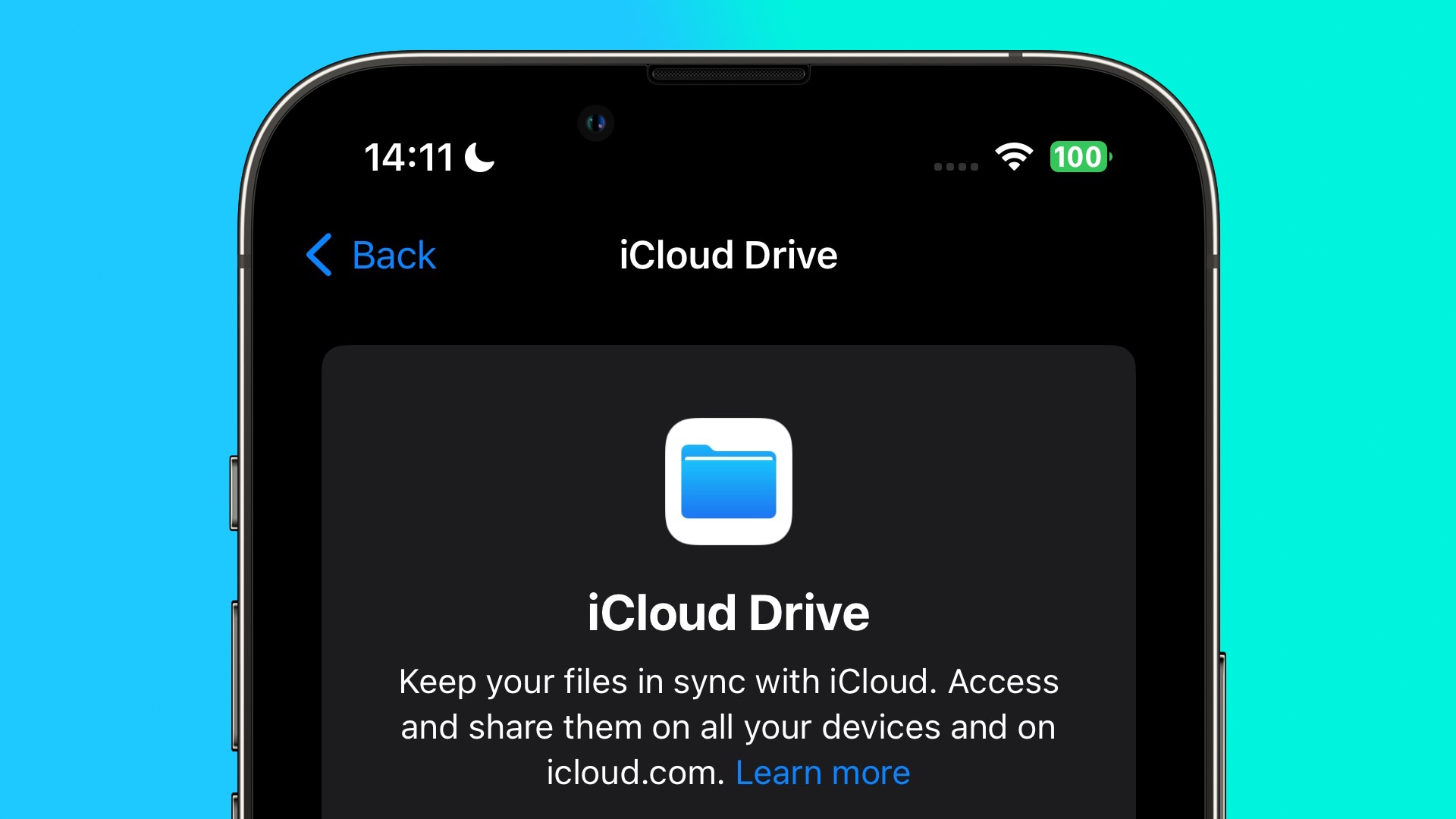


In previous versions of macOS and iOS, when iCloud Drive is manually disabled in System Settings or the Settings app, this also turns off iCloud (i.e. CloudKit) database access for third-party apps, even if they don’t use an iCloud Drive folder. This is despite the fact that iCloud syncing of Apple’s own stock apps remains unaffected.

This behavior is not made clear in Apple’s user-facing settings, which confusingly include separate switches to turn iCloud on and off individually for iCloud Drive, system apps, and third-party apps.

Moreover, iCloud Drive can take a considerable amount of device storage, therefore some users may choose to disable it, without realizing that they are also preventing some third-party apps from syncing between their devices.

By making iCloud Drive and third-party app iCloud access configuration independent from one another in iOS 17 and macOS Sonoma, cloud management better reflects the Settings interface. It also means that users with company-issued devices where iCloud Drive is disabled as a matter of policy will still be able to use third-party apps that depend on iCloud syncing to function properly.

This article, "PSA: Disabling iCloud Drive in iOS 17 No Longer Turns Off Third-Party App CloudKit Syncing" first appeared on MacRumors.com

Discuss this article in our forums


You may also be interested in this

You don’t need a new Mac …

Macworld Apple’s transition to Apple silicon is complete, now that the Mac Pro has finally been unveiled. But the reality is, Apple met its deadline last year when it rolled

HomeKit Weekly: Hands-on …

After using the for a few months, I can honestly say that Home Key is now table stakes for all smart locks. It’s no longer enough to just support HomeKit.

Deals: New 15-Inch MacBoo…

Amazon is offering $49 discounts on select models of the brand-new 15.3-inch MacBook Air, which will officially launch on June 13. You can get the 256GB model for $1,249.99 in

TikTok users may look to …

In response to the U.S. state of Montana banning TikTok from operating there as of January 1, 2024, the first U.S. state to do so, it’s expected that TikTok users

Enjoy MS Office programs …

Macworld Stop worrying about yet another subscription service with a lifetime license for Microsoft Office Home & Business on your Mac — on sale for a one-time payment of $29.99

Best MacBook for students

Macworld Thinking of buying a Mac or MacBook for school, college or university? Here, in our best Mac for students guide, we take a look at Apple’s current line-up to

Five boring apps that App…

Apple's next leap in computing rests on its Vision Pro headset and the apps people have to use with it. The company shouldn't forget about some of its more boring

How to get the official C…

Scammers have flooded the App Store with fake or buggy ChatGPT apps, but OpenAI has recently launched an official version with capabilities to handle text and speech queries. Here's where
X

A whimsical homage to the days in black and white, celebrating the magic of Mac OS. Dress up your blog with retro, chunky-grade pixellated graphics to evoke some serious computer nostalgia. Supports a custom menu, custom header image, custom background, two footer widget areas, and a full-width page template. I updated Stuart Brown's 2011 masterpiece to meet the needs of the times, made it responsive , got dark mode, custom search widget and more.You can download it from tigaman.com, where you can also find more useful code snippets and plugins to get even more out of wordpress.
