
Since its introduction in iOS 7, AirDrop has become the favored means for iPhone users to instantly share photos, videos, documents, and more to nearby Apple devices with relative ease. Given its widespread popularity, the feature hasn’t changed all that much over the years. But this year, Apple is stepping things up a gear by bringing several new capabilities to AirDrop that should make it more powerful than ever.

The following five features are coming with Apple’s iOS 17 software update, which is expected to arrive in the fall. Are any of them likely to fundamentally change the way you use AirDrop? Let us know in the comments at the bottom of the article.
1. NameDrop
NameDrop was Apple’s headline new AirDrop feature in its iOS 17 preview. Rather than type in the number of someone new to call or text them so that they have your number, NameDrop allows you to simply hold your iPhone near their iPhone to swap contact details.
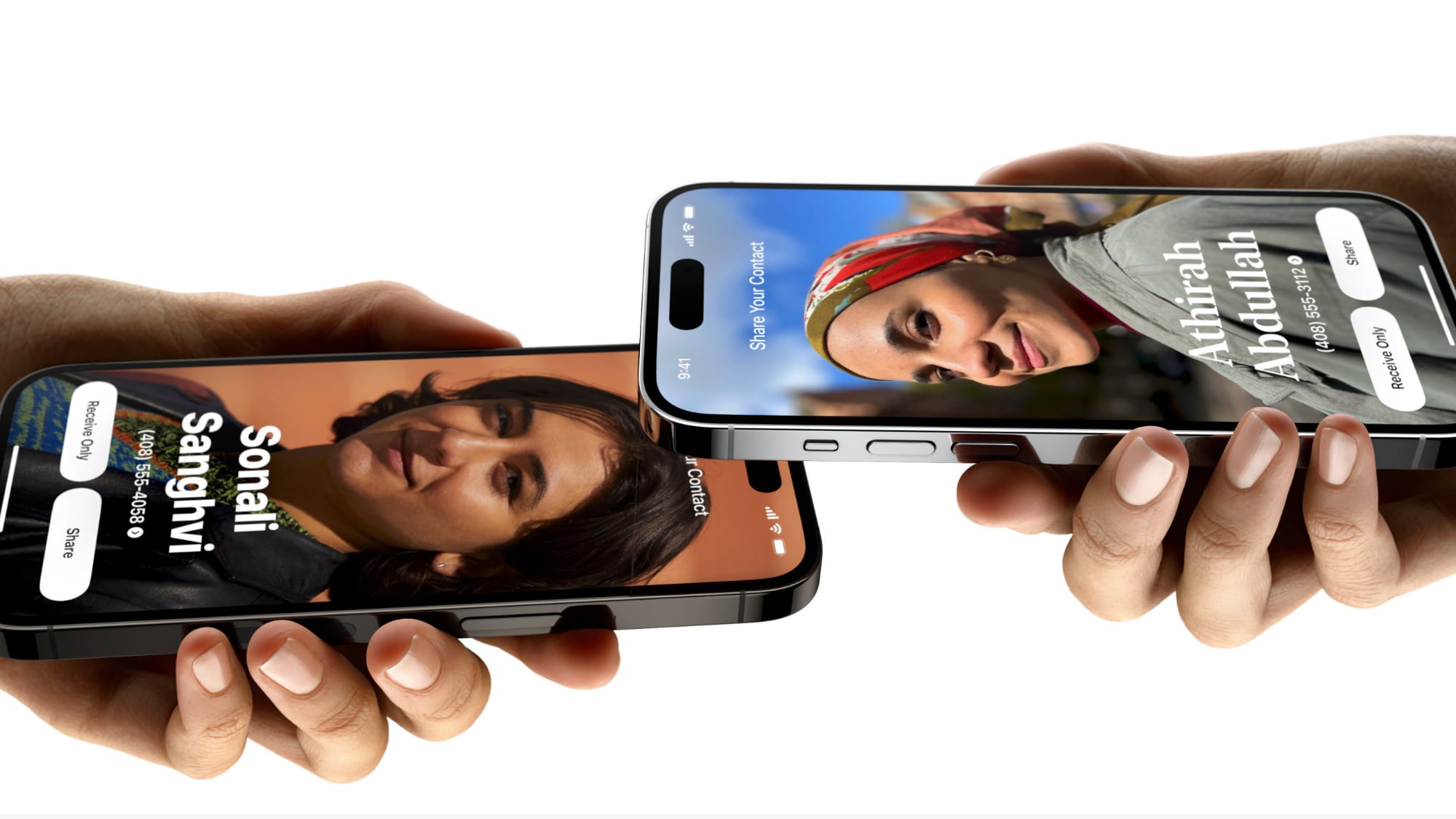
When two iPhones are held close to each other, each person’s Contact Poster appears (a picture of yourself that you can customize and edit, new to iOS 17). Users can then select which numbers and email addresses in their contact card that they want to share.
The feature also works between an iPhone and a nearby Apple Watch running an upcoming software update, which Apple says will be available “later this year.”
2. New AirDrop Gesture to Share Content
The same iPhone-to-iPhone proximity gesture that works for NameDrop also allows users to share content like photos and files.
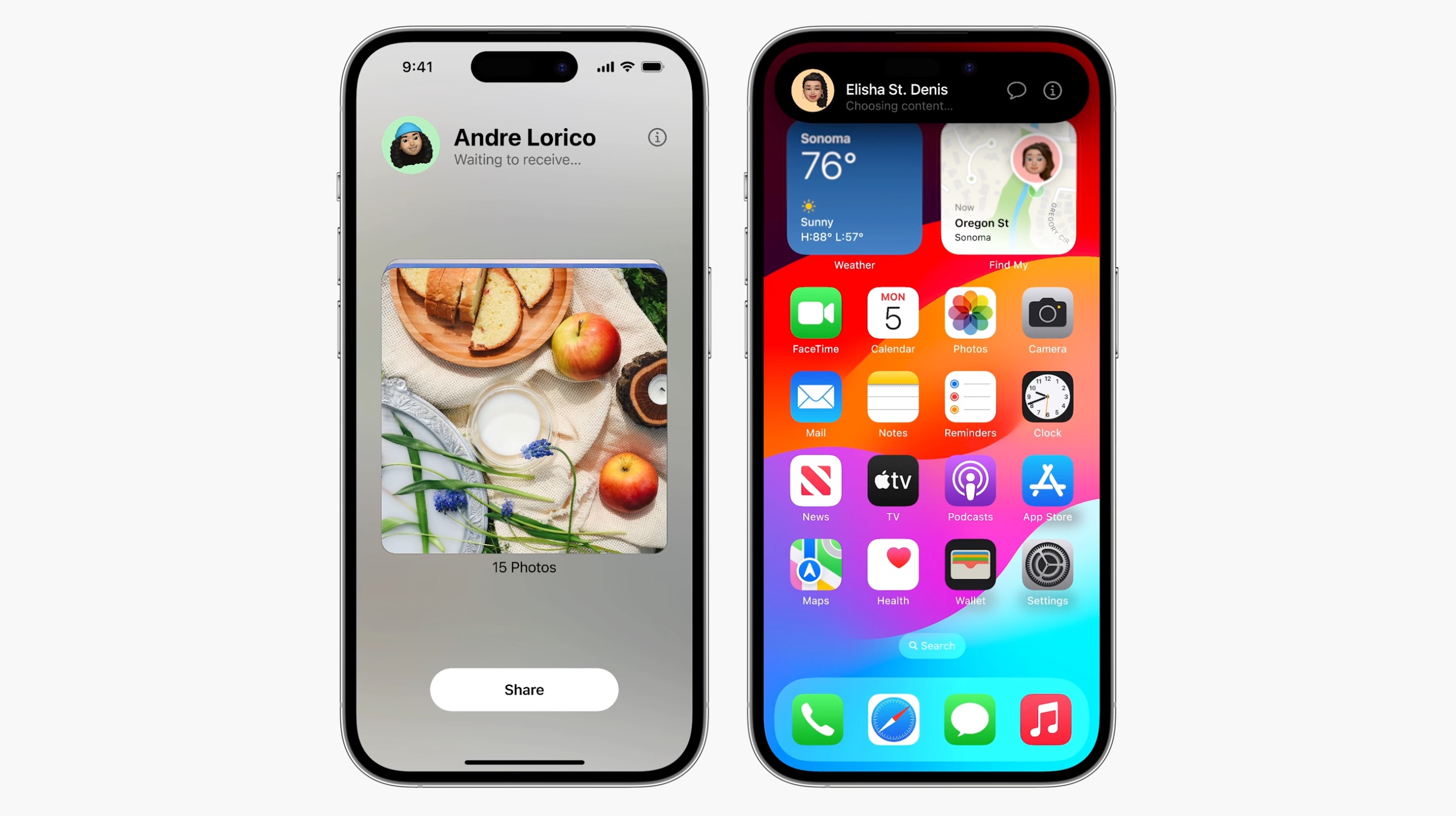
Simply bringing the two phones close together initiates the transfer over AirDrop, thereby removing the current requirement to manually select the person from the AirDrop device locator via the Share Sheet.
3. Continue AirDrop Over the Internet
The way AirDrop currently works, you have to stay within close proximity to the other person’s device for any transfer to complete – if you leave AirDrop range, the transfer fails and the content isn’t shared. This can be particularly frustrating when you’re sending or receiving several large files like video content.
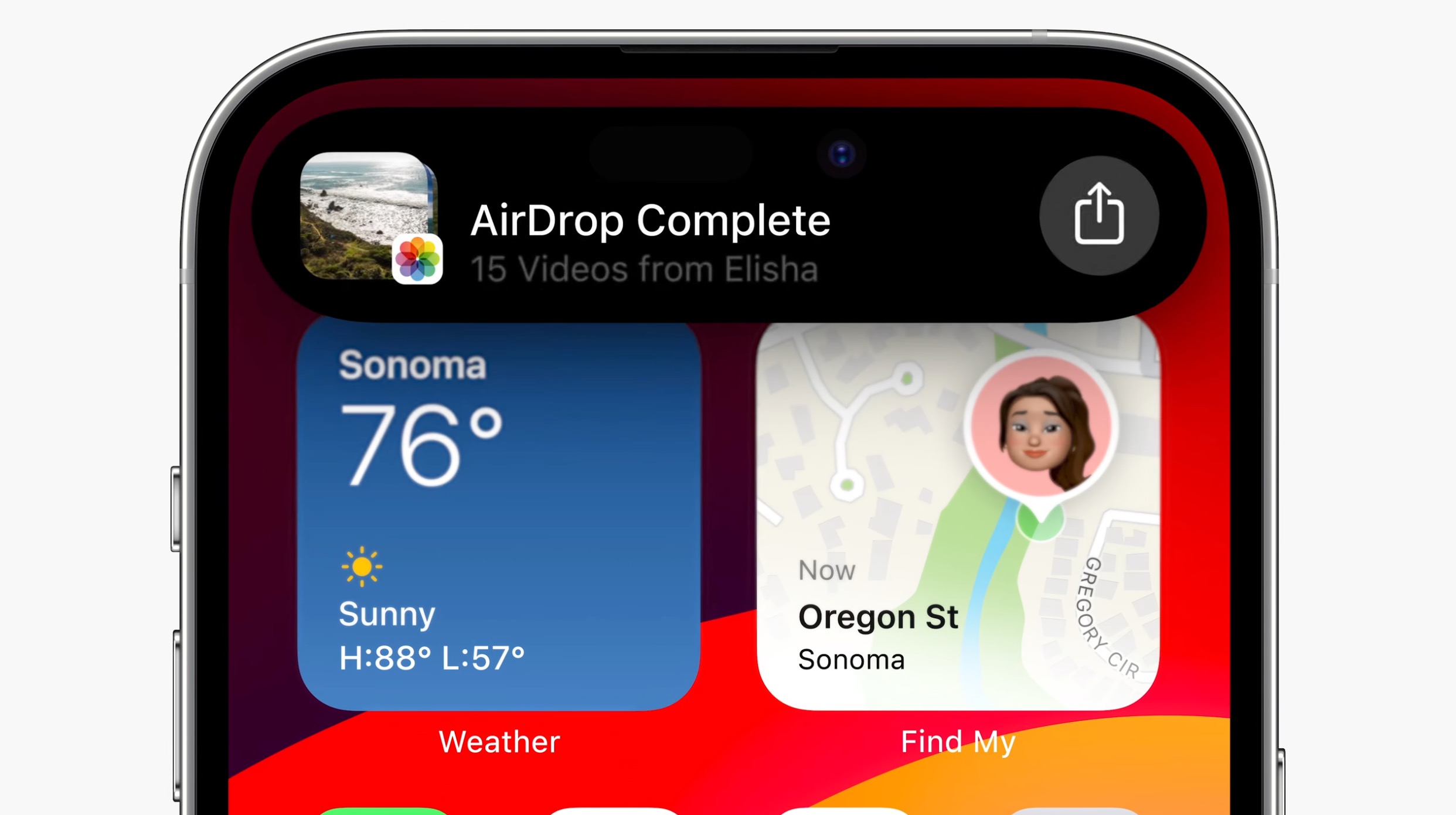
By contrast, if you leave AirDrop range in iOS 17, the content you are trying to share with someone continues to be sent securely, and in full quality, over the internet. The only requirement is that both you and your recipient are signed in to iCloud.
4. SharePlay Over AirDrop
Holding two iPhones close together can also be used to initiate a shared activity via SharePlay. This allows the two of you to listen to music or watch a movie together.
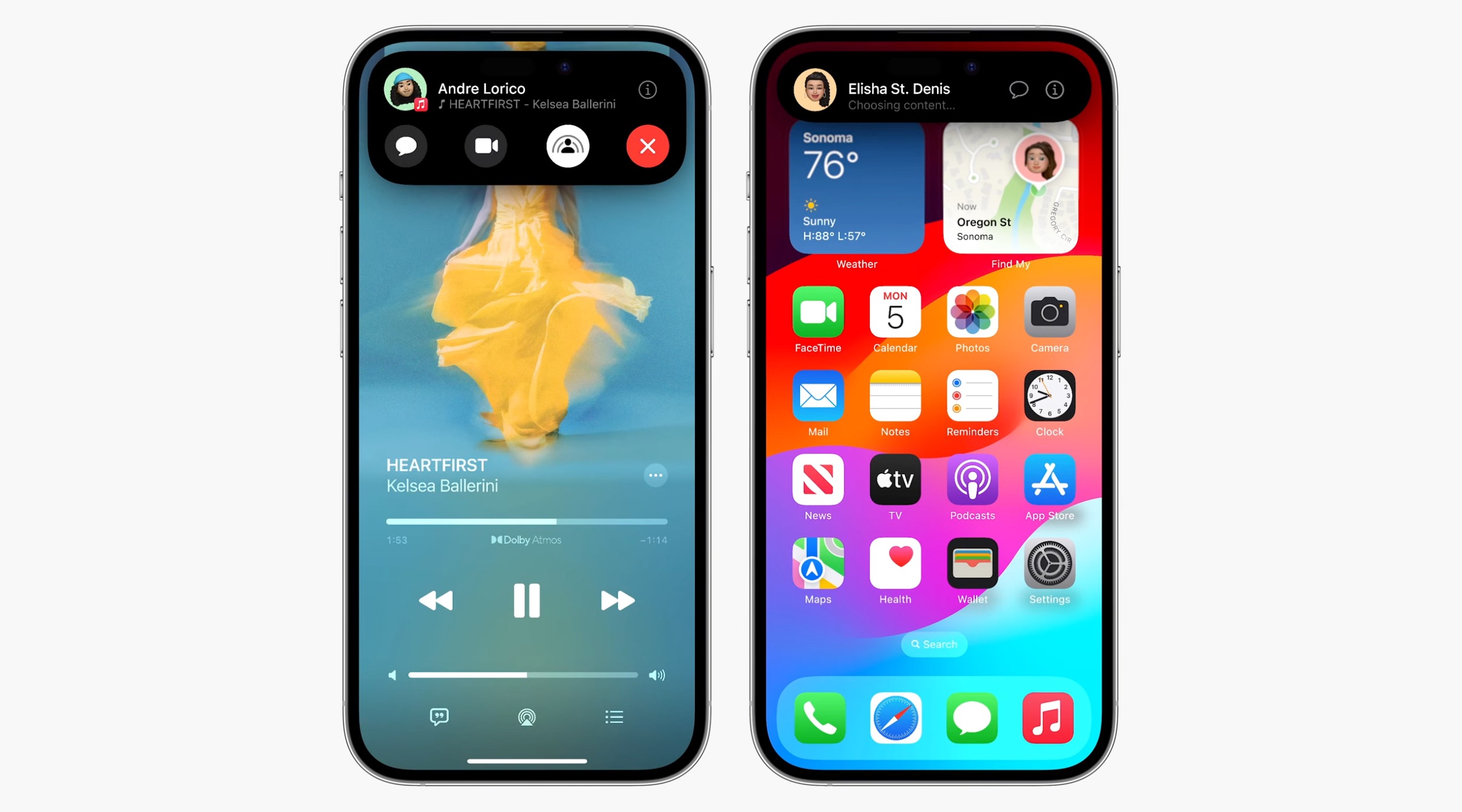
And thanks to a new SharePlay API, third-party developers can make their apps support the gesture, allowing you to drop into the same game together or watch the same stream while using your separate devices.
5. Explicit Image Blurring
iOS doesn’t allow just anyone to share a photo or document to your device unless you actively choose to accept it. A longstanding issue with AirDrop however is that it displays a preview of the proposed shared content on your device’s screen, whether or not you actually want to see it.
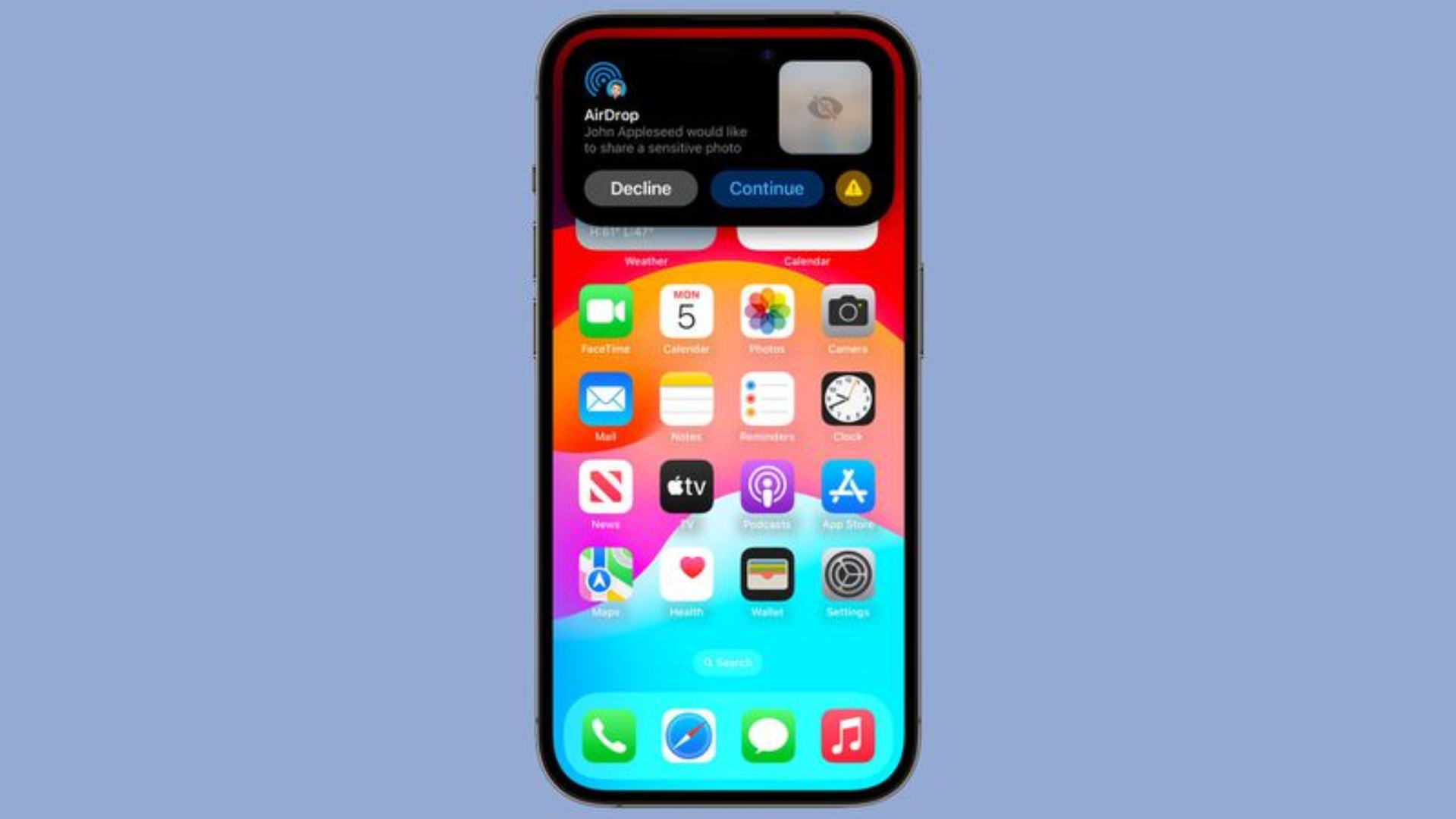
This had led people to be subjected to unsolicited nude and explicit images. To prevent this in iOS 17, Apple is introducing a new opt-in feature that is designed to automatically blur images sent over AirDrop that may have sensitive content like nudity. The content will be blocked, but can be viewed by tapping a “Show” button.
These Sensitive Content Warnings work like the Communication Safety functionality that Apple added for children, with all detection done on device so Apple does not see the content that’s being shared.
This article, "5 New AirDrop Features Coming in iOS 17" first appeared on MacRumors.com
Discuss this article in our forums

