
Apple today released the second beta of upcoming iOS 17 and iPadOS 17 updates to developers for testing purposes, and like all new betas for a major point update, the

Apple today released the second beta of upcoming iOS 17 and iPadOS 17 updates to developers for testing purposes, and like all new betas for a major point update, the software includes a number of small tweaks and changes as Apple refines the operating systems ahead of launch. We’ve aggregated everything new that we’ve found in the second beta so far.

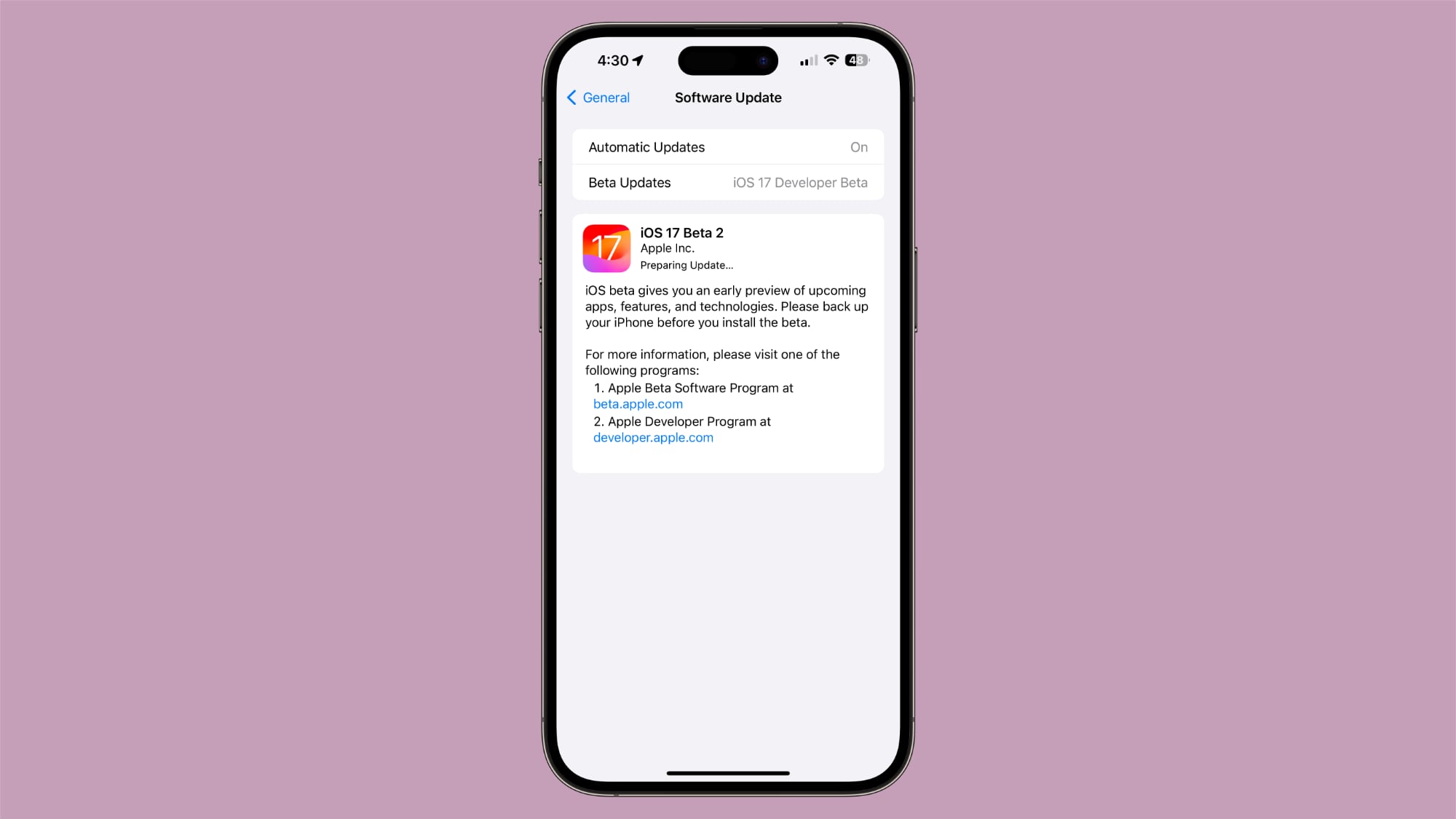
Update Screen

This is technically a feature from the first beta, but the update screen now shows more information about beta software. It includes details about joining a beta program and backing up before you install beta software.

App Tips

Various Apple-designed apps are utilizing a tips feature that provides details on available functionality. In the Messages app, for example, there’s a tip about sending a message by talking instead of typing with Siri.
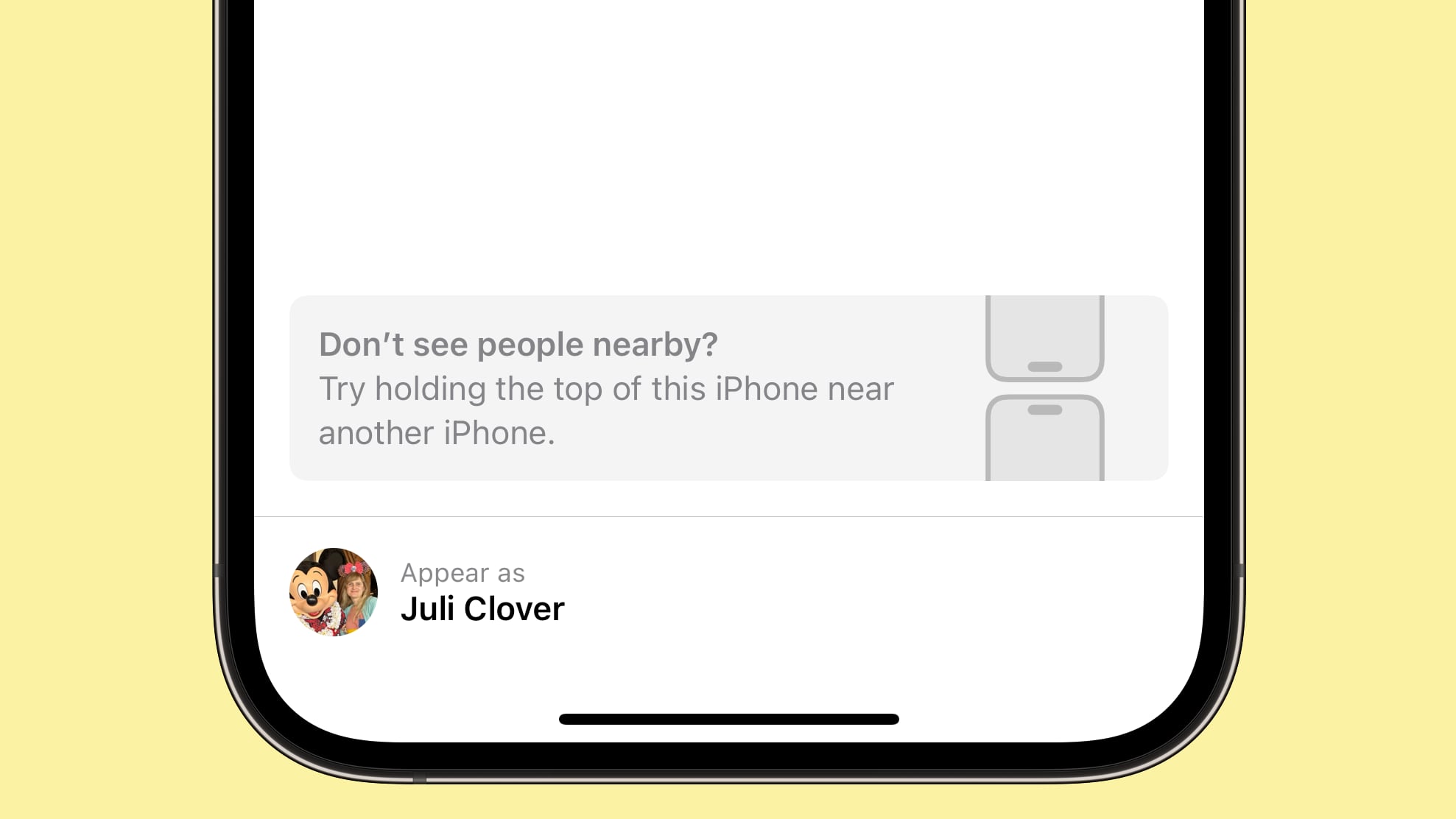


When AirDropping, there’s a suggestion to hold the phone near another phone if you don’t see people nearby.

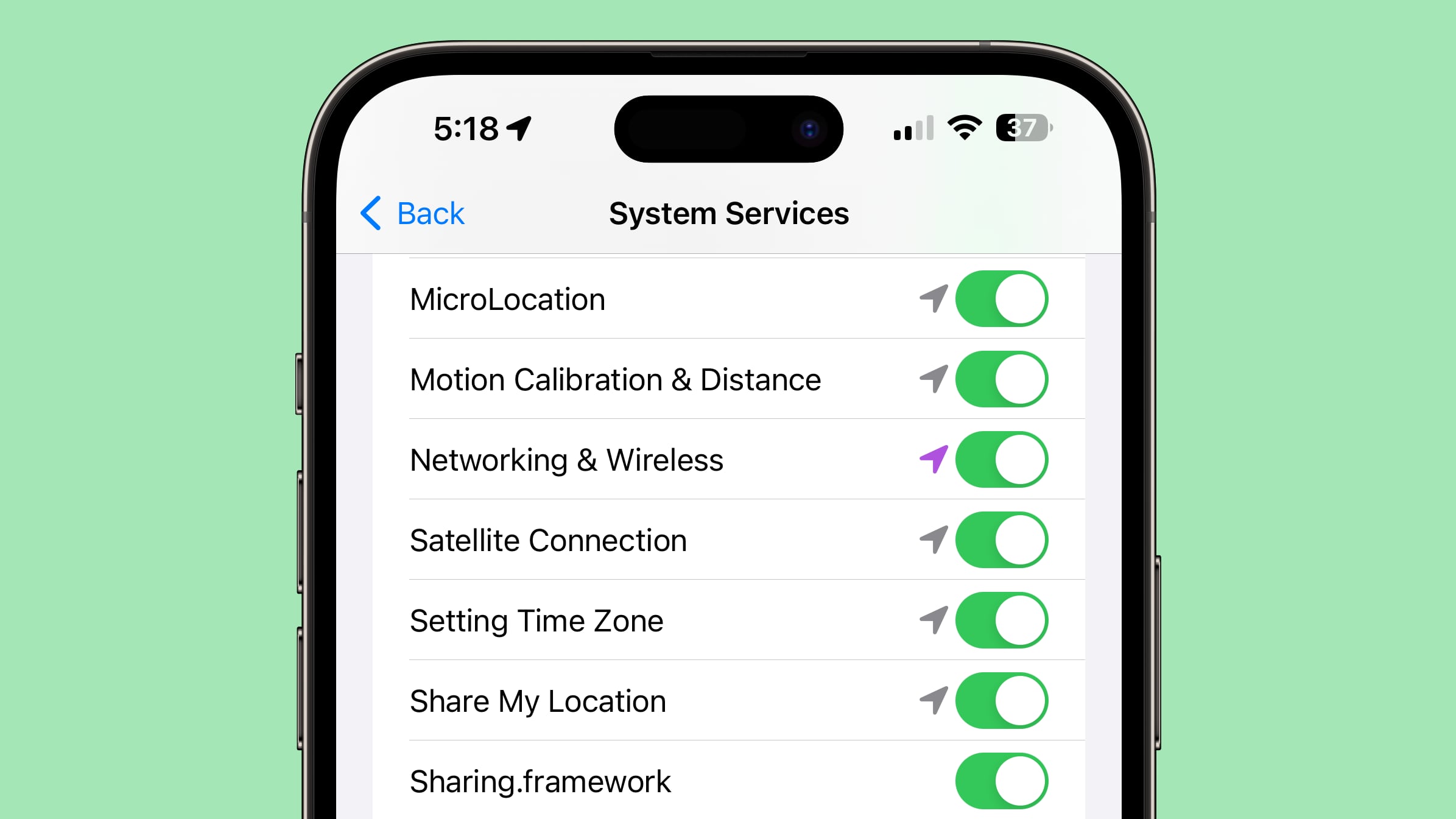
Location Settings

In the Systems Settings section of the Location privacy options, there is a new “MicroLocation” option. Apple does not explain what this is. App Clips Location Confirmation has disappeared as an option, as has Standby Clock Faces.

Messages Check In

In the Messages section of the Settings app, Apple has changed the wording of the data options for the Check-In feature. Options are now “Full” and “Limited,” rather than “Current location only” and “All locations visited.
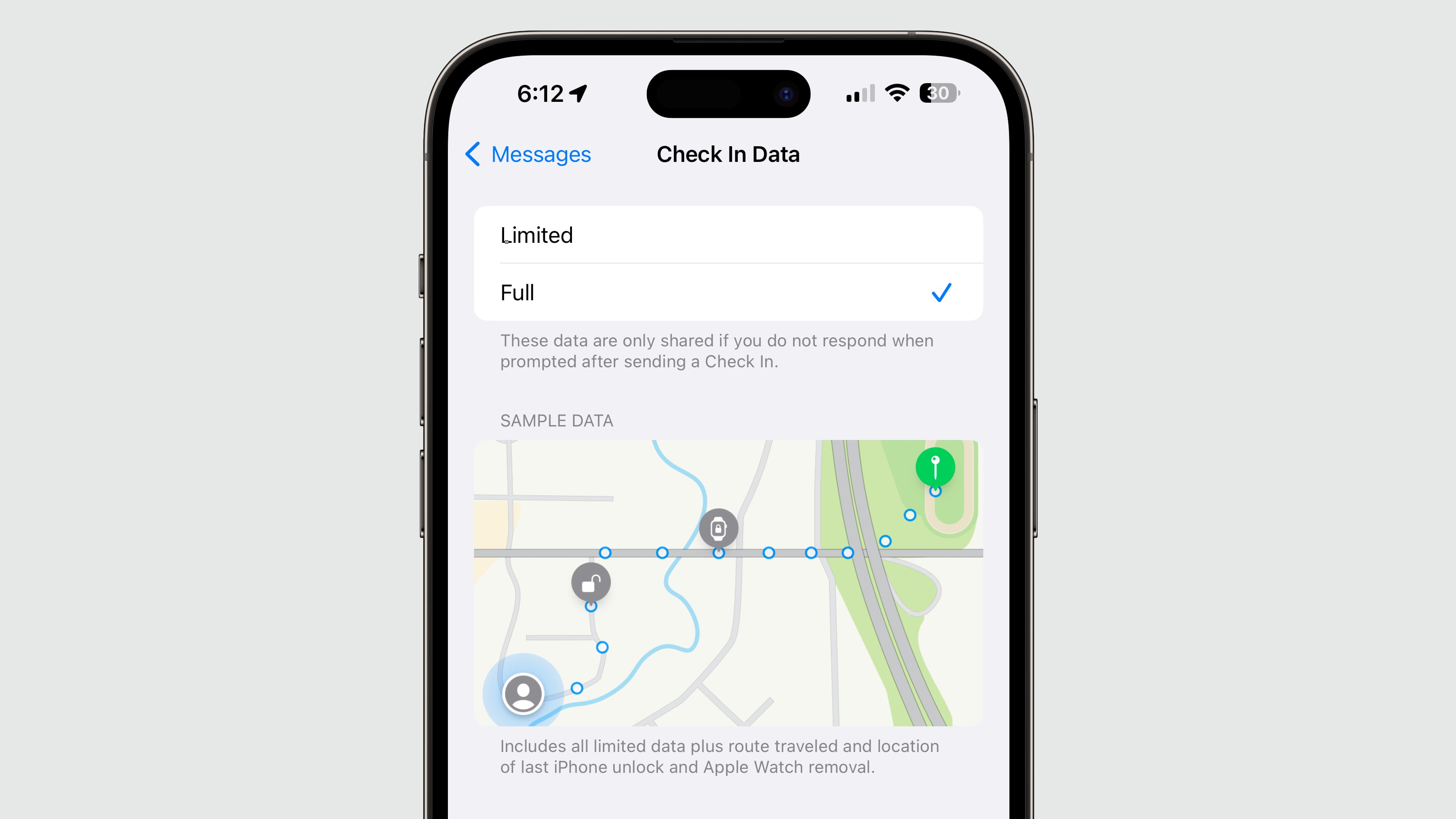


Limited data is described as current location and details about battery and network signal, while Full includes all limited data plus route traveled and location of last iPhone unlock and Apple Watch removal.

Music App

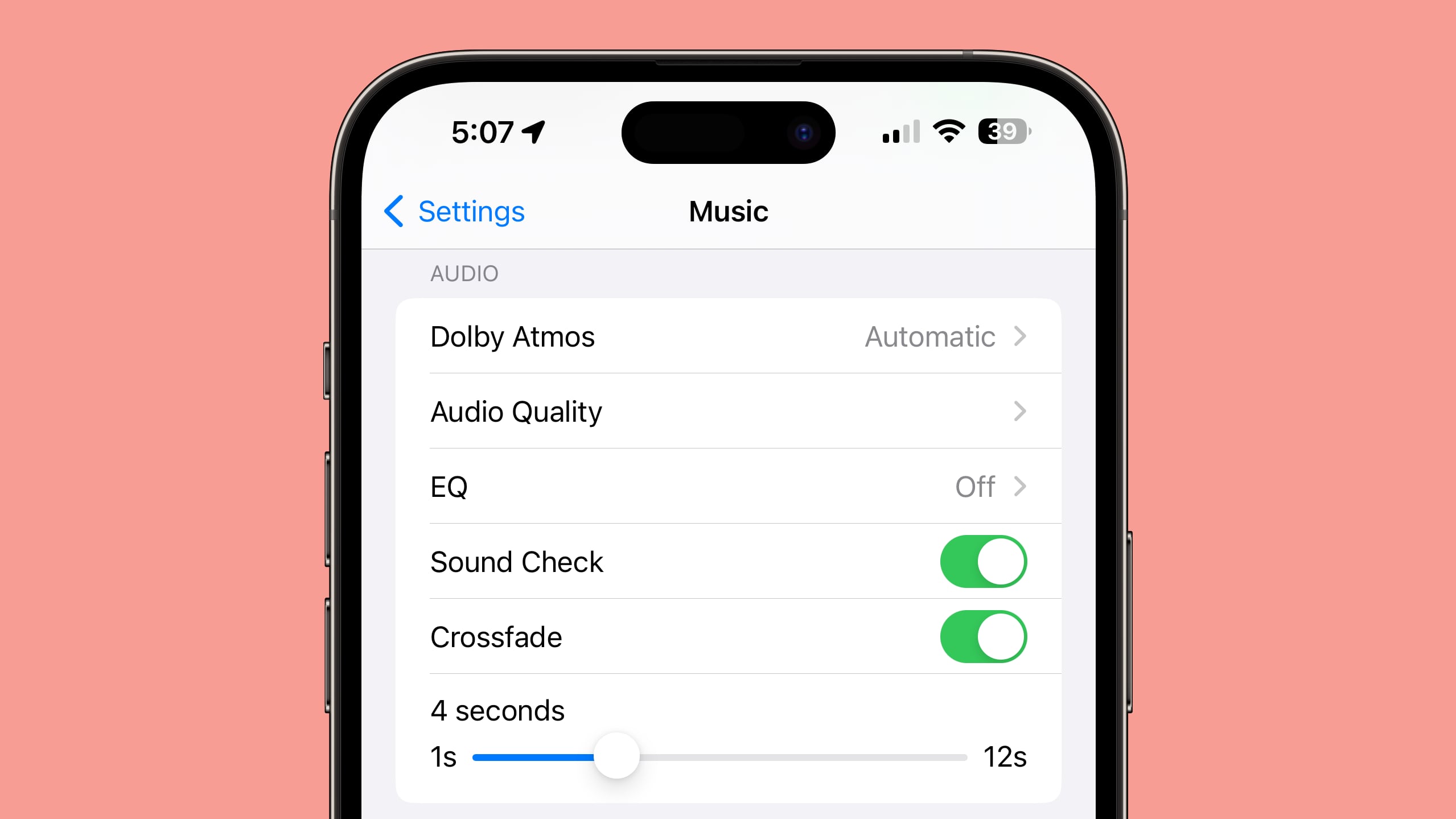
Activating Crossfade for Apple Music in the Settings app no longer crashes the Settings app, plus there is a customizable length for the Crossfade feature.
StandBy

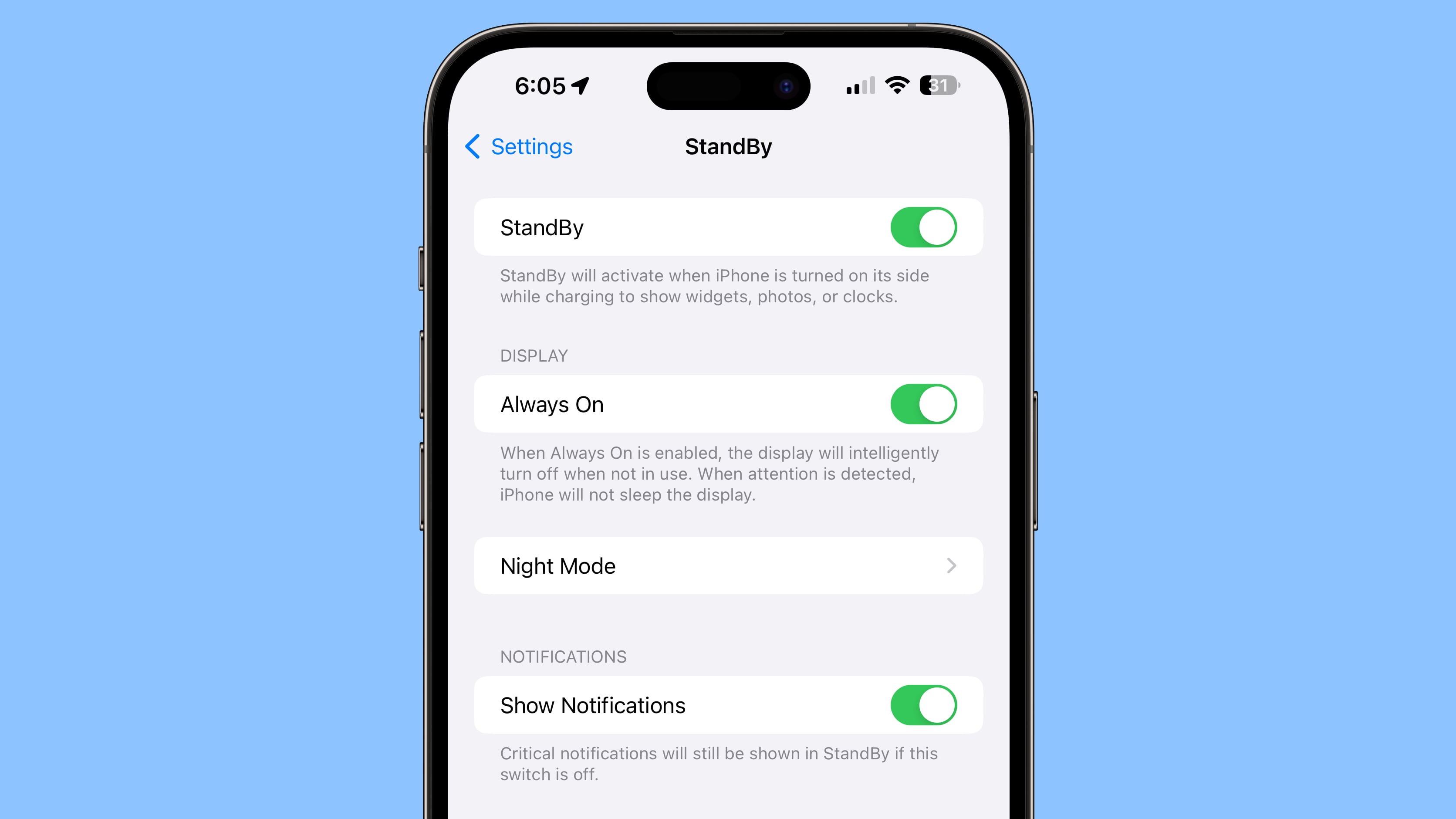
There’s now an option to toggle off notifications when in StandBy mode. Notifications classified as “Critical” will be delivered even when the feature is off.
Apple Music Widgets

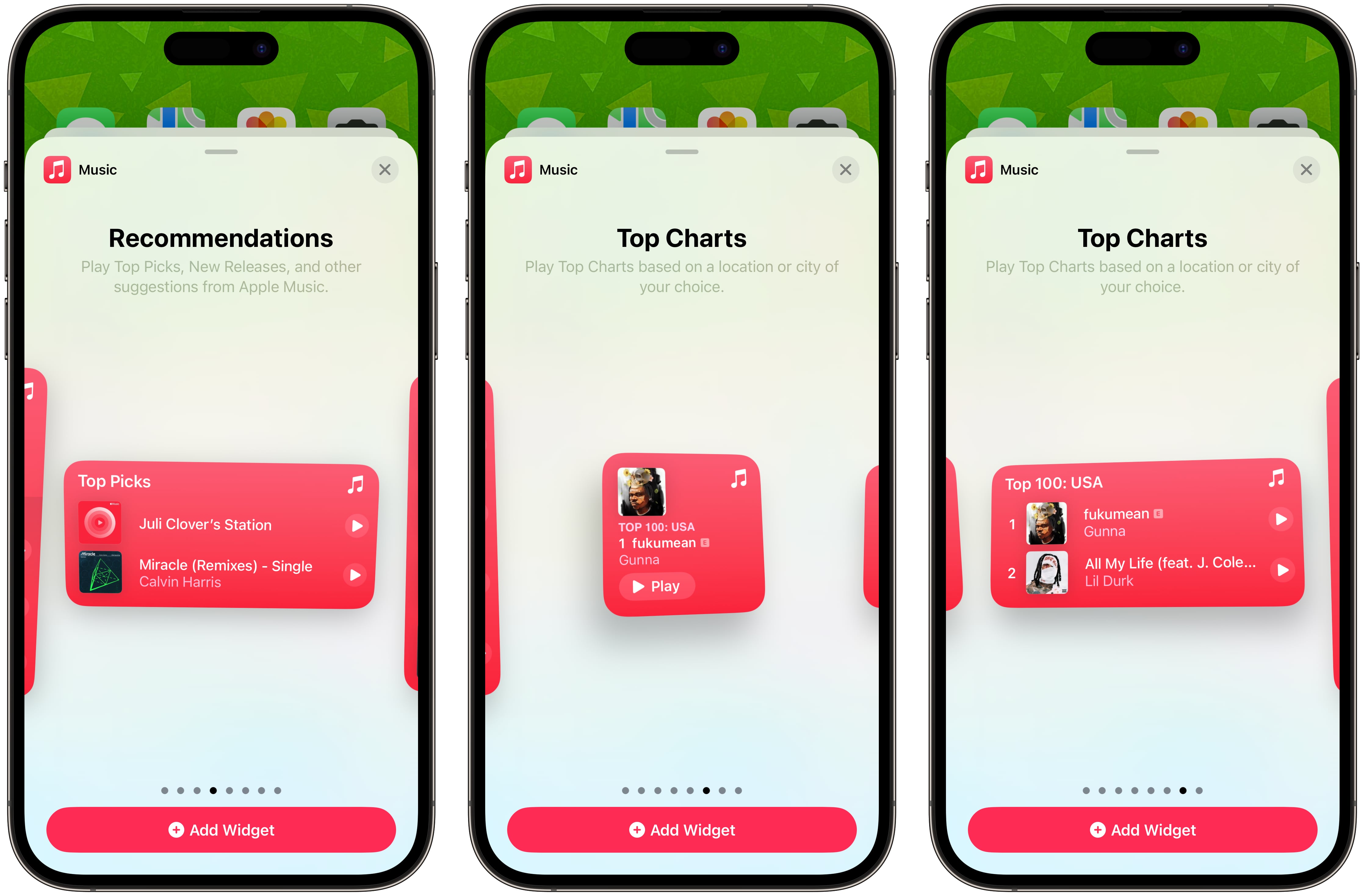
Some of the ‌Apple Music‌ widgets are now available in different size options.

Other New Features

Find something that we didn’t mention here? Let us know in the comments below.
This article, "Everything New in iOS 17 Beta 2" first appeared on MacRumors.com

Discuss this article in our forums


You may also be interested in this

What new strategies could…

As one of the technology industry's titans, Apple Inc. has consistently set the bar high with its groundbreaking products and services. Looking ahead to the next decade, the company faces

macOS 15.4 Beta ‘Hi…

When Apple released the second macOS 15.4 beta earlier this month, the company apparently made a change that means System Settings no longer shows how much local storage space Apple

iOS 19 Rumored to Be Comp…

iOS 19 will not drop support for any iPhone models, according to French website iPhoneSoft.fr. The report cites a source within Apple. The report said that iOS 19 will be

Anker’s Cyber Week …

Anker's Black Friday/Cyber Week event is entering its final days this weekend, and it's still offering up to 60 percent off sitewide. There are also a few "mystery boxes" that

Get the AirTag 4-Pack for…

Today we're tracking the return of an all-time low price on Apple's AirTag 4-Pack, which has hit $69.99 on Amazon, down from $99.00. This deal was first introduced during Black

MacRumors Giveaway: Win a…

For this week's giveaway, we've teamed up with Lululook to offer MacRumors readers a chance to win an Apple Watch Ultra 2 and a Lululook 3-in-1 Charger to go along

Apple bans knockoff of Th…

Apple has pulled a knockoff of Meta’s Threads knockoff of Twitter called “Threads for Insta,” and all other apps from developer SocialKit LTD, which Apple has now suspended, from its

iOS 18 Passwords App: All…

With iOS 18, Apple introduced a standalone Passwords app that streamlines login and password management. You've been able to store password information on your Apple devices through iCloud Keychain for
X

A whimsical homage to the days in black and white, celebrating the magic of Mac OS. Dress up your blog with retro, chunky-grade pixellated graphics to evoke some serious computer nostalgia. Supports a custom menu, custom header image, custom background, two footer widget areas, and a full-width page template. I updated Stuart Brown's 2011 masterpiece to meet the needs of the times, made it responsive , got dark mode, custom search widget and more.You can download it from tigaman.com, where you can also find more useful code snippets and plugins to get even more out of wordpress.
