
In macOS Sequoia, Apple has some additional features in Safari 18 that are likely to be welcomed by Mac users. Here's a quick rundown of what's new. Safari's headline feature

In macOS Sequoia, Apple has some additional features in Safari 18 that are likely to be welcomed by Mac users. Here’s a quick rundown of what’s new.
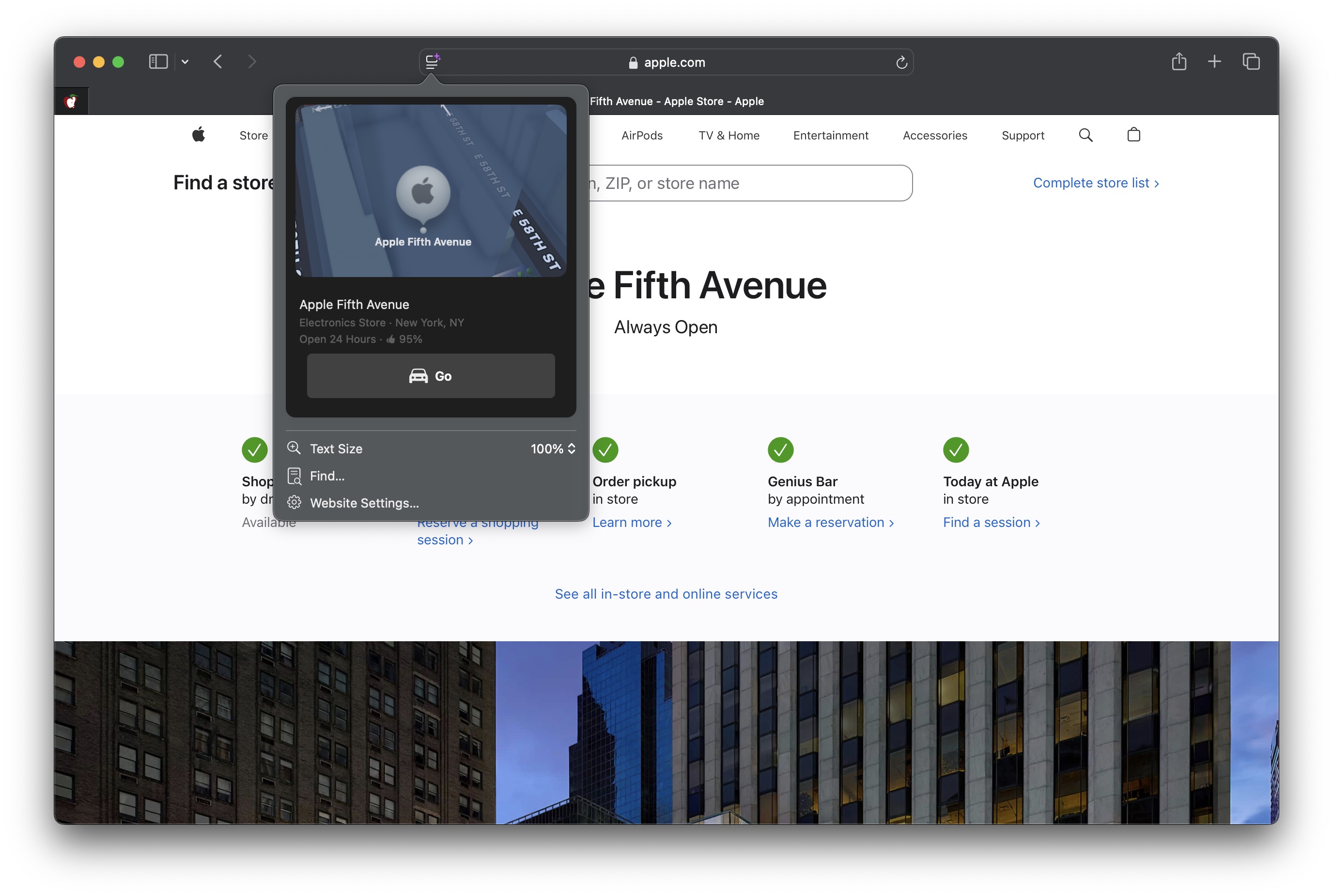


Safari’s headline feature in macOS 15 is something called Highlights, which aims to make it easier to discover information on the web.

Highlights can be accessed via a new site menu icon that appears in the address bar, from which you can quickly pull up relevant information about a site, such as directions, summaries, or quick links to learn more about people, music, movies, and TV shows.

As of writing this, Highlights does not appear to work outside of the United States, so it is likely to be region-specific at this early state. However, there are other changes to Safari that are live wherever you are located.
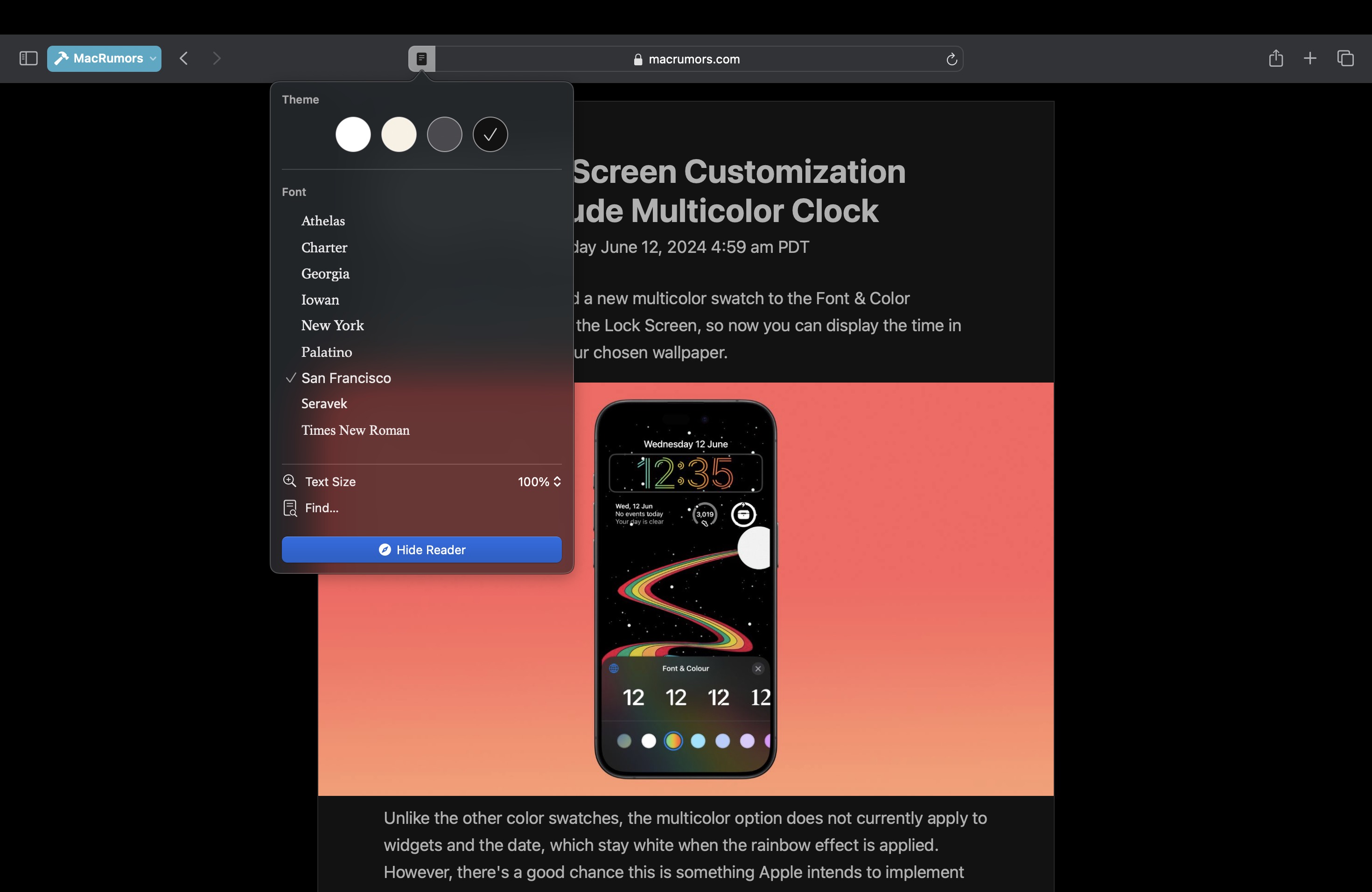


The Reader mode in Safari has received an overhaul, and now offers more customization options once you have enabled it on a site using the Reader button in the address bar.

If you click the button again, a dropdown menu lets you change the theme (white, off-white, gray, black) and choose your preferred font (Athelas, Charter, Georgia, Iowan, New York, Palatino, San Fransisco, Seravek, and Times New Roman).

In this menu, you can also find text size options by percentage (from 50% to 300%), as well as a “Find…” option to find a word or phrase on a page, and a button to Hide Reader mode.

Apple says that Reader can also provide a summary of an article, along with a table of contents in a sidebar, but we could not get this to work, likely because it is an aspect of Apple Intelligence, which will not be introduced until later in the year.
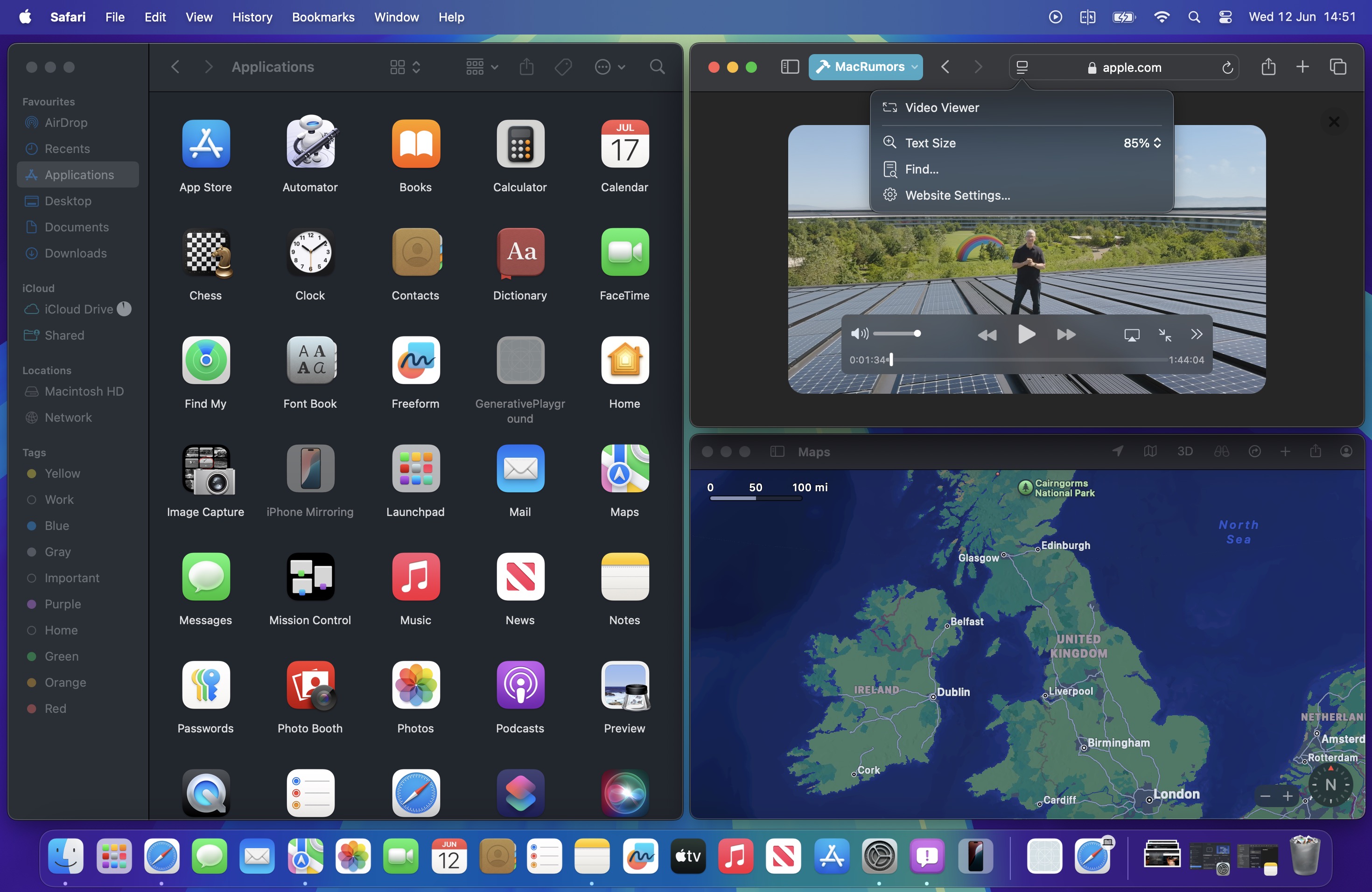


Meanwhile, when Safari detects a video on the page, a new Video Viewer mode puts the media front and center, which allows you to adjust the window without obscuring the video. It also helpfully presents system playback controls within an overlay, including Picture in Picture.

In other Safari-related changes, ‌macOS Sequoia‌ beta adds support for opening links directly in web apps. Now, when you click a link, that link should open in the web app instead of your default web browser. You can also now personalize web apps on Mac with Safari Web Extensions and Content Blockers.

Lastly, Safari 18 beta for iOS, iPadOS, visionOS, ‌macOS Sequoia‌ and macOS Sonoma brings inline predictive text to the web, and you can now set which Safari profile should be used to open particular websites.

Related Roundup: macOS Sequoia
Tag: Safari
Related Forum: macOS Sequoia

This article, "Safari 18 Features: Highlights, New Reader Mode, and Video Viewer" first appeared on MacRumors.com

Discuss this article in our forums


You may also be interested in this

All about Apple’s ‘Rapid …

Apple’s ‘Rapid Security Responses’ for iOS, iPadOS, and macOS deliver important security improvements between software updates. Rapid Security Responses are a new type of software release for iPhone, iPad, and

Apple previews iPadOS 17

iPadOS 17 delivers the most personal and capable iPad experience ever, with a beautiful and useful Lock Screen, easier ways to find and share information, and intelligent new features to

Will Apple follow Google’…

Macworld If you’re reading this story on a browser, you’ll see a small lock icon in the address bar just like you would if you were reading something on 9to5Mac,

Apple plans major changes…

Even more rumors of changes to core iPhone and iPad apps expected at WWDC25 just came out, including big tweaks to Phone, Safari and Messages. (via Cult of Mac -

Apple’s App Store, …

Apple's App Store, Safari browser, and iOS operating system have today formally been designated as "gatekeepers" in the European Union, an official classification that requires adherence to strict new regulations

F-Secure Total for Mac re…

Macworld At a GlanceExpert's Rating ProsIncludes virus protection, secure browsing, ID monitoring, a VPN, and a password vault in one packageEffective and flexible VPNConsMissing key capabilities such as a quick

5 reasons to use Safari i…

If you own a Mac, iPhone or iPad, you gain a lot by using Apple’s web browser, Safari, instead of Chrome. (via Cult of Mac - Tech and culture through

How to use Passkeys on yo…

Macworld “Passkey” is the name for a simplified login process to websites that arrived in its full glory later this year with macOS 13 Ventura, iOS 16, and iPadOS 16.
X

A whimsical homage to the days in black and white, celebrating the magic of Mac OS. Dress up your blog with retro, chunky-grade pixellated graphics to evoke some serious computer nostalgia. Supports a custom menu, custom header image, custom background, two footer widget areas, and a full-width page template. I updated Stuart Brown's 2011 masterpiece to meet the needs of the times, made it responsive , got dark mode, custom search widget and more.You can download it from tigaman.com, where you can also find more useful code snippets and plugins to get even more out of wordpress.
