Apple today announced iOS 26, and the upcoming software update includes several new features and changes for CarPlay in vehicles. The first iOS 26 developer beta is now available, and

Apple today announced iOS 26, and the upcoming software update includes several new features and changes for CarPlay in vehicles.


The first iOS 26 developer beta is now available, and a public beta will follow next month. The update will be released later this year.

Liquid Glass Design
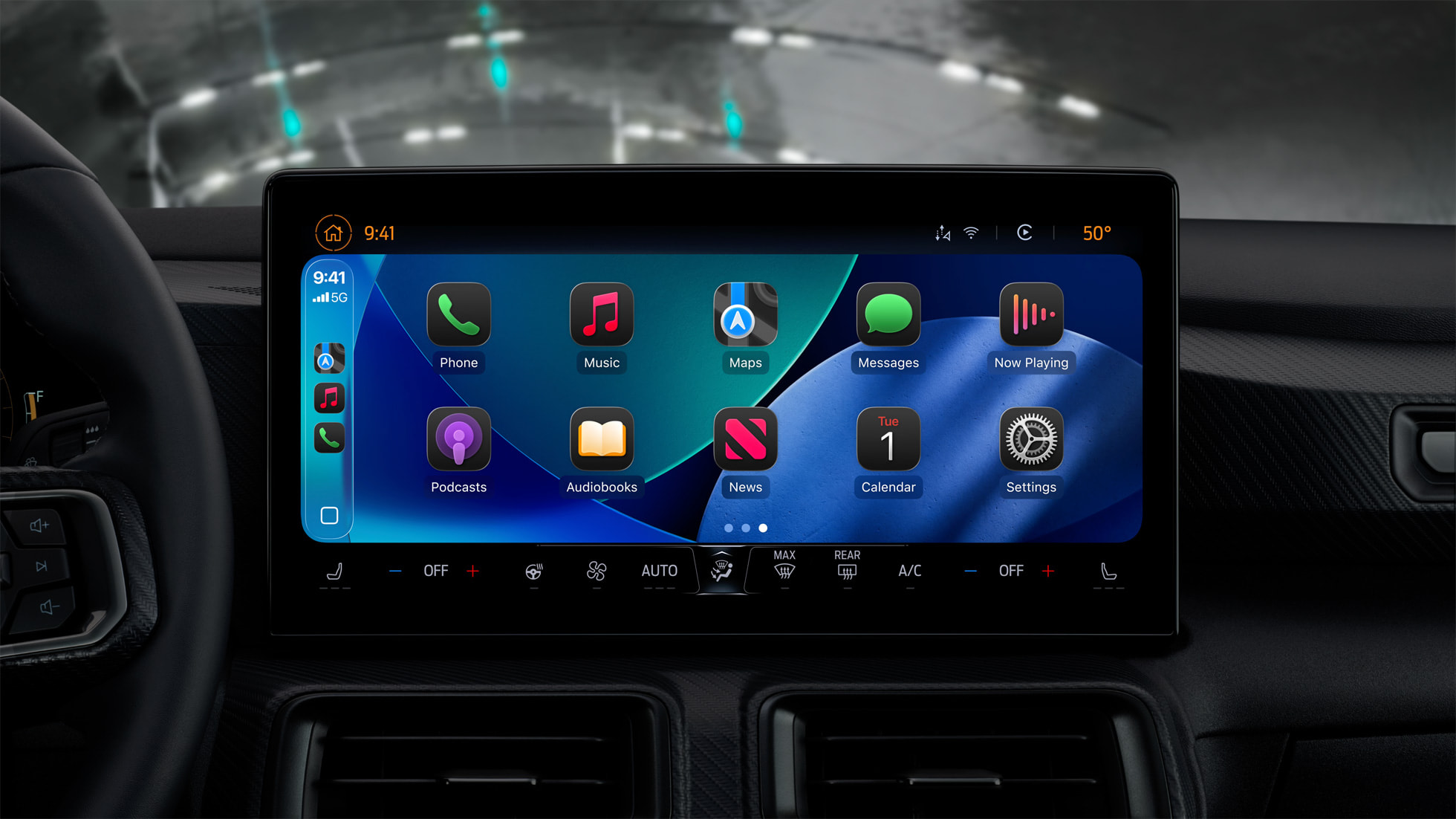


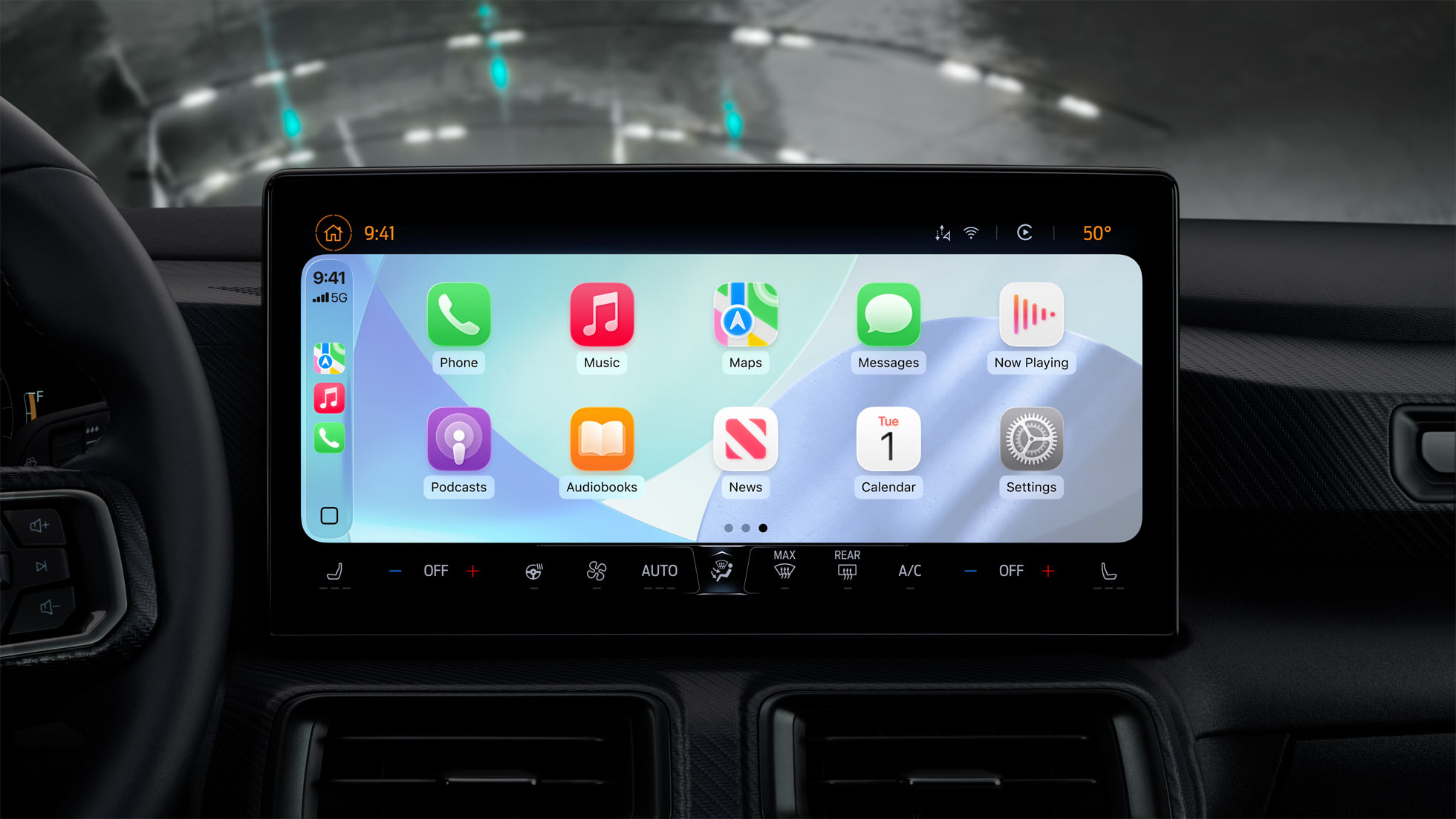
When you are using CarPlay with an iPhone running iOS 26, the new Liquid Glass design extends to the CarPlay interface. Like on the iPhone, the new look includes more shimmery app icons and translucent user interface elements.

New Messages App Features
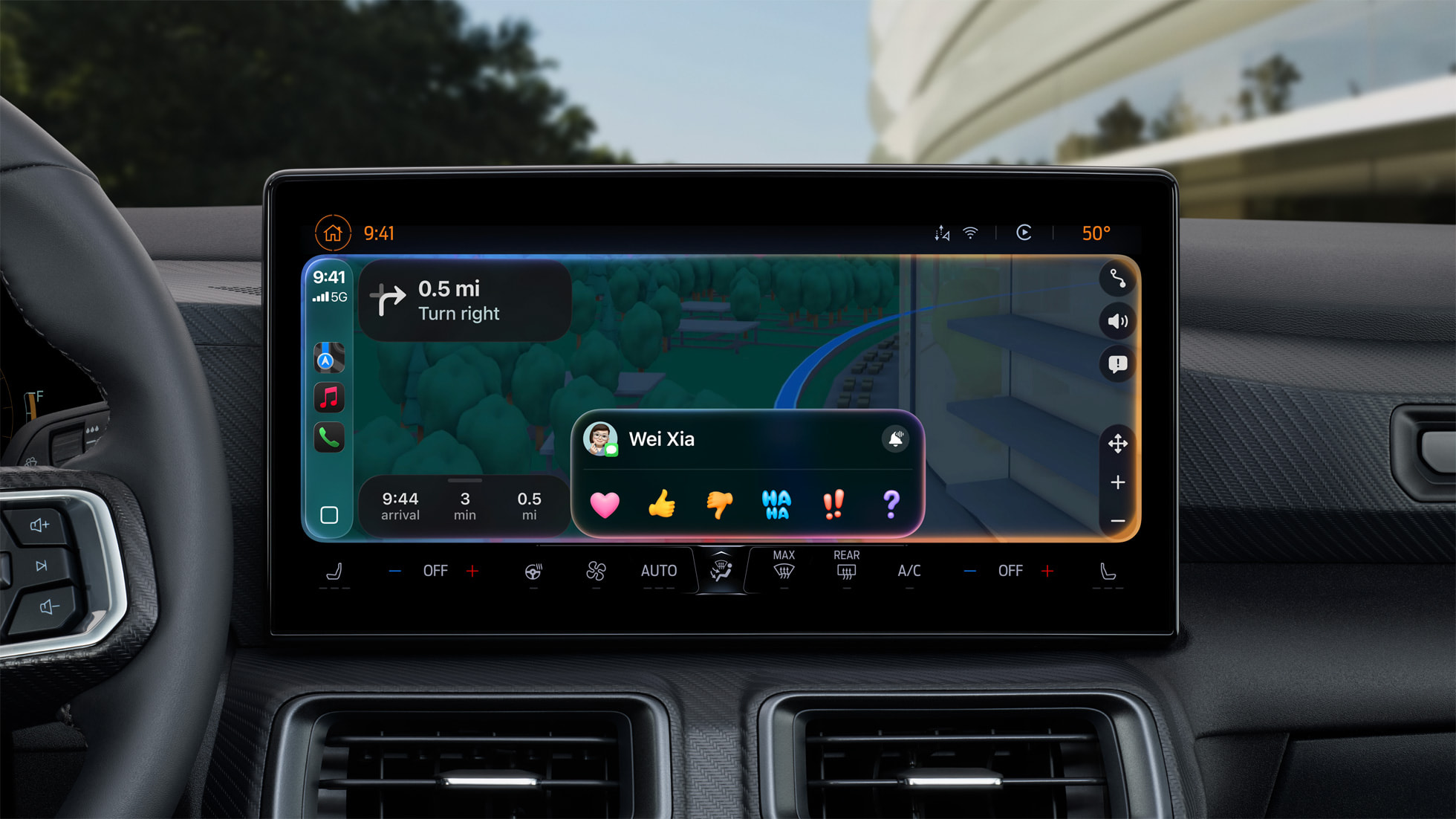


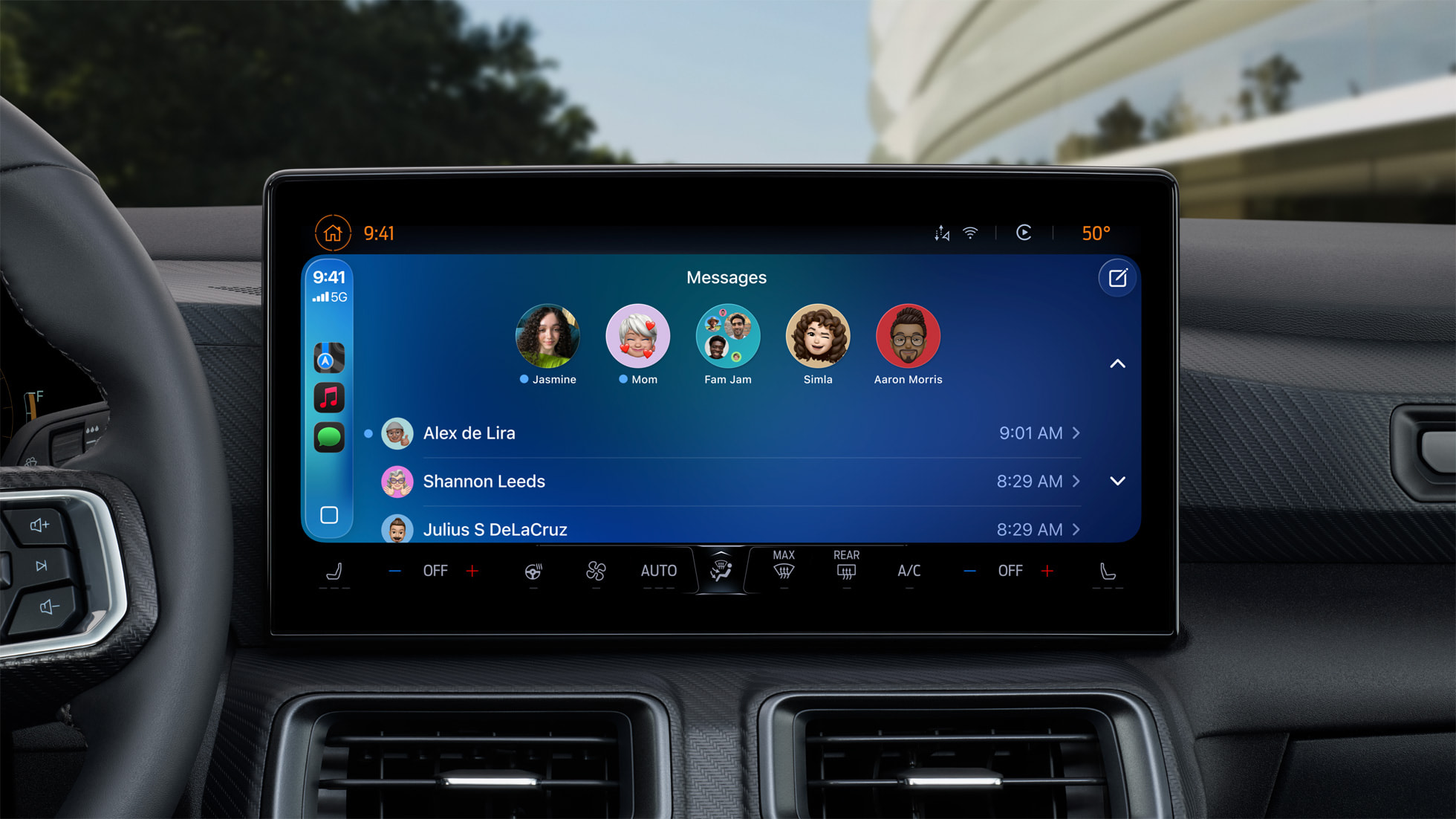
Starting with iOS 26, you can respond to messages with standard Tapbacks like a heart, thumbs up, or exclamation marks directly through CarPlay.

Plus, you can now view your pinned conversations in the Messages app on CarPlay.

Compact View for Phone Calls
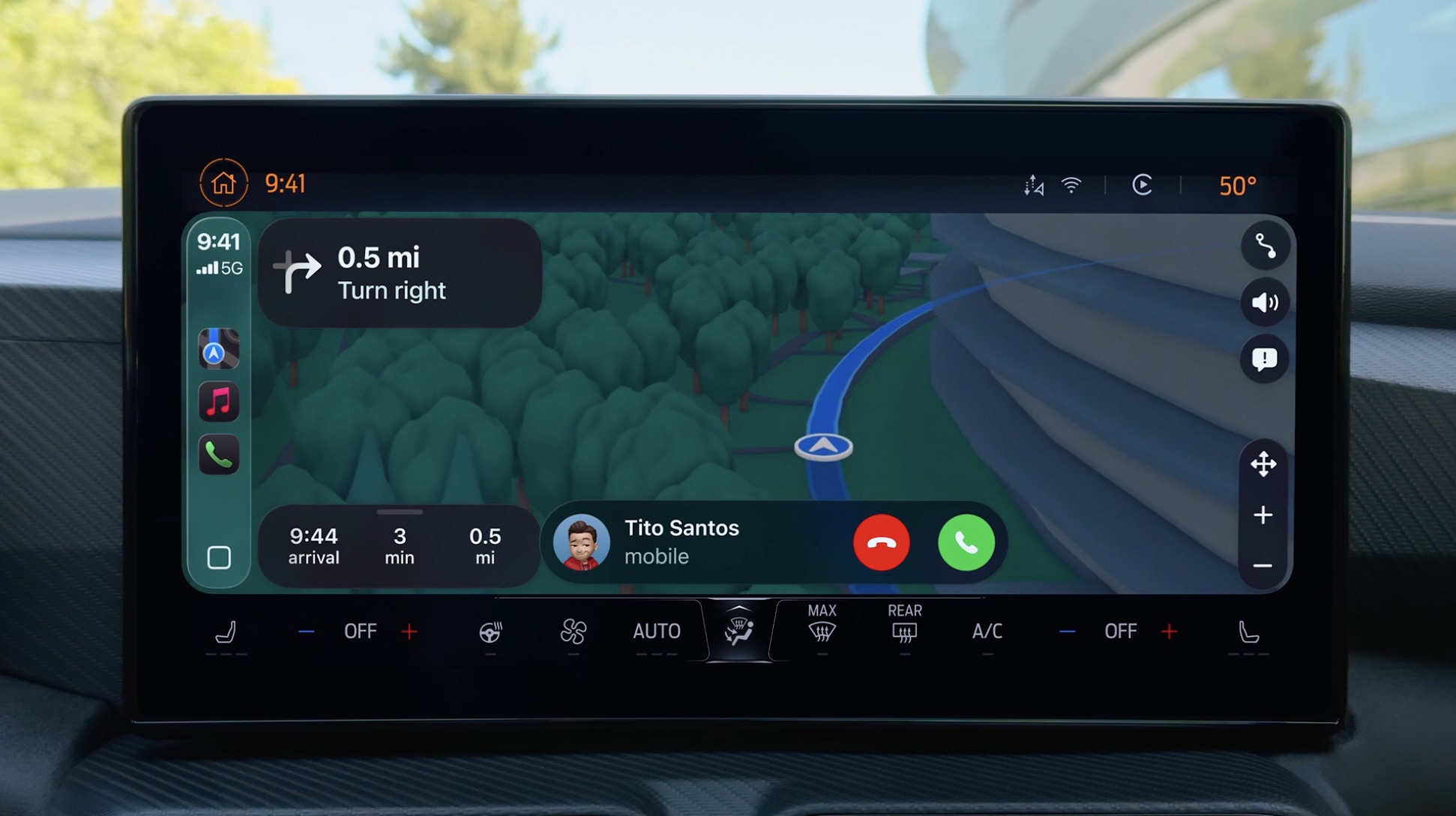


CarPlay has a new compact view for incoming phone calls, so that you can still see other information on the screen, such as turn-by-turn directions.

Live Activities
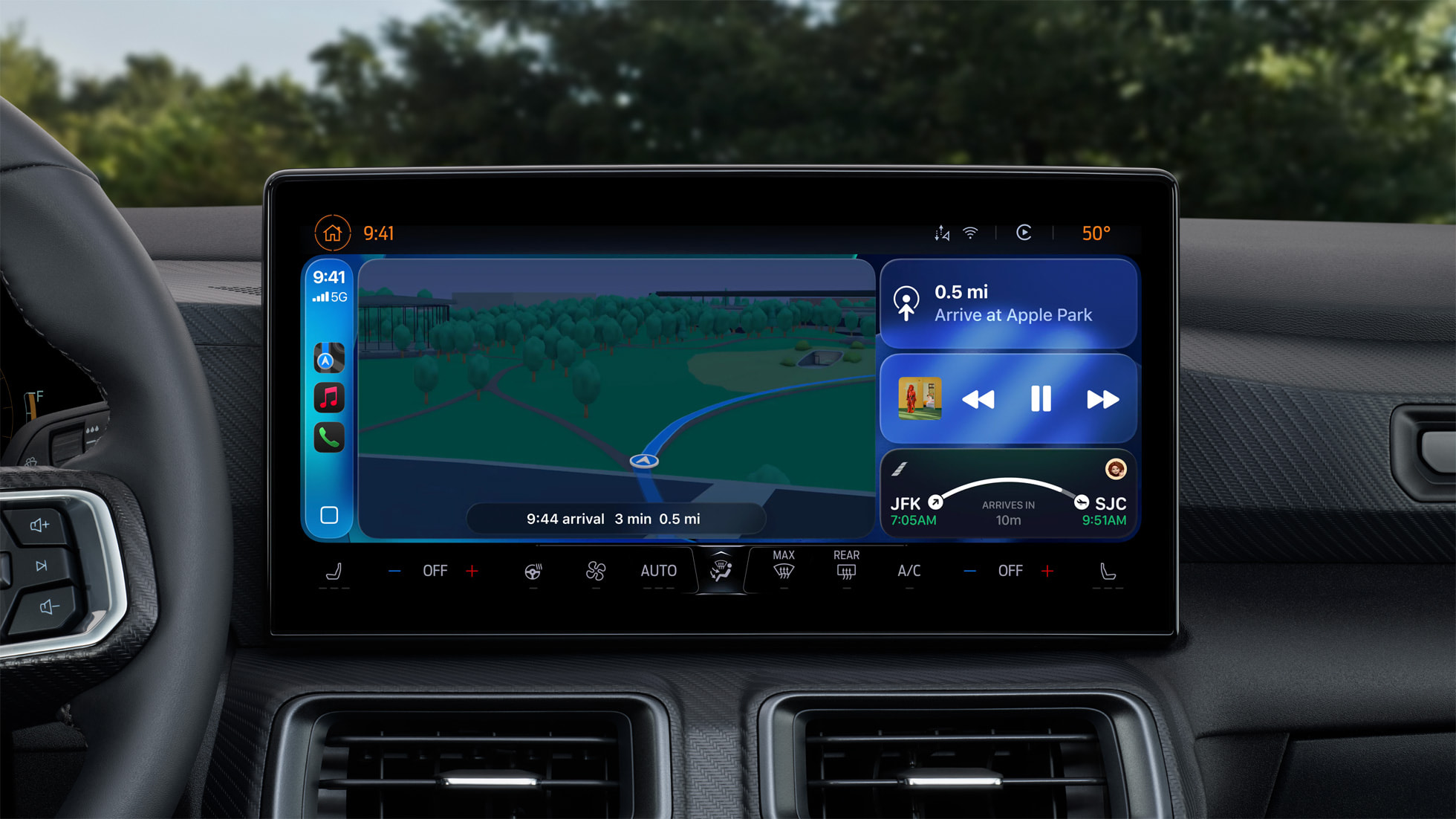


CarPlay’s Dashboard screen can now show Live Activities, letting you keep track of things like a flight’s arrival time at a glance.

Widgets
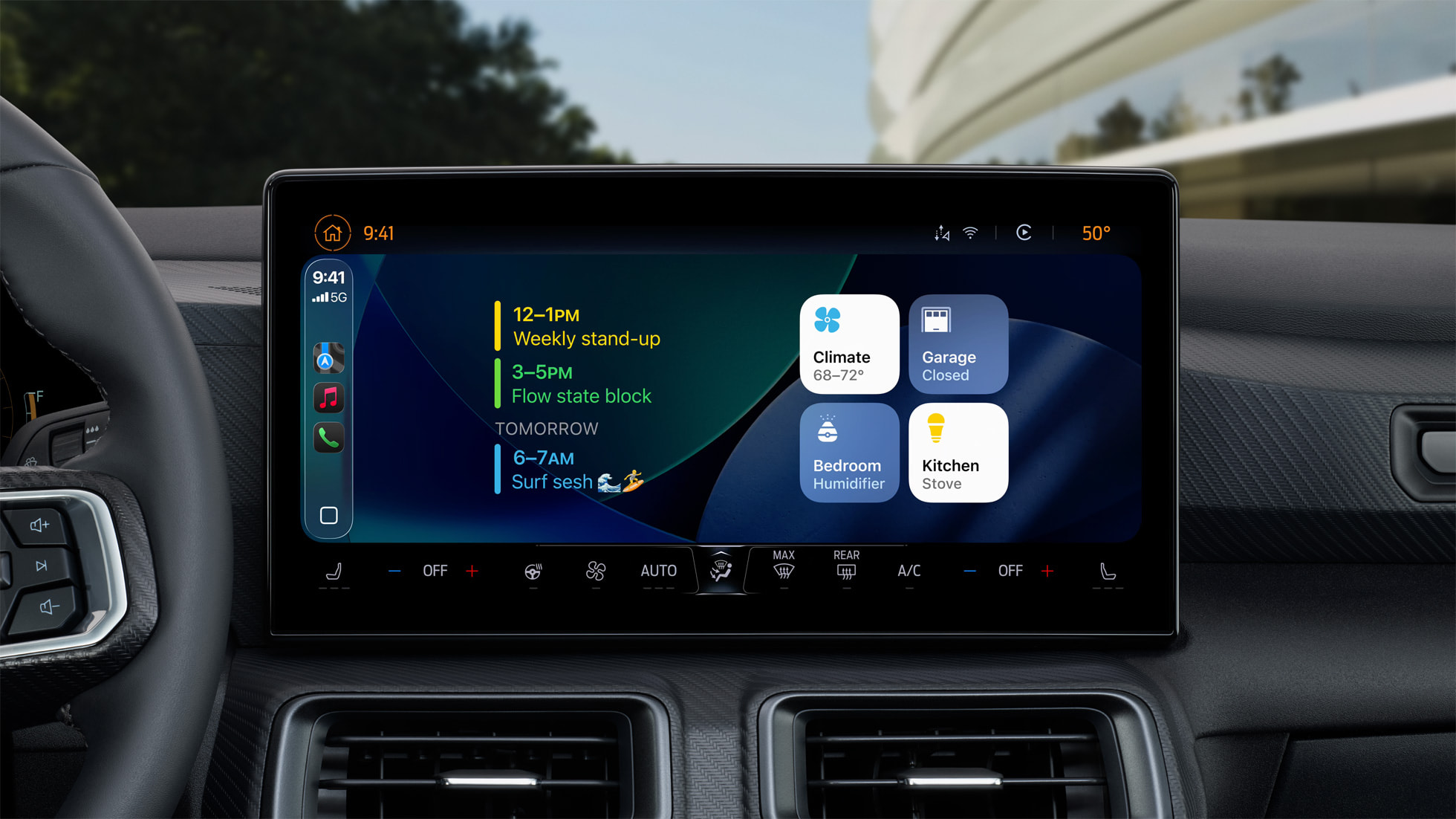


The regular version of CarPlay now has a customizable widgets screen, for things like calendar appointments and HomeKit accessory controls.

Widgets were previously limited to CarPlay Ultra.

All of the other new features and changes outlined above are also coming to CarPlay Ultra.

Related Roundups: CarPlay, iOS 26, WWDC 2025

This article, "iOS 26 Upgrades CarPlay in Five Ways" first appeared on MacRumors.com

Discuss this article in our forums


You may also be interested in this

CES 2026 Day 1: AI for Ev…

The annual CES tech event kicks off this week, with all kinds of companies showing off new products that are going to launch throughout 2026. Unsurprisingly, AI is the theme

Top Five iOS 17 Features

All of Apple's software announcements have been somewhat overshadowed by the Apple Vision Pro, but there are a number of useful changes that are coming in iOS 17. We've pulled

Apple Introduced Its Most…

Apple announced the infamous 12-inch Retina MacBook a decade ago today, an experimental new Mac that was as controversial as it was revolutionary. Apple unveiled the 12-inch MacBook on March

Get the M3 MacBook Air fo…

Best Buy this week is taking $200 off several models of the M3 MacBook Air from 2024, with deals focusing mainly on the 13-inch versions of the computer. Prices start

F-Secure Total for Mac re…

Macworld At a GlanceExpert's Rating ProsIncludes virus protection, secure browsing, ID monitoring, a VPN, and a password vault in one packageEffective and flexible VPNConsMissing key capabilities such as a quick

Apple Seeds First Betas o…

Apple today seeded the first betas of upcoming iOS 17.5 and iPadOS 17.5 updates to developers for testing purposes, with the software coming two weeks after Apple released iOS 17.4

Apple Event Live Blog: iP…

Apple's "It's Glowtime" event kicks off today at 10:00 a.m. Pacific Time, where we're expecting to see the iPhone 16 lineup and some updated Apple Watch and AirPods models unveiled,

Assign Control Center Fun…

The Action button, introduced with the iPhone 15 Pro models and now featured on all iPhone 16 models, offers users a customizable hardware button for quick access to various functions.
X

A whimsical homage to the days in black and white, celebrating the magic of Mac OS. Dress up your blog with retro, chunky-grade pixellated graphics to evoke some serious computer nostalgia. Supports a custom menu, custom header image, custom background, two footer widget areas, and a full-width page template. I updated Stuart Brown's 2011 masterpiece to meet the needs of the times, made it responsive , got dark mode, custom search widget and more.You can download it from tigaman.com, where you can also find more useful code snippets and plugins to get even more out of wordpress.