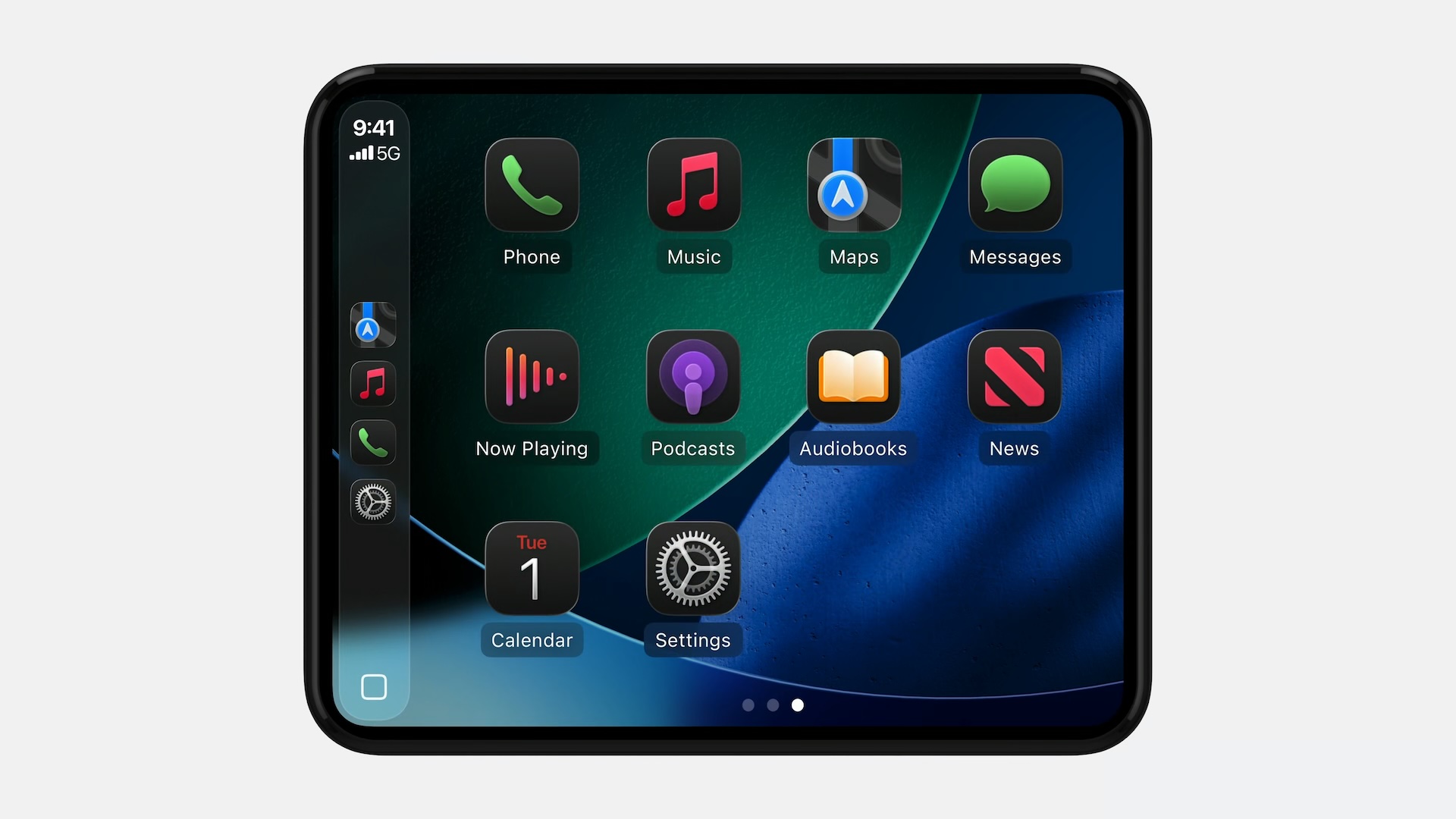
iOS 26 adds a new Smart Display Zoom setting to CarPlay. When the setting is enabled, CarPlay will be automatically resized to better fit the shape and size of your

iOS 26 adds a new Smart Display Zoom setting to CarPlay.
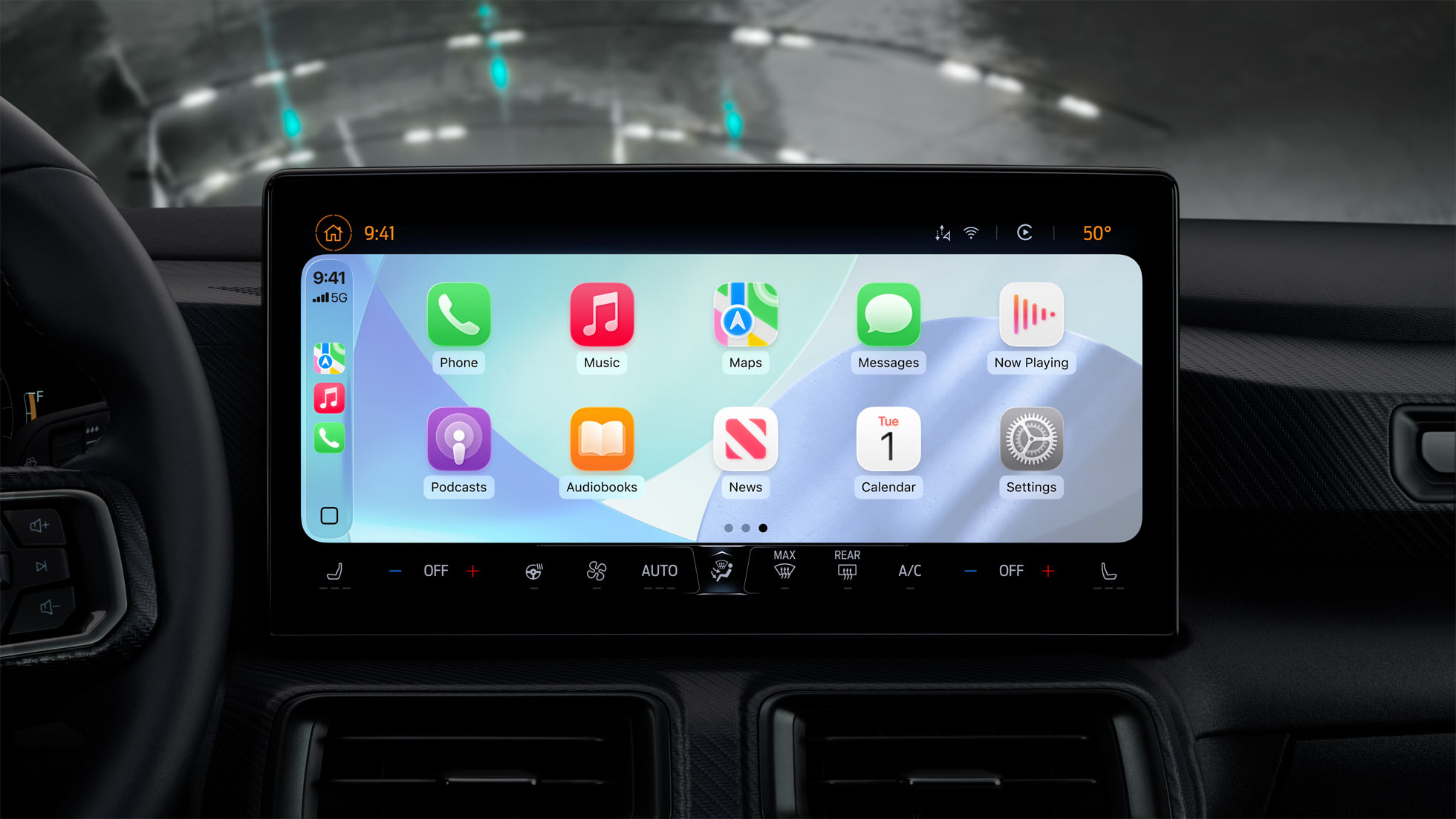


When the setting is enabled, CarPlay will be automatically resized to better fit the shape and size of your vehicle’s dashboard screen, if possible.

The images below show what CarPlay looks like before and after the Smart Display Zoom setting is enabled. With the setting turned on, all of the user interface elements become smaller, allowing for an extra row of app icons to fit on the screen.
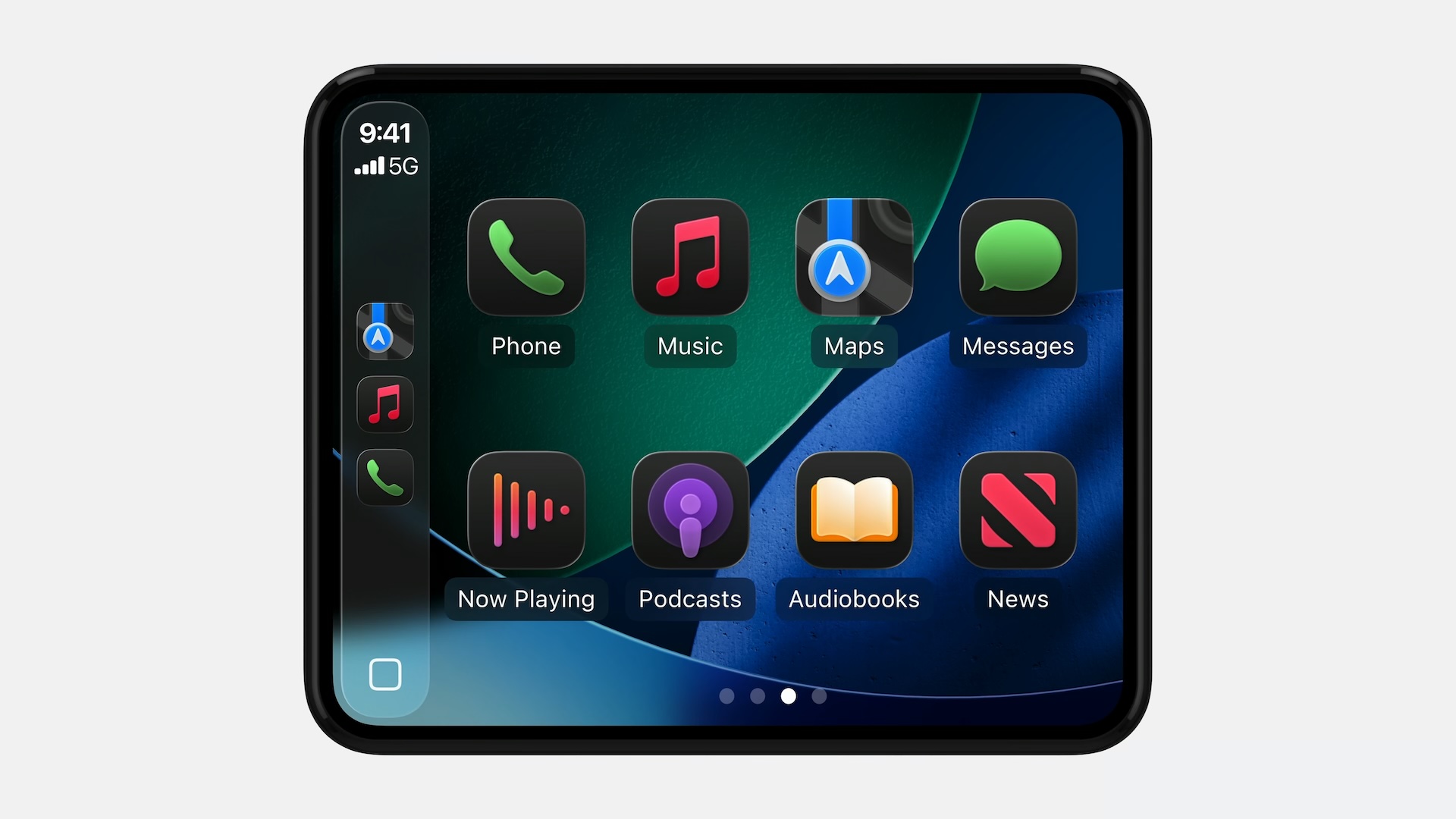
Before
After

Apple highlighted the setting in a WWDC 2025 video for developers this week.

“Vehicle screens come in many shapes and sizes,” said Olivia Hess, a CarPlay software engineer. “In iOS 26, some screen configurations allow drivers to adjust their display scale with Smart Display Zoom configurable within Settings in CarPlay. When Smart Display Zoom is enabled, your CarPlay app will be automatically resized to the new display scale.”

To see this new CarPlay setting, you will need to be using an iPhone running iOS 26, which is currently in developer beta. A public beta will be available next month, and the update should be released in September for the iPhone 11 and newer.

CarPlay is gaining many other new features with iOS 26, including a Liquid Glass design, Live Activities on the Dashboard screen, a new widgets screen, Tapbacks and pinned conversations in the Messages app, multi-touch support in mapping apps, the ability to play videos from an iPhone via AirPlay while the vehicle is parked, and more.

Related Roundups: CarPlay, iOS 26, WWDC 2025

This article, "iOS 26 Adds New Zoom Setting to CarPlay" first appeared on MacRumors.com

Discuss this article in our forums


You may also be interested in this

Polestar 2 Software Updat…

Swedish automaker Polestar today announced that it is releasing a software update to all existing Polestar 2 vehicles to add new Apple CarPlay features, including full-screen Apple Maps in the

Today in Apple history: A…

On April 22, 2013, the iBeetle arrived. A collaboration between Cupertino and Volkswagen produced a car "stylistically linked" to Apple (via Cult of Mac - Apple news, rumors, reviews and

Apple said to allow outsi…

Apple CarPlay Apple is gearing up to support voice-controlled AI apps from third-party developers in CarPlay for the first time, allowing users to interact with AI chatbots directly through the

Apple Releases Wireless C…

If you have been experiencing issues with wireless CarPlay in your vehicle lately, it was likely due to a software bug that has now been fixed. Apple released iOS 18.4.1

The most surprising tweak…

iOS 26.2 beta brings a handful of improvements, including slick menu animations and extends Liquid Glass to more system apps. (via Cult of Mac - Your source for the latest

Apple’s cheapest laptop e…

On CultCast episode 706, we discuss rumors of the cheapest MacBook ever, plus our fave Apple Watch bands and the future of Apple Vision. (via Cult of Mac - Your

Deals: $50 off new MacBoo…

Today's top deals include $50 off the M2 MacBook Air 15-inch, Vizio 65" Class V-Series 4K LED Smart TV for $398, 27% off a 40" Vizio D-Series HD Smart TV,

Apple Highlights Two Smal…

CarPlay is gaining a lot of new features with iOS 26, including a Liquid Glass design, Live Activities, widgets, the ability to use Tapbacks and view pinned conversations in the
X

A whimsical homage to the days in black and white, celebrating the magic of Mac OS. Dress up your blog with retro, chunky-grade pixellated graphics to evoke some serious computer nostalgia. Supports a custom menu, custom header image, custom background, two footer widget areas, and a full-width page template. I updated Stuart Brown's 2011 masterpiece to meet the needs of the times, made it responsive , got dark mode, custom search widget and more.You can download it from tigaman.com, where you can also find more useful code snippets and plugins to get even more out of wordpress.