
Apple Music is now available as an extension within ChatGPT, meaning you can search for songs, create playlists, and discover new music through OpenAI’s chatbot. Here’s how to set it up and what makes it worth using.
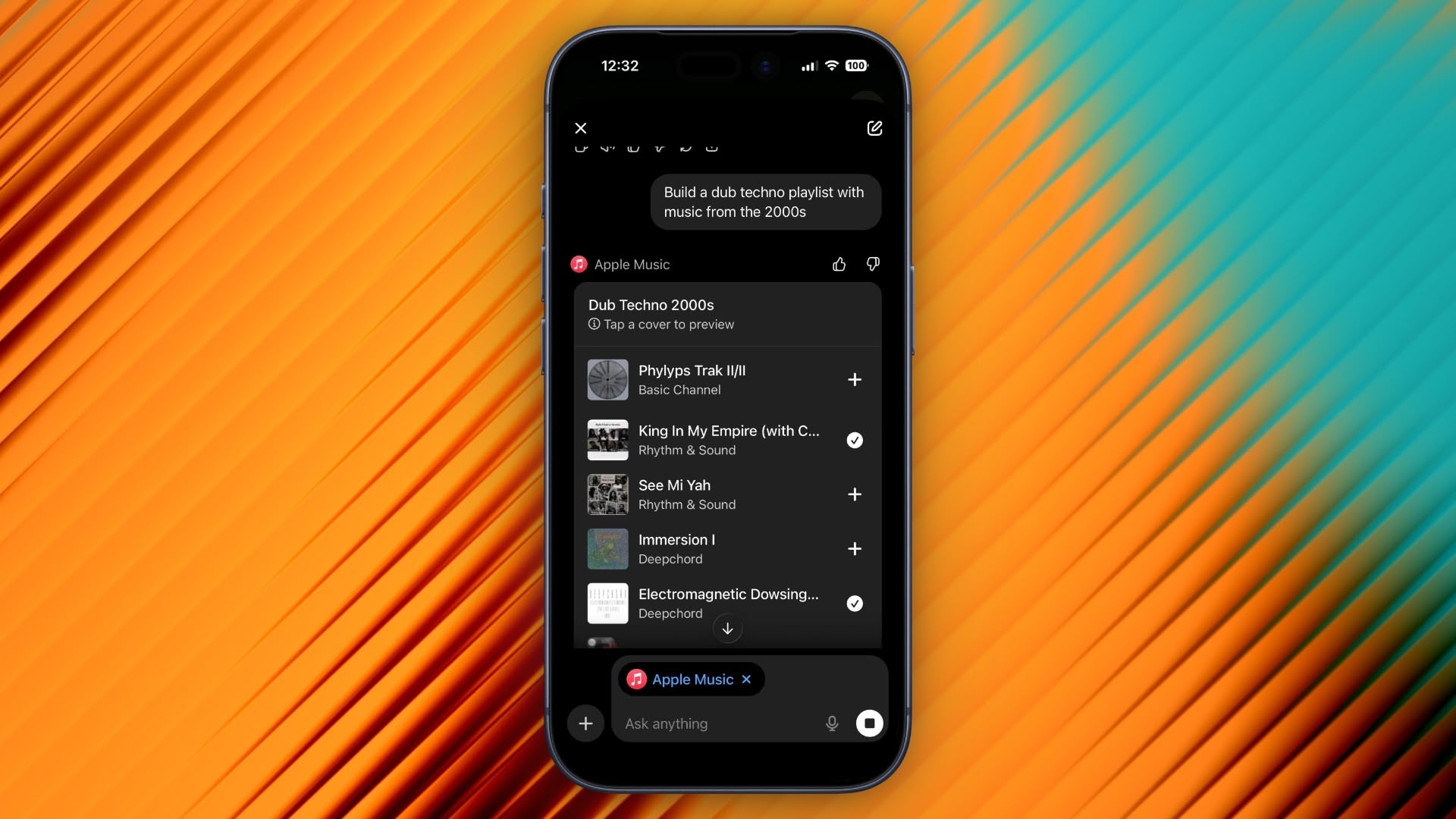
What You Can Do With Apple Music in ChatGPT
ChatGPT’s integration with Apple Music has the potential to change how you discover new music by letting you describe what you’re looking for in natural language. Instead of typing specific search terms like you would in Apple Music, you can ask the chatbot for “upbeat 80s songs for a road trip” or “calm instrumental music for studying,” and ChatGPT will understand the context and mood you’re after.
You can even combine multiple criteria, like “jazz fusion tracks under five minutes with prominent saxophone,” and ChatGPT will accurately unearth what you’re looking for in ways that standard keyword searches simply aren’t capable of achieving.
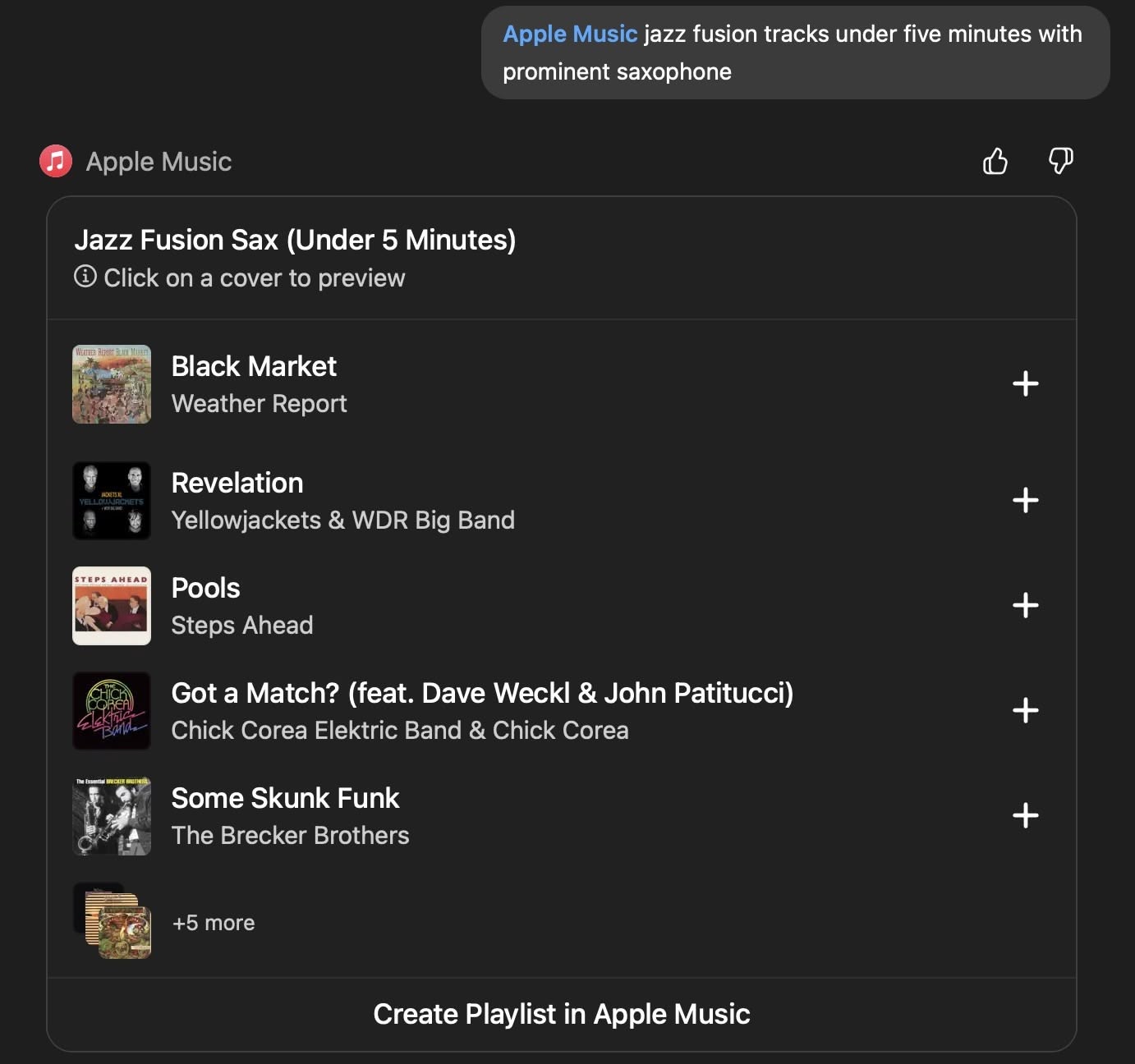
You can request custom playlists based on specific criteria, ask for song recommendations, or explore music by decade, genre, or artist. And once ChatGPT creates a playlist, you can preview each track, and save the playlist directly to your Apple Music library with the option “Create Playlist in Apple Music.” You can also save individual tracks using the + buttons.
The Apple Music extension requires a ChatGPT account and works with both free and paid ChatGPT tiers. You don’t need an Apple Music subscription to search the catalog, generate playlists, or listen to 30-second preview clips, but you will need an active subscription if you want to save content to your library.
How to Connect Apple Music to ChatGPT
Before you can start discovering new music with the help of AI, you’ll need to connect Apple’s streaming service using ChatGPT’s extension. You only need to do it once.
- Open the ChatGPT app and tap your profile in the sidebar.
- Under “Account” settings, tap Apps.
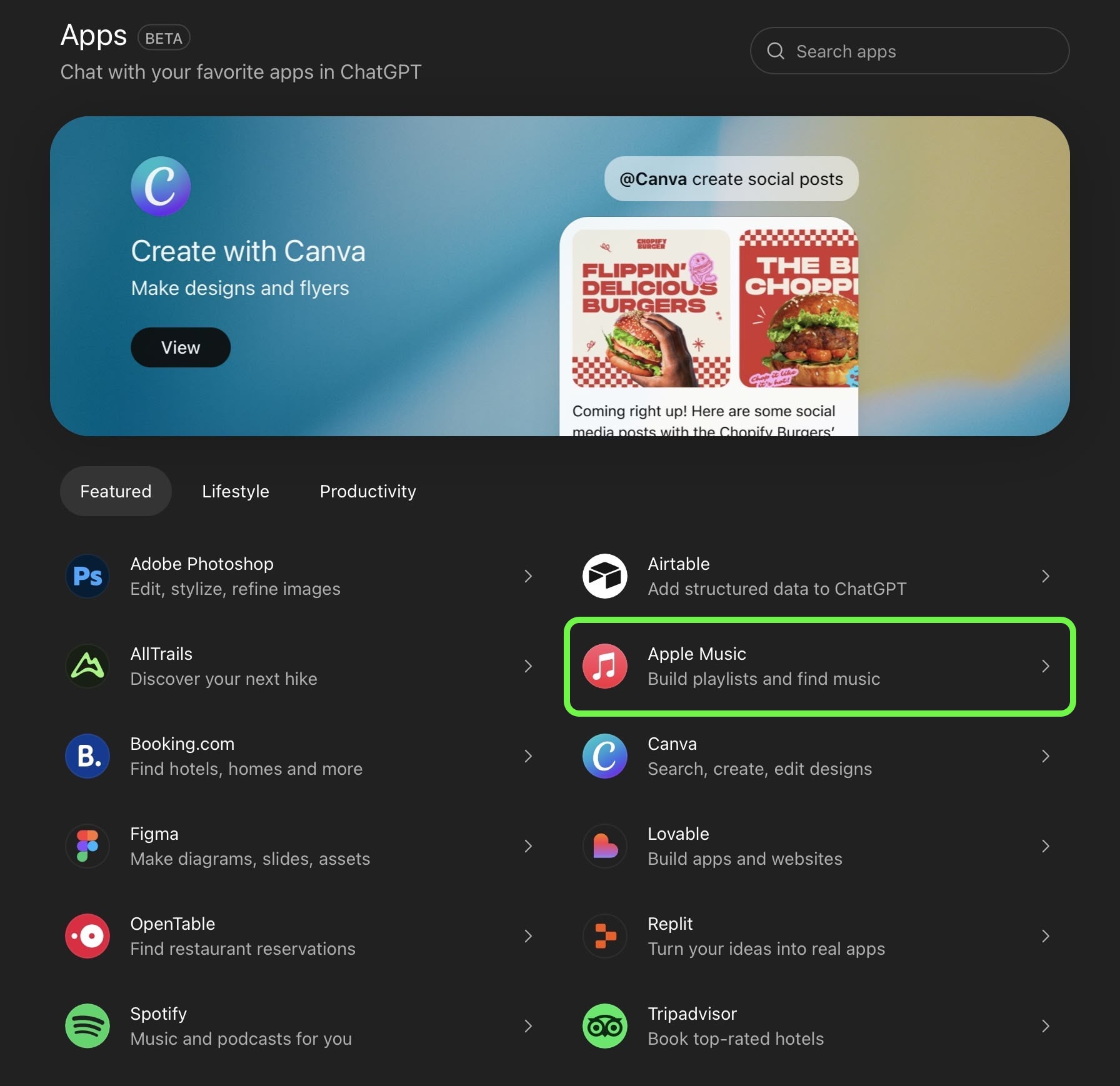
- Tap Browse Apps, then choose Apple Music in the extensions library.
- Tap Connect, then choose Connect Apple Music.
- Follow the on-screen prompts to sign into your Apple Account and permit the access request.
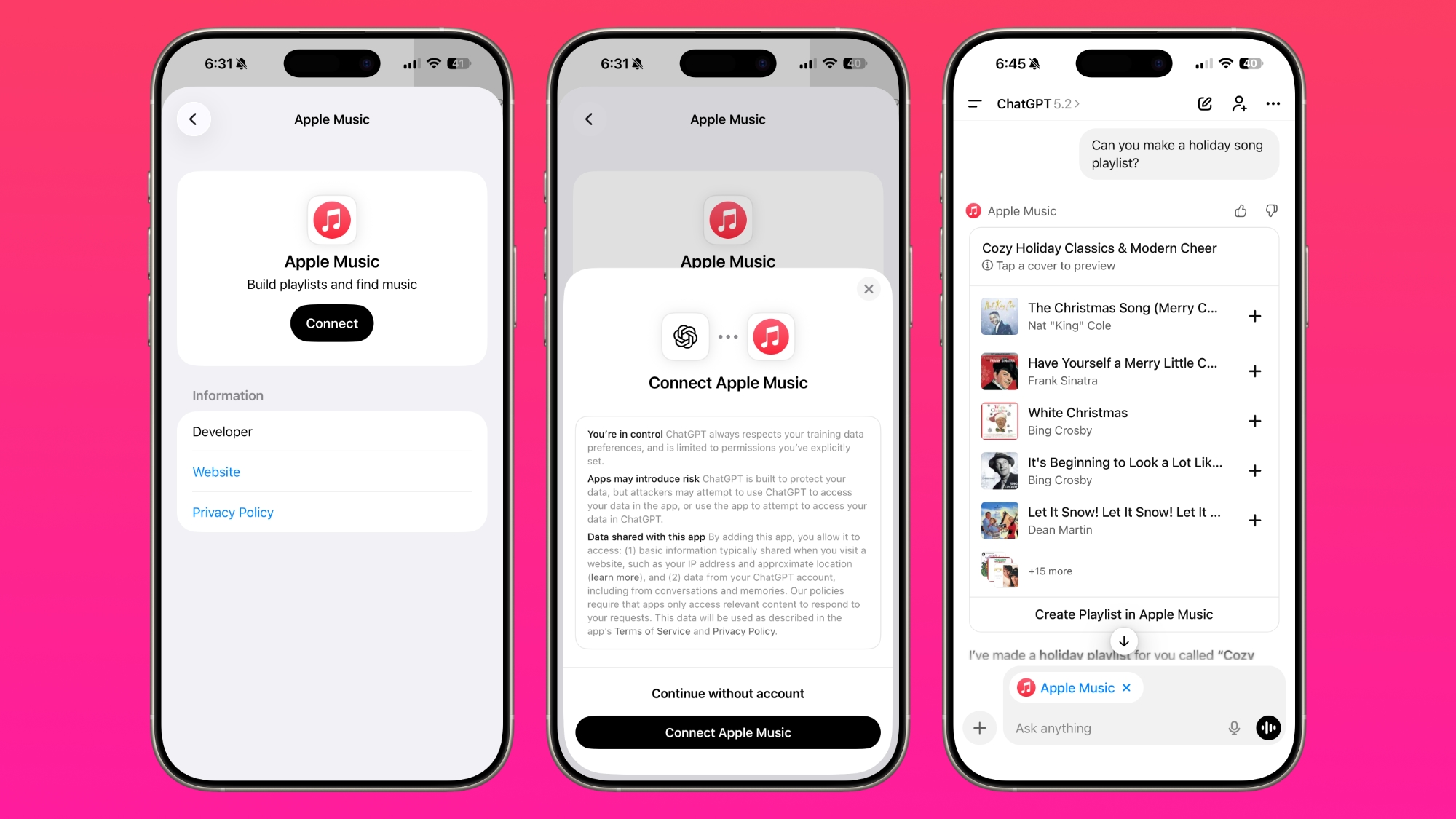
If you’re on desktop, you can perform the same steps in the ChatGPT app for Mac. Alternatively, go to https://chatgpt.com/apps in a browser and open the Apps section in ChatGPT – you’ll find the Apple Music extension there. Once connected, the extension remains active across your devices signed into the same ChatGPT account.
One More Thing
ChatGPT can search Apple Music’s catalog and create playlists, but it can’t access your listening history or existing playlists. The integration only has permission to add songs to your library, so your personal data stays private.
This article, "Generate Apple Music Playlists With ChatGPT" first appeared on MacRumors.com
Discuss this article in our forums

